




TheRealNoodle
Members
-
Joined
-
Last visited
Everything posted by TheRealNoodle
-
if you say so :p
-
I am currently working on some donuts, you heard it right: donuts! :D I might/might not release this as a dev part, depends on the support it gets. oh and this is verry low poly so here are some screenshots
-
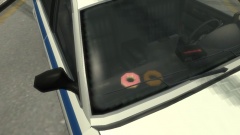
From the album: W.I.P
scratch modeled by me. not sure about releasing atm -
not true, while holding shift lock press tab to switch between the menus
-
cool idea yea, I would like to see someone make that :D
-
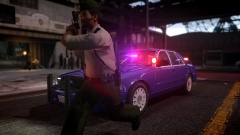 nice car :D
 -
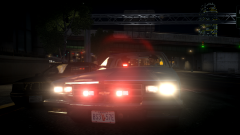 aww nice picture bdw :D
 -
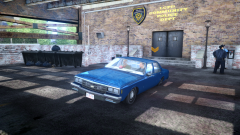 oo nice car, where did you get it XD
 -
o wwo this is awesome, and if these are your first models ever made: you are going places :D
- 25 comments
- 7 reviews
-
-
kinda late but still: a happy birthday :D
-
 agreed :D
 -
PIZZA PIZZA PIZZA PIZZA PIZZA PIZZA PIZZA PIZZA PIZZA PIZZA PIZZA PIZZA PIZZA and fries :D
-
almost 2 years
-
and ambulance :D
-
did you enable drot in the els config? nvm
-
well... the longest sesion I had was 6 hours straight.... (no mods, only lcpdfr and trainer)
-
-
hey vic, ill make that for ya :D
-
haha secret lcpdfr feature?
-
I see what you're thinking :D
-
-
I like it :D works fine foe me :D
-
yep same here :p
-
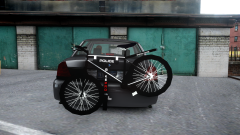 will this be released?


