
JJ9856
Members
-
Joined
-
Last visited
Everything posted by JJ9856
-
Possibly old ScriptHookVDotNet? Unless it's in the .ini mine didn't pop up automatically, maybe a key binding broke.
-
Just installed it in a fresh game, loads up just fine. 👍 RAGEPluginHook 0.64.1234.15464 ScriptHook V 1.0.1604.1 ScriptHookVDotNet 2.10.8
-
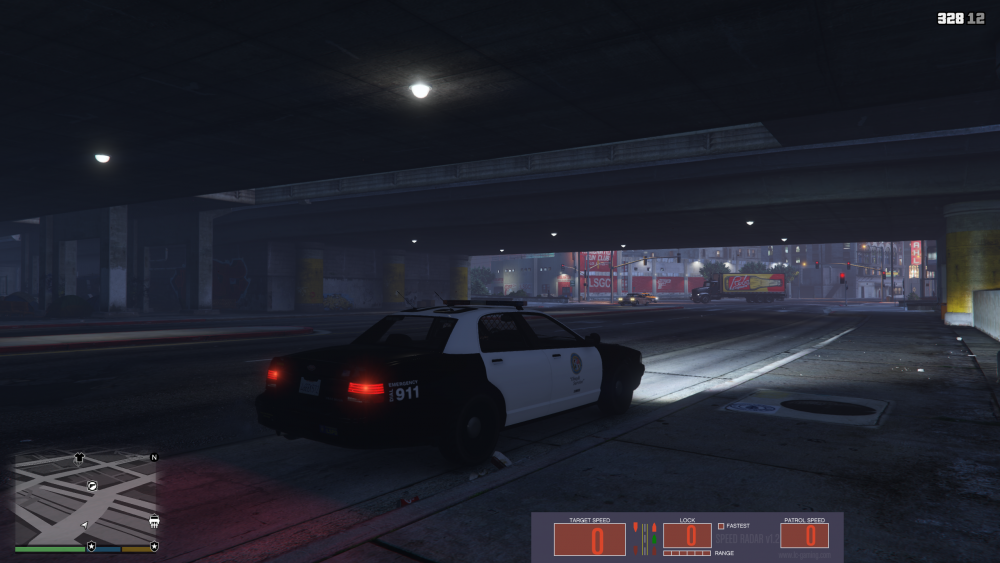
Sorry, I didn't mean on the release date. With the features included in 0.4 like AOP and the inclusion of EUP to backup peds, accurately detailed cars are going to compliment it greatly.
-
LAPD cars with the same detail of your CHP vehicles is gunna work so well with 0.4 coming out! I wish I knew how to make cars, there's a couple sub models I'd like to see.
-
-
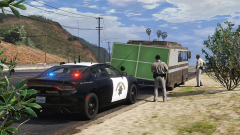
From the album: CHP Charger
-
-
-
-
YES! Now I can start replacing some vanilla cars lol
-
 A fantastic replica of the CHP's Dodge Charger. Definitely the best when it comes to accuracy and detail. Thank you for supporting my favorite department!
- 325 comments
- 53 reviews
-
-

- 2
-
-
That was it, the cars look great! Thank you!
-
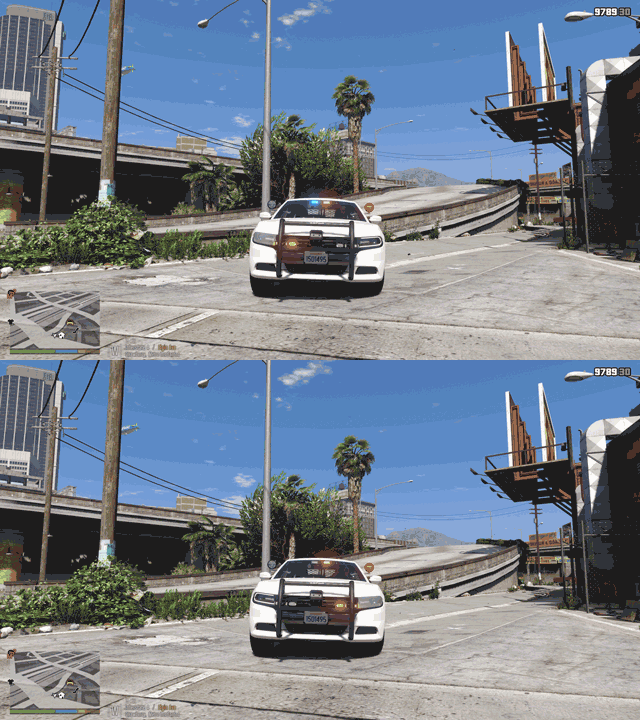
I took those pictures without Rage and it immediately goes away with cleaning the car so at least for the Chargers it seems to be with the dirt mapping. I don't recall my Vic's having these issues. I'm running VisualV and RadianceV.
-
When the car gets dirty the headlights and the rear of the Liberty light bar greyed out slightly when the components are activated. I noticed someone brought that to your attention on the download page by the time I had figured out what the issue was.
-
-
-
-
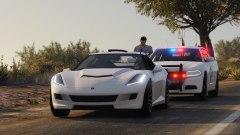
From the album: CHP Charger
-
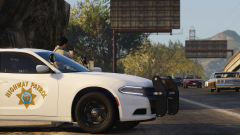
From the album: CHP Charger
-
-
-
-
-
-