Birthofahero10
Members
-
Joined
-
Last visited
Everything posted by Birthofahero10
-
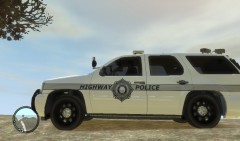
From the album: In game screenshots
This is a simple skin based off of the Arkansas Highway Patrol -
no that doesnt have anything to do with LCPDFR I would force call out some and see if more happen like synapt said it could be the area that you patrol
-
what version of els are you using cuz i know alot of people have problems with v.6 as well as me and it would freeze and crash. I just downgraded to V5
-
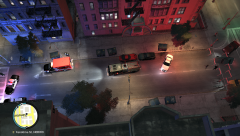 anyone else notice the flipped car on its side lol
 -
Random shots of me on duty
-
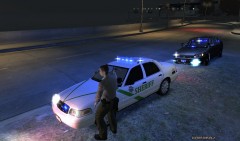 Another Day
-
 Another day
-
 Another MVA Call
-
 Working a single MVA
-
 Another MVA call
-
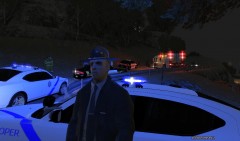 Working a single MVA
-
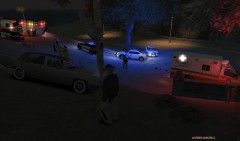 Working a single MVA
-
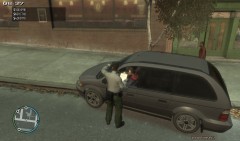 Really?
-
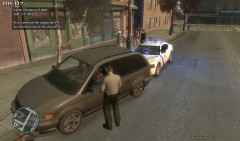 Really?
-
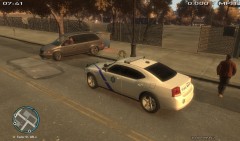 Really?
-
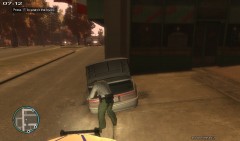 reckless driving
-
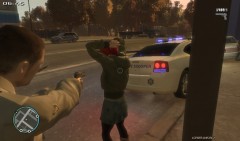 reckless driving
-
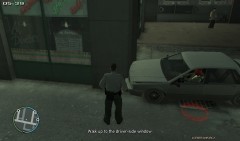 reckless driving
-
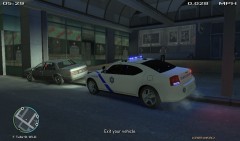 reckless driving
-
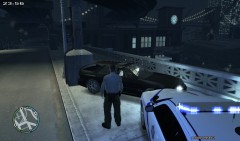 Done ;)
-
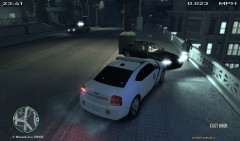 Broken tail ligh...wait what you wanna run?
-
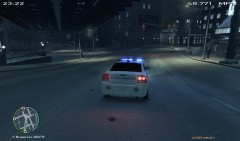 Broken tail ligh...wait what you wanna run?
-
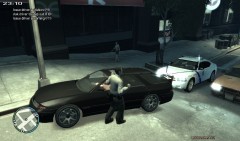 Broken tail ligh...wait what you wanna run?
-
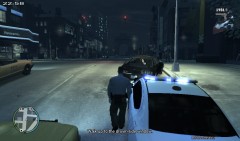 Broken tail ligh...wait what you wanna run?
-
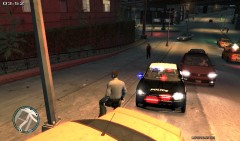 Speeder
-
-
From the album: On Duty
Writing a ticket for a 2 vehicle mva -
From the album: On Duty
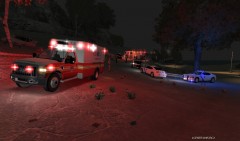
Arriving on scene to a 2 vehicle MVA. -
-
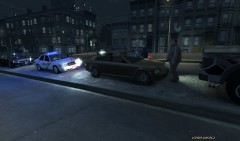
From the album: Liberty City News
Sheriff deputies at a two vehicle accident early this morning. No one was hurt in the incident. -
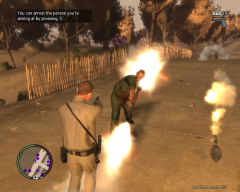 That pic is pretty epic lol
 -
I will say that there are alot of topics that answer this but ill go ahead and answer this for you. Go into your GTA IV directory and you will see the ELS files find the one that says configuration and right click it. Go to properties and change opens with: to notepad, word, etc. then click ok. Now, double click the configuration settings and go down. You will see police, police2, noose, etc. and numbers beside them. just change the number. The color to number is at the bottom of the file. I hope this helps and have fun ;)
-
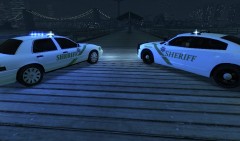
From the album: In game screenshots
-
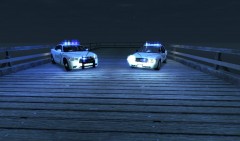
From the album: In game screenshots
-
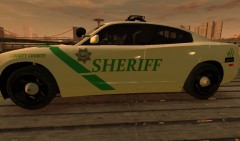
From the album: In game screenshots
-
From the album: In game screenshots
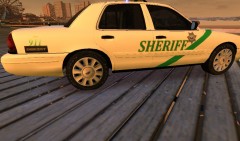
This is screens of the LCSO CVPI and Charger skins I made. I based these off my local Sheriffs dept. -
Go into your GTA IV file location and find the els and the file will say configuration settings right click it and go down to properties and on the screen that pops up you will see open with. change that to notepad, word, etc. and then open it and from there you can change your settings. The color/ number guide is at the end of the file.
-
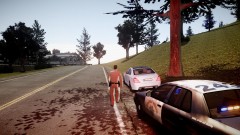
the car is EVIs dodge charger justice and the skin i made myself and it is available for download on here
-
 yea what efox said
 -
This is a skin based off of Ouachita County Sheriffs dept. which is my local dept. Includes: - CVPI skin - Charger skin - Pictures - Read Me
-
From the album: On Duty
Just surveying the damage done to the Mustang. -
From the album: On Duty
Sharing information to fill out a report with Liberty County Sheriff Deputies -
From the album: On Duty
Talking to EMS personal before they transport the victim of our latest MVA -
From the album: On Duty
Just waiting to clear the scene -
From the album: On Duty
Just surveying the scene of a single MVA. -
From the album: Liberty City News
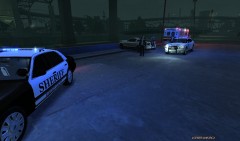
A single vehicle was involved in a vehicle accident this evening. Arkansas State Troopers and Liberty County Sheriff deputys was notified of a vehicle that had supposedly lost control on the wet roads and crashed. According to the trooper on scene the vehicle flipped, rolled, and came to rest on its wheels where it came to rest on the wall. When Units got there the victim had already exited the vehicle and units on scene detained the suspect until the paramedics arrived. Deputies released the driver to Medical personal and the driver was transported to the hospital. The driver has ben released with only minor injuries.