Skip to content
View in the app

A better way to browse. Learn more.

LCPDFR.com

A full-screen app on your home screen with push notifications, badges and more.

To install this app on iOS and iPadOS
  1. Tap the Share icon in Safari
  2. Scroll the menu and tap Add to Home Screen.
  3. Tap Add in the top-right corner.
To install this app on Android
  1. Tap the 3-dot menu (⋮) in the top-right corner of the browser.
  2. Tap Add to Home screen or Install app.
  3. Confirm by tapping Install.

reckless driving

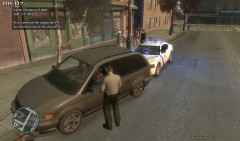
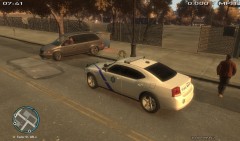
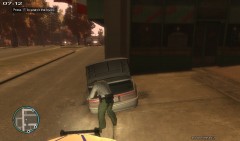
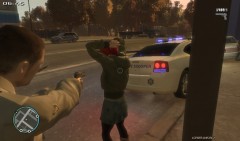
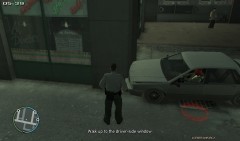
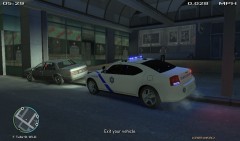
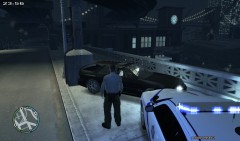
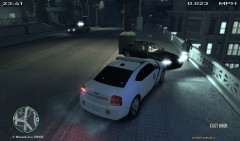
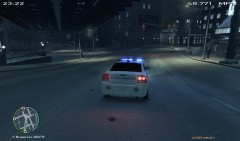
I noticed a vehicle do an illegal U turn straight into a pavilion where she almost ran into a pedestrian sweeping the side walk then the vehicle sped up only to hit a building...I pulled up behind the vehicle and ran her information only to find out that she had an active warrant for her arrest and no liscence. I did a check of her vehicle to make sure she wasnt hiding something that may be used as evidence to charge her further but came up empty.

  • From the album:

    On Duty

    · 24 images

    Account

    Navigation

    Search

    Search

    Configure browser push notifications

    Chrome (Android)
    1. Tap the lock icon next to the address bar.
    2. Tap Permissions → Notifications.
    3. Adjust your preference.
    Chrome (Desktop)
    1. Click the padlock icon in the address bar.
    2. Select Site settings.
    3. Find Notifications and adjust your preference.