hobbyyy
Members
-
Joined
-
Last visited
Everything posted by hobbyyy
-
Stop The Ped
-
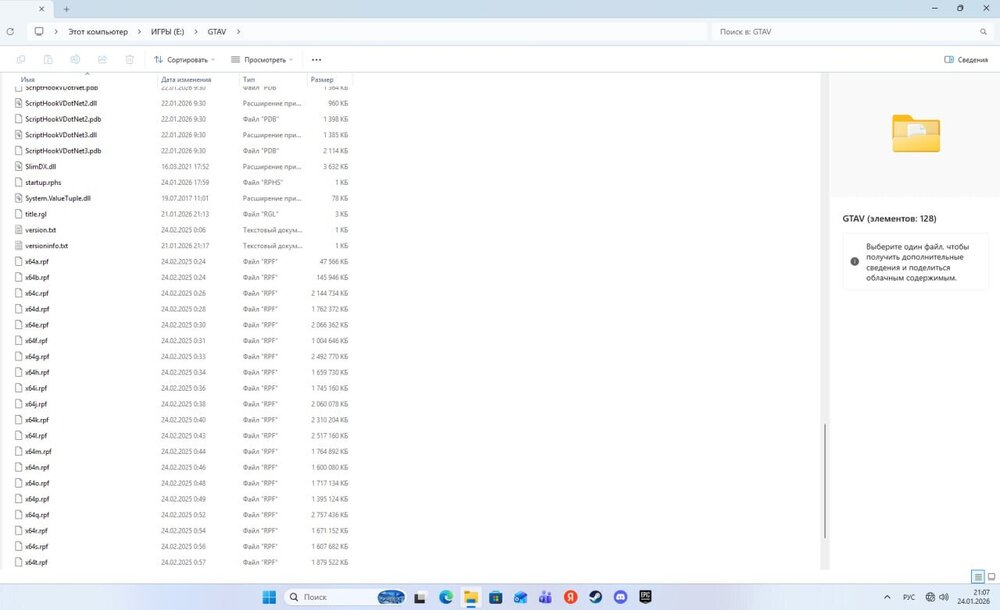
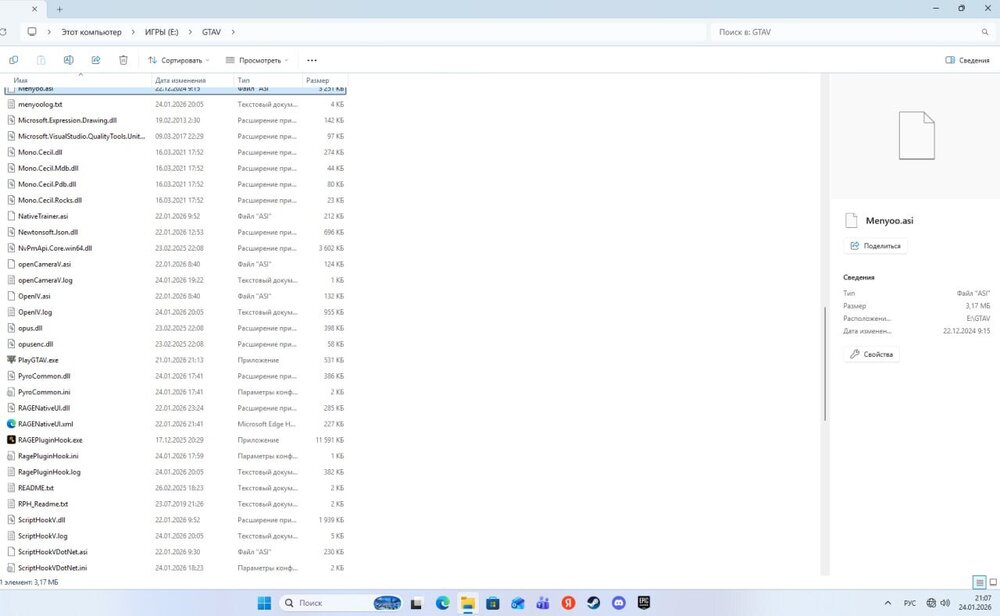
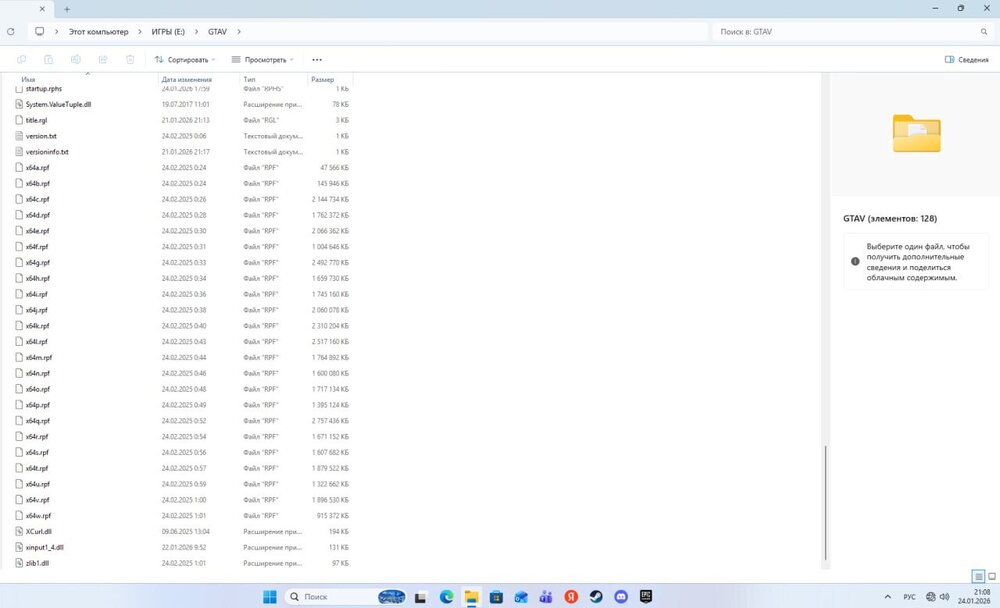
here
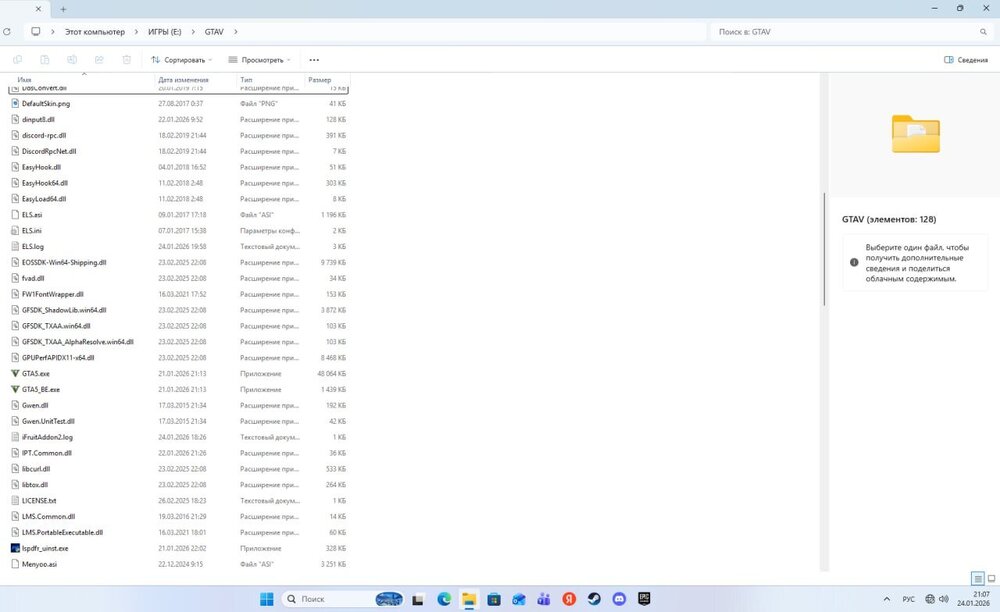
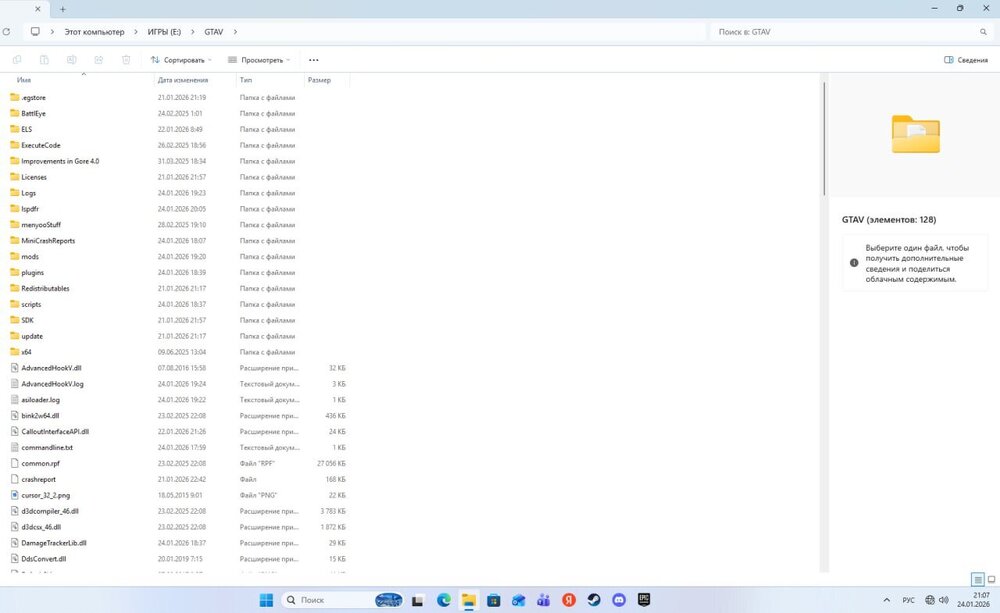
-
yeah, i download this and LSPDFR It works smoothly
-
https://ru.gta5-mods.com/scripts/rageuphoria this
-
mod Deaths Animation Is it compatible with LSPD FR?
-
i send you log RagePluginHook.log
-
 n
n -
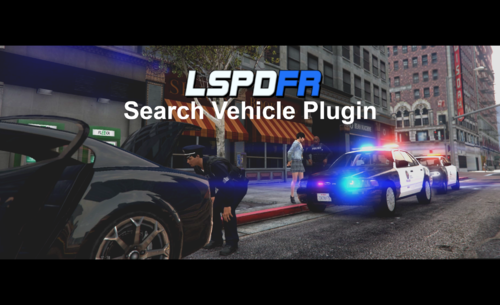 the search of the car is already present in the plugin, why create a separate one?
- 72 comments
- 6 reviews
-
-

- 1
-
-
-
-
-
-
-
-
-
-
-
-
-
-
hi, It's tomorrow, not at the computer right now, but I deleted the plugins and nothing helped me anyway, in the game Stop The Ped writes that the mod is loaded.
-
at first everything was fine, but after installing some mods on LSPDFR, the Stop The Ped menu stopped opening, I pressed all the buttons on my keyboard, and in the end I couldn't open the menu, please help