


RiccRacc
Members
-
Joined
-
Last visited
Everything posted by RiccRacc
-
 can you add the possibility to have multiple tasers, for example i have the normal stungun, but i also have an addon taser installed, can you make it so both can use the taser script?
- 62 comments
- 6 reviews
-
-
-
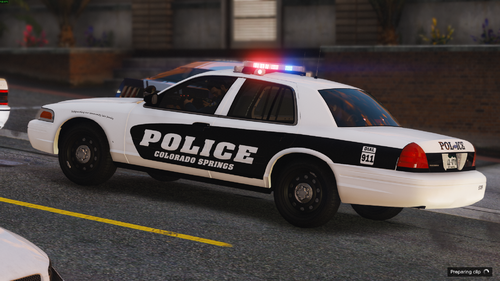 of course, I noticed some skins listed weren't in the latest version, but I assumed some of them just weren't updated, but being the 2020 explorer was specifically mentioned as being included I knew that skin in particular was just forgotten and I thought id mention it
 -
2020 explorer livery is missing
-
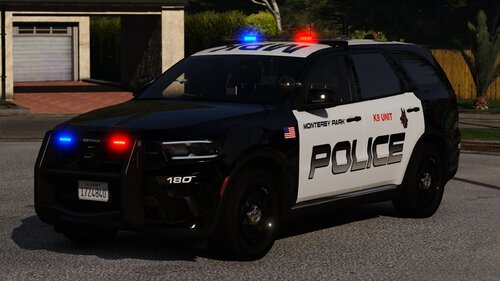 Seems to not work for the K9 Durango but works fine for the tahoe
.thumb.jpg.96a3b82b9866eade5618dbec8b4f2fae.jpg)


