Skip to content
View in the app

A better way to browse. Learn more.

LCPDFR.com

A full-screen app on your home screen with push notifications, badges and more.

To install this app on iOS and iPadOS
  1. Tap the Share icon in Safari
  2. Scroll the menu and tap Add to Home Screen.
  3. Tap Add in the top-right corner.
To install this app on Android
  1. Tap the 3-dot menu (⋮) in the top-right corner of the browser.
  2. Tap Add to Home screen or Install app.
  3. Confirm by tapping Install.

Zeca

Members
  • Joined

  • Last visited

  1.    Lapd Code 3 reacted to a post in a topic: Your best LSPDFR 0.4 screenshots?
  2.    GTA 5 Jedi Master reacted to a post in a topic: Your best LSPDFR 0.4 screenshots?
  3. Lizzie Parker     Finished responding to a Airport to Union Depository in Los Santos International, New Empire Way
  4. Lizzie Parker     Responded to a Airport to Union Depository in Burton, Hawick Avenue
  5. Lizzie Parker     Finished responding to a [DC] Gang Homicide in Vinewood Hills, East Galileo Avenue
  6. Lizzie Parker     Finished responding to a Pursuit in Vinewood Hills, East Galileo Avenue
  7. Lizzie Parker     Finished responding to a [SC] Suspicious Vehicle in Vinewood Hills, East Galileo Avenue
  8. Lizzie Parker     Finished responding to a GunStoreRobbery in Vinewood Hills, East Galileo Avenue
  9. Lizzie Parker     Finished responding to a Ambulance Escort - Bollingbrook to Davis in Vinewood Hills, East Galileo Avenue
  10. Lizzie Parker     Finished responding to a Misuse of 911 in Vinewood Hills, East Galileo Avenue
  11. Lizzie Parker     Finished responding to a Road Rage in Vinewood Hills, East Galileo Avenue
  12. Lizzie Parker     Finished responding to a Unlicensed Alcohol Sales in Vinewood Hills, East Galileo Avenue
  13. Lizzie Parker     Finished responding to a [SC] Prison Break in Vinewood Hills, East Galileo Avenue
  14. Lizzie Parker     Finished responding to a [686] Vehicle On Sidewalk in Vinewood Hills, East Galileo Avenue
  15. Lizzie Parker     Finished responding to a Public Intoxication in Vinewood Hills, East Galileo Avenue
  16. Lizzie Parker     Finished responding to a [SC] Armed Robbery in Vinewood Hills, East Galileo Avenue
  17. Lizzie Parker     Finished responding to a [DC] Domestic Violence in Vinewood Hills, East Galileo Avenue
  18. Lizzie Parker     Finished responding to a Arrest Warrant in Vinewood Hills, East Galileo Avenue
  19. Lizzie Parker     Finished responding to a Illegal Camping in Vinewood Hills, East Galileo Avenue
  20. Lizzie Parker     Finished responding to a [686] Protest in Vinewood Hills, East Galileo Avenue
  21. Lizzie Parker     Finished responding to a Observatory to Richards Majestic in Galileo Observatory, East Galileo Avenue
  22. Lizzie Parker     Responded to a Observatory to Richards Majestic in La Mesa, Popular Street
  23.    Zeca reacted to a comment on a file: GrammarPolice
  24. Of course! Both plugins mentioned are made by Bejoijo and they're fine to work together.
  25.    Jumbotron reacted to a comment on a file: LSPDFR Enhanced: REMASTERED (MASSIVE update)
  26. Zeca changed their profile photo
  27. In that case, it must be an error from LSPDFR itself not the LSPDFR Enhanced. I recommend you to open the Ini files in the lspdfr folder and check up if there's any keys getting in conflict. Also I suggest you to try out the Stop The Ped / Ultimate Backup plugins to improve your LSPDFR gameplay since they're better options for this purpose.
  28.    Zeca reacted to a comment on a file: ClearTheWayV
  29. I've downloaded and intended to use the SP version!
  30. Same here! Windows Defender was the first to flag this as malicious software! @timnboys
  31.    Zeca reacted to a comment on a file: ClearTheWayV
  32. Dude, I really wanna play this mod but as long as I remember you can only play with english language setup, right? My PC is set up in Portuguese (Brazilian one, ofc lol) and I never saw anybody talking about other languages setup in Grammar Police. If there's any tutorial video or guide please let me know! :3
  33.    Zeca reacted to a comment on a file: Interior Callouts
  34. Yes, it's possible by changing the "ranks" file in "GTAV\plugins\LSPDFR\LSPDFR Enhanced". It's possible to change the ranks names, assign stations and their zones and atribute the vehicles aswell. But fas as i know you'll need to do it manually like i did. It's not a rocket science but you will need patience to do it. i'll post an example to serve as a reference for it. Hope that this can help you and other guys around who enjoys this mod! Have a good time in LSPDFR Enhanced! EDIT: To disable or enable zones, online configs, fuel system and etc, you guys can do it as you like in the settings.ini file inside "GTAV\plugins\LSPDFR\LSPDFR Enhanced". It's highly customizable! EDIT2: Zones references for the ranks file can be found at the following link:
  35. Zeca started following Vixloi
  36. I understand and personally saying it's the best choice to use EAI cause it have support and constantly updates. I'll take a look at your plugins later and i wanna see a lot of action throught it. Thanks and success with the plugin!
  37.    Zeca reacted to a comment on a file: Interior Callouts
  38. any chance to this mod works with Open All Interiors or it'll only works with EAI since OAI it's outdated ?
  39.    Zeca reacted to a comment on a file: Los Santos RED
  40.    Gerhart67 reacted to a comment on a file: Los Santos RED
  41.    Zeca reacted to a comment on a file: Los Santos RED
  42. @Gerhart67, Thanks a lot for that level of assistance. Recently I've unistalled the GTA V and installed the game again but i was having the same issue. I was insisting in use the automatic Lamar Davis save (that automatic one that comes with the mod) and that's why i keep crashing everytime i was playing it. I started a new save with different caracthers and aspects and things are ok rn, no more zlib2 errors so far, but i'll try to create a new mods folder only for LS Red if i get anymore crashes in the future. Thank you again and have a great day! 🙂 EDIT: I've turned off the autosave of the game aswell and now i can play the game without any problems, but i think the real zlib2 error problem was something in the Lamar Davis automatic save cause it stills crashes no matter why 😕
  43. Zeca started following Greskrendtregk
  44. Zeca started following Gerhart67
  45. I'm having a real problem since I installed this mod, everytime when i'm near phillbox hill playing with the Lamar save i'm getting the "err_gen_zlib2" error. I tried to unistall and install the mod again but still having the same issue. If it is possible to have such a support i would be happy cause i really loved the idea of this mod and i want to play it a lot!
  46. Zeca started following Venoxity
  47. Zeca started following OutCast
  48.    Zeca reacted to a gallery album: 90's Playset
  49.    Darnath reacted to a gallery image: SAHP officers 02
  50.    Darnath reacted to a gallery image: SAHP officers 03
  51.    Darnath reacted to a gallery album: Zeca presents: SAHP - Highway Watch
  52. Zeca started following Alex_Ashfold
  53. Zeca started following Sam
  54. Zeca started following AirSpectre
  55. Zeca started following Phoenomenal1
  56. Zeca started following SAHP officers 03
  57. Images added to a gallery album owned by Zeca in GTA V Galleries
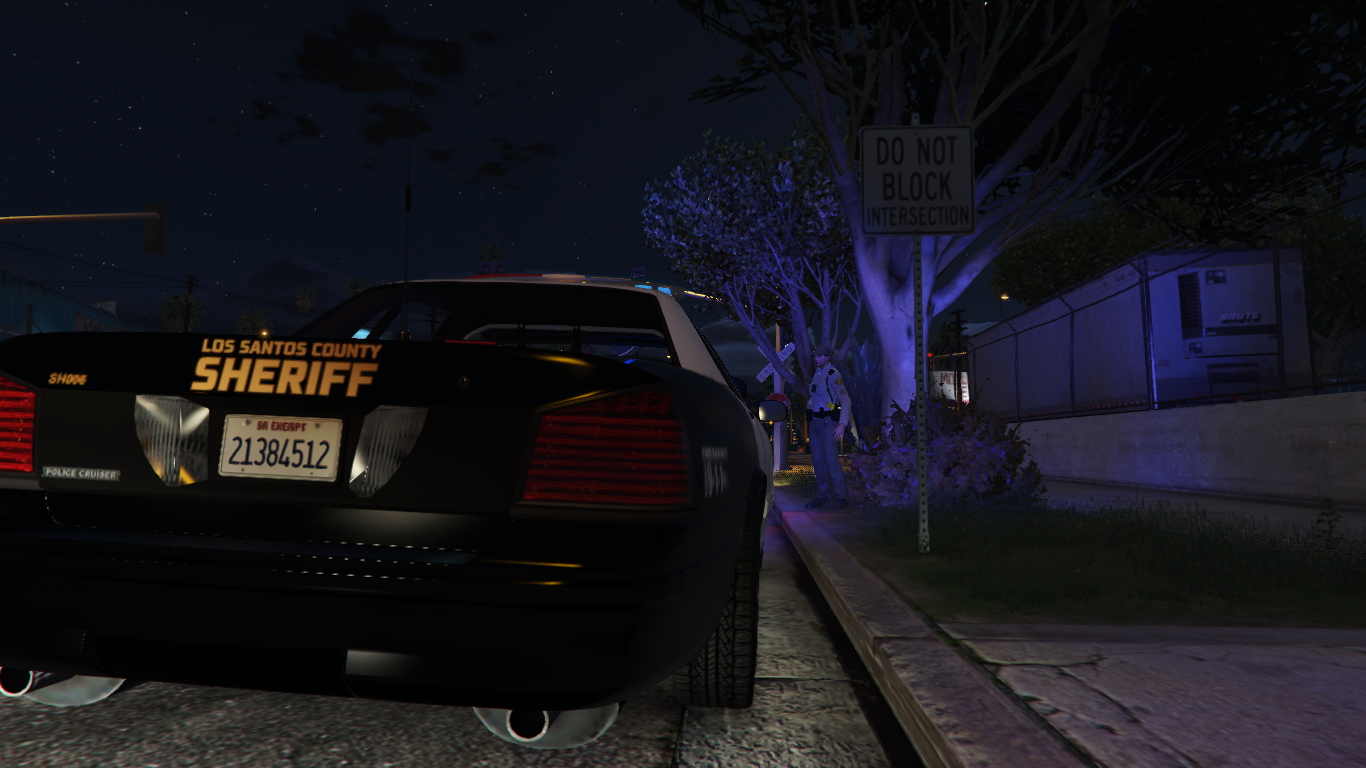
    This album captures the San Andreas Highway Patrol in action—featuring our officers patrolling freeways, conducting traffic stops, and ensuring public safety across the state. Every image reflects SAHP’s dedication to duty and community.
  58. Images added to a gallery album owned by Zeca in GTA V Galleries
    Through the Lens: The Untold Stories of the LSPD. From high-stakes pursuits to neighborhood beat patrols, these photos reveal the courage, discipline, and humanity of Los Santos’ finest.

Account

Navigation

Search

Search

Configure browser push notifications

Chrome (Android)
  1. Tap the lock icon next to the address bar.
  2. Tap Permissions → Notifications.
  3. Adjust your preference.
Chrome (Desktop)
  1. Click the padlock icon in the address bar.
  2. Select Site settings.
  3. Find Notifications and adjust your preference.