


.png.a0bf649a3da411038455e84634e3bc8a.png)
Zeca
Members
-
Joined
-
Last visited
Everything posted by Zeca
-
Through the Lens: The Untold Stories of the LSPD. From high-stakes pursuits to neighborhood beat patrols, these photos reveal the courage, discipline, and humanity of Los Santos’ finest.
-
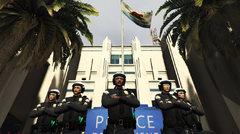
From the album: Zeca presents: LSPD Through the Lens
RHPD Motor Unit Division officers of various ranks during a promotional photoshoot at Rockford Hills Police Station -
 Of course! Both plugins mentioned are made by Bejoijo and they're fine to work together.
- 295 comments
- 34 reviews
In that case, it must be an error from LSPDFR itself not the LSPDFR Enhanced. I recommend you to open the Ini files in the lspdfr folder and check up if there's any keys getting in conflict. Also I suggest you to try out the Stop The Ped / Ultimate Backup plugins to improve your LSPDFR gameplay since they're better options for this purpose.- 295 comments
- 34 reviews
-
-

- 1
-
 Same here! Windows Defender was the first to flag this as malicious software! @timnboys
- 535 comments
- 42 reviews
 Dude, I really wanna play this mod but as long as I remember you can only play with english language setup, right? My PC is set up in Portuguese (Brazilian one, ofc lol) and I never saw anybody talking about other languages setup in Grammar Police. If there's any tutorial video or guide please let me know! :3
- 1,365 comments
- 86 reviews
Yes, it's possible by changing the "ranks" file in "GTAV\plugins\LSPDFR\LSPDFR Enhanced". It's possible to change the ranks names, assign stations and their zones and atribute the vehicles aswell. But fas as i know you'll need to do it manually like i did. It's not a rocket science but you will need patience to do it. i'll post an example to serve as a reference for it. Hope that this can help you and other guys around who enjoys this mod! Have a good time in LSPDFR Enhanced! EDIT: To disable or enable zones, online configs, fuel system and etc, you guys can do it as you like in the settings.ini file inside "GTAV\plugins\LSPDFR\LSPDFR Enhanced". It's highly customizable! EDIT2: Zones references for the ranks file can be found at the following link:- 295 comments
- 34 reviews
 I understand and personally saying it's the best choice to use EAI cause it have support and constantly updates. I'll take a look at your plugins later and i wanna see a lot of action throught it. Thanks and success with the plugin!
- 77 comments
- 5 reviews
any chance to this mod works with Open All Interiors or it'll only works with EAI since OAI it's outdated ?- 77 comments
- 5 reviews
 @Gerhart67, Thanks a lot for that level of assistance. Recently I've unistalled the GTA V and installed the game again but i was having the same issue. I was insisting in use the automatic Lamar Davis save (that automatic one that comes with the mod) and that's why i keep crashing everytime i was playing it. I started a new save with different caracthers and aspects and things are ok rn, no more zlib2 errors so far, but i'll try to create a new mods folder only for LS Red if i get anymore crashes in the future. Thank you again and have a great day! 🙂 EDIT: I've turned off the autosave of the game aswell and now i can play the game without any problems, but i think the real zlib2 error problem was something in the Lamar Davis automatic save cause it stills crashes no matter why 😕
- 682 comments
- 28 reviews
-
-

- 1
-
I'm having a real problem since I installed this mod, everytime when i'm near phillbox hill playing with the Lamar save i'm getting the "err_gen_zlib2" error. I tried to unistall and install the mod again but still having the same issue. If it is possible to have such a support i would be happy cause i really loved the idea of this mod and i want to play it a lot!- 682 comments
- 28 reviews
This album captures the San Andreas Highway Patrol in action—featuring our officers patrolling freeways, conducting traffic stops, and ensuring public safety across the state. Every image reflects SAHP’s dedication to duty and community.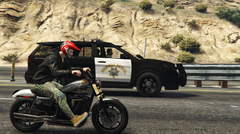
From the album: Zeca presents: SAHP - Highway Watch
A civilian in his Western Speedster drives past an SAHP officer in a Scout patrolling along the Los Santos Freeway.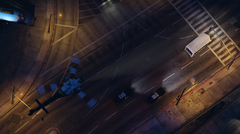
From the album: Zeca presents: SAHP - Highway Watch
SAHP Air Support Unit providing aerial surveillance for ground units during a stolen trailer pursuit near La Puerta Freeway.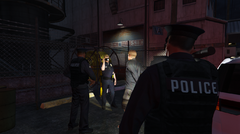
From the album: Zeca presents: LSPD Through the Lens
LSPD Officers conducting a investigation somewhere in South Los Santos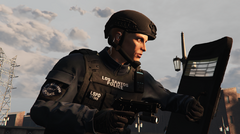
From the album: Zeca presents: LSPD Through the Lens
LSPD SWAT Officer during promotional photoshooting in Mission Row Police Department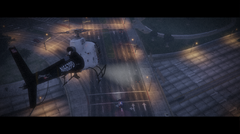
From the album: Zeca presents: LSPD Through the Lens
LSPD Air Support Unit following ground officers during a hot pursuit in Las Lagunas Boulevard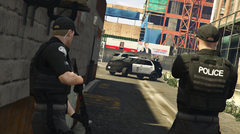
From the album: Zeca presents: LSPD Through the Lens
Downtown Police Station Officers preparing a raid in Pillbox Hill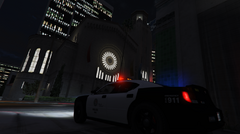
From the album: Zeca presents: LSPD Through the Lens
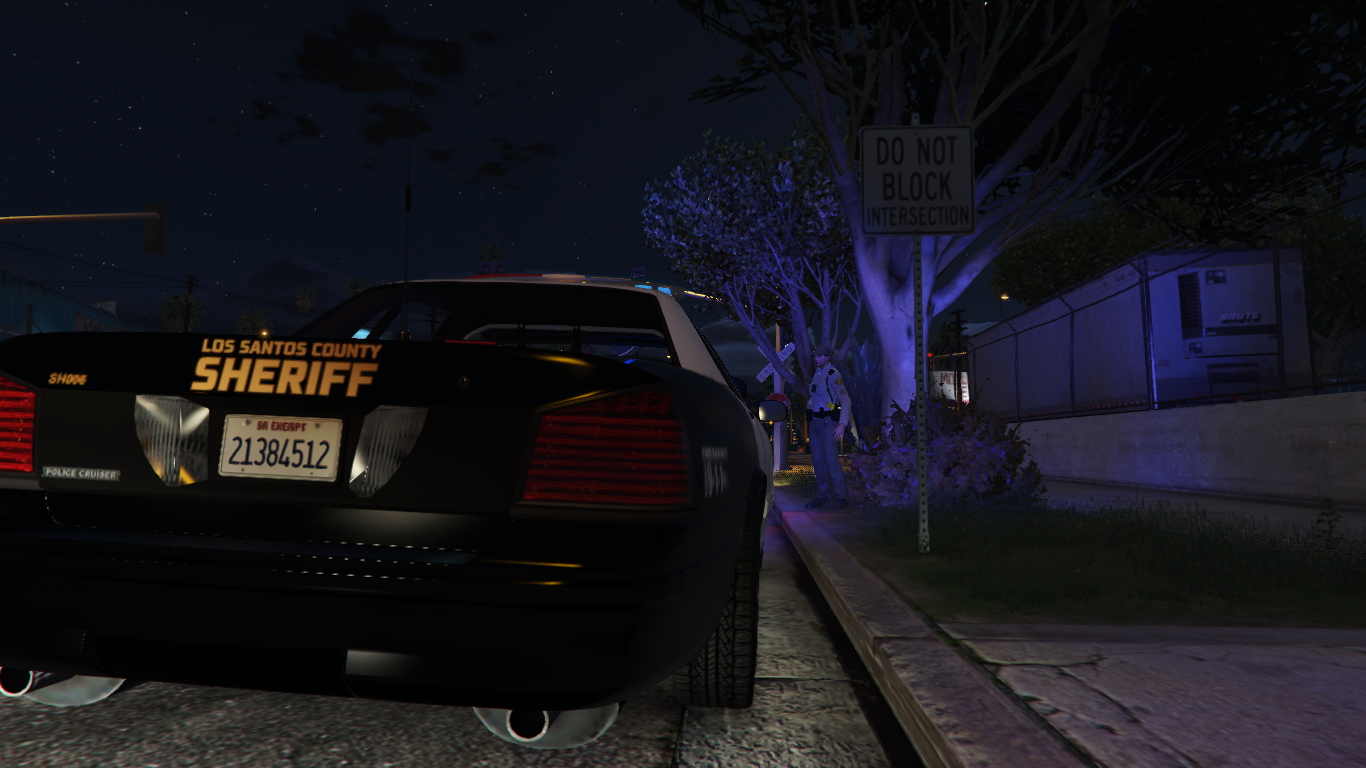
Night Shift Patrol in Little Seoul.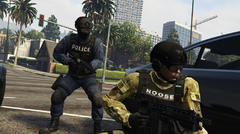
From the album: Zeca presents: LSPD Through the Lens
LSPD SWAT Officer and NOOSE TRU Agent during the Terrorist Raid at Portola Drive Station in Rockford Hills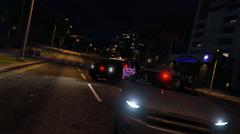
From the album: Zeca presents: LSPD Through the Lens
DPPD detectives in the Gray Buffalo, followed by DPPD officers in the Granger after arrested a suspect with an outstanding warrant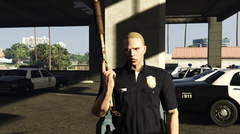
From the album: Zeca presents: LSPD Through the Lens
back in 2000's, an officer holding an Combat Shotgun before starting his duty at Vespucci Police Station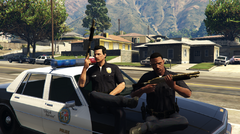
From the album: Zeca presents: LSPD Through the Lens
Back to the 90's, two LSPD Officers from C.R.A.S.H Unit posing for some photos after they some arrest drug dealers in Mirror Park
.thumb.png.277b251b4025cc87364e3ea8ee530e1c.png)


