


PhillBellic
Members
-
Joined
-
Last visited
Everything posted by PhillBellic
-
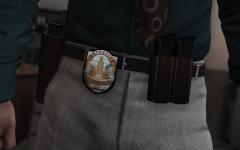 Pretty impressive detail!
 -
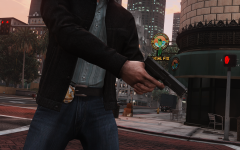 Good Trigger Discipline is one way to avoid getting shot!
 -
 Dat Chin Strap!
 -
 Hmm. A future Oncology Patient in the making?
 -
Also featured on 'Star Wars Tricks' YouTube Videos!
-
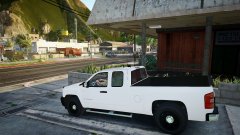 Firefighters hate him! Click Here to find out why. ;)
 -
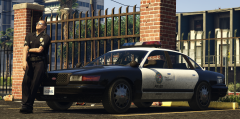 I like the Hub Caps. So shiny! :D
 -
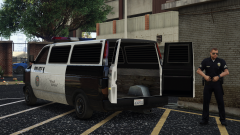 Will this down the track feature a proper Template? For me, that would be enough of an improvement. Great work so far. :)
 -
 Could be. Could be. Unless she has a Daughter we don't know about.
 -
Did you just arrest Taliana Martinez? :o
-
Heh. In that case you better get on with it. It was one of the things that made this Site/Forum unique when compared to most others. :) Thanks for the update, Cyan.
-
Hey, it's better than IP.Board, or whatever it's called. That Forum Software looks horrible.
-
What ever happened to the 'Status Update' thing? I miss those. Kinda like creating a Topic, but not... :(
-
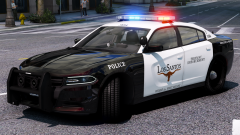 Those are some pretty neat Siren Boxes!
 -
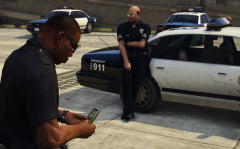 Nah. He's playing GTA San Andreas there. Awesome Wheels on that Vapid CEPI/Stanier.
 -
What Story Mode? There will be a short Training Mission, then that's RDRII's 'Story' mode complete!
-
Also, with Online, they'll never have to make a new Game ever again. I would not be surprised if RDR II is pushed into the realms of Development Hell/Vapourware...
-
There's also Female Versions present in RDE as well, FAXES. Both sets are of extremely high quality. :)
-
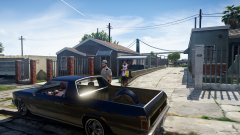 Yep, 100% of the time, every time! ;)
 -
Not if you use SNT's God Mode, they wont.
-
 YELLOW CAR!!!!! Sorry, had to do it. :p
 -
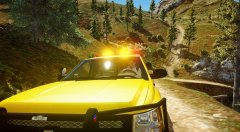 Is this the Blaine County Taxi Service?
 -
 Say whaa?! Thought that was GTA V. *Bamboozlement Intensifies*
 -
 Hmm, there's not enough Blue Lights there. ;)
 -
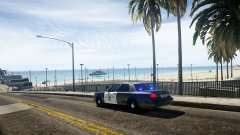 Going to the Fun Fair, are we? :p



