




K4te
Members
-
Joined
-
Last visited
Everything posted by K4te
-
Attach RPH log file
-
Tbh I doubt this is the issue - I use it all the time and I don't have any problems... Attach new RPH log
-
No EUP folder but ok, maybe it will create itself after you launch plugin. If you want you can go to RPH settings and check EUP Menu to load at start as lspdfr. Also you can just launch game and in console (f4) use cmd: LoadPlugin EUPMenu.dll - or smh like that
-
1. EUP Menu is not even installed 2. RageNativeUI files (.dll and .xml) have to be in MAIN gta5 FOLDER not inside gta5\plugins\lspdfr
-
Only plugin that gonna work fine with current LSPDFR/gta5 versions is BetterEMS, rest of plugins that you wanna use were made mostly for 0.3 version of lspdfr. So I suggest remove them. If you don't know what plugins you can install without problems - you can check this thread
-
I suggest to check if without Custom Pullover, Epic Events, HeliAssitance your problem still persist
-
Try first launch basic gta5, load story mode and wait when loading end and you will be in freemode, alt+tab game, launch RPH and go back to game (also can be alt+tab)
-
Attach RPH log file (.txt or .log file in your MAIN gta5 FOLDER)
-
You can try use MpClothes or mods like "more clothes slot for male/female" - just read descriptions of these mods cuz some things are supported by one and some by another
-
You have installed a lot of callouts and probably one (or more) of them somehow conflict with STP and thats why it's not working for you. Also: CalloutInterfaceAPI.dll Newtonsoft.Json.dll ^^^^^ This files belongs to MAIN directory to make other plugins to work
-
Attach RPH log file (.txt or .log file in your MAIN gta5 FOLDER)
-
Solution is simple: wait for SHV update
-
Try download custom gameconfig, heapadjuster and packfile limit adjuster. If this won't help then smh in your mods folder cause issue
-
Attach RPH log file (.txt or .log file in your MAIN gta5 FOLDER)
-
-
Set access permissions for whole gta5 folder (right click at gta5 folder -> security and there you have to set full access permissions for system, admin and users -> click on system then edit button and check "allow" for everything and same with rest)
-
Trainers, els and things that need .asi to work - won't be avaliable for current version as long as SHV won't be updated. For cars, eup and everything included in mods folder -> update your mods folder and evertyhing will work fine (do what is typed at 3rd post here)
-
Works fine for me
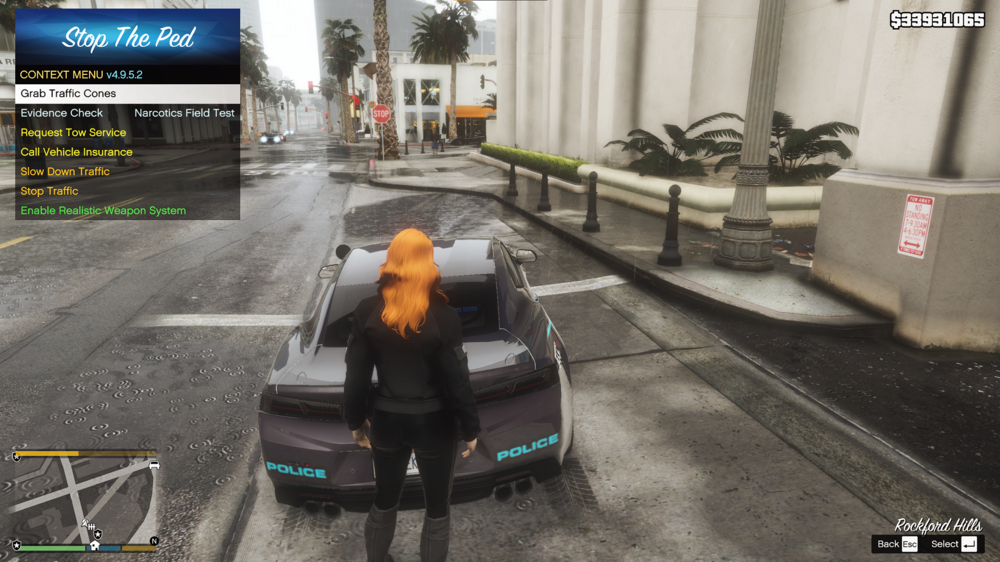
-
Trainers won't work until you will get new version of SHV About eup issue: you probably didn't "update" your mods folder - do what is typed in third post here
-
It's ok, pause your game and go to lspdfr tab -> switch character and use (or create) your own
-
Stop aim at suspect for a moment and let him move a bit (1-2 steps) and then try again stop him... sometimes it just glitch (or you are trying to take down this ped when ped-cop also trying do it then you can: let ped-cop arrest him turn off possibility for ped-cops to take care of npc - if I remember good it will be somewhere at UltimateBackup.ini or STP.ini)
-
Remove: Assorted Callouts Custom Pullover (temporally -> later check if this crash your game too) LSPDFR+ Traffic Policer (temporally -> later check if this crash your game too) Also you can check DropTheWeapon
-
-
mods/update/update.rpf/dlc_patch/mpheist/x64/levels/gta5/_citye/downtown_01 -> dt1_19.rpf
-
Antivirus exception -> depends what antivirus you have, best way is check at internet how to do it Set full access permissions -> right click on your gta5 folder -> properties -> security -> system, admin and users need to have all permissions allowed (select "system" at first window, click edit and set full access - same with admin and users)



