


249Xeno
Members
-
Joined
-
Last visited
Everything posted by 249Xeno
-
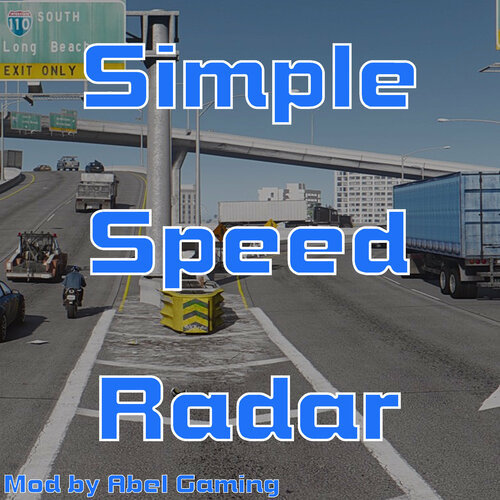 I saw and thank ya for that. It will make it easier for those who would like to size it as they want.
 -
I think you should make an ini file where the user can adjust the side of the bubble so it reads both lanes. I have been using it and I notice that the blue bubble is only big enough to be on one lane at a time and if try to put it in the middle, some of the ped drives far enough that the bubble does not touch it. Adjusting the bubble side can help read both lanes and also able to place the speed box wherever the user wants to put it instead just close to the left corner.
-
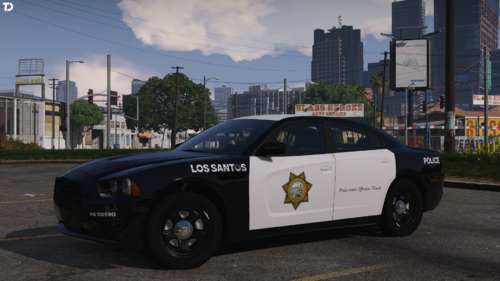 Its beautiful! I love your plain and simple design. not that I am going to use it, but I still love it. btw, I'm 2 hours away from that city too
 -
-
As far as you're not happy with this feature, I am sure you will come up with a way to bypass the current system setup. It just takes some outside-of-the-box thinking to bring that idea out of the head ya know. I do like it kinda, but at the same time, I feel like there is stuff that is missing from this plugin that can make it even better too. But as it stands now, this will do. At least its a bit better than Prowler. Maybe a new facial look? or speed config? larger box to cover two or more lanes at a time? I'm not sure, but I'm sure there will be an upgrade to it.
-
-
 make sure all of the file's names are the same, including the folder and the XML.
- 476 comments
- 18 reviews
-
-
-
I cant wait to test it out!!
-
I think the lock on the last vehicle would be nice as well as keeping the speed when pulled over. I will download and use it once that is implemented.
-
then that means that its the config has to be done within Zmods. XML file cannot fix that issue. This stuff cannot be fixed within XML due to the reflections facing the wrong direction.
- 476 comments
- 18 reviews
-
-

- 1
-
-
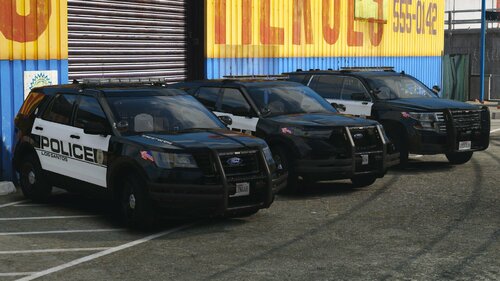 @xJDMxLIMIT I downloaded your vehicle, but the Tahoe says otherwise. It says 2020 Tahoe PPV here, but the folder says it is a 2018. Is that a mistake?
 -
You can fix that in the XML. It is the primary color that needs to be put in the correct place. Just switch the color around between numbers 1 - 4.
- 476 comments
- 18 reviews
-
-
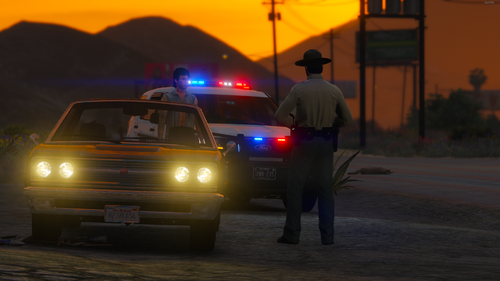 hey @Jedahdiah I got a question. Why does the 2011 Crown Vic with rotator lightbar not work? i tried to check the carcols from the folder and changed the name to the one I am using, but still would not work.
- 15 comments
- 2 reviews
-
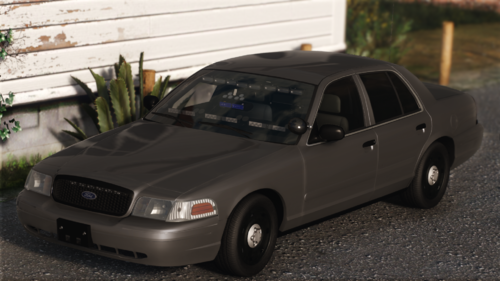 yo! that is a lot of lights man.. my eyes is hurting just by looking at it
 -
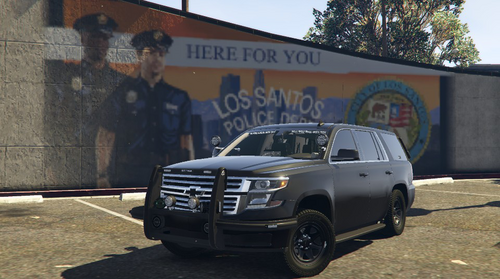 Update image due to one had been gone
 -
As always bro! looking good!
-
.thumb.png.656f907bc2febc81911b0b821cb502c8.png) I like the plugin, but its confusing. I can install it and get it working but on this part, it isn't very clear. It would not show up in-game as it should, but the instructions are unclear as to what you mean by the first step. Are you referring to the ReportPlus server side or the Application side? Update: I changed the star from a 3 to a 5.
I like the plugin, but its confusing. I can install it and get it working but on this part, it isn't very clear. It would not show up in-game as it should, but the instructions are unclear as to what you mean by the first step. Are you referring to the ReportPlus server side or the Application side? Update: I changed the star from a 3 to a 5.- 339 comments
- 43 reviews
-
-

- 1
-
-
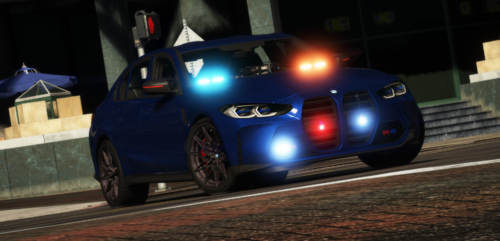 I was joking. It looks great in the game, there isn't any wrong with the car. The template always look weird
 -
What is up with your car? I see a lot of dense on the car's body and the tire smashed into the front windshield of the car...
-
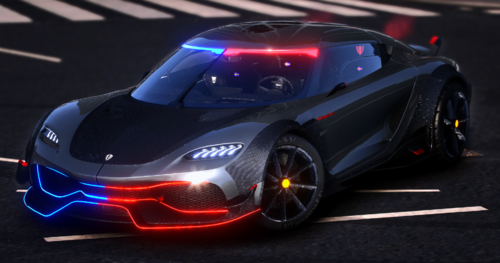 Ever thought of doing it for ELS?
 -
-




.thumb.png.656f907bc2febc81911b0b821cb502c8.png)

