




Bradyg
Members
-
Joined
-
Last visited
Everything posted by Bradyg
-
Maybe a Whelen Siren? The ambulances where I live use the same siren as the PSP.
-
My guess is some kind of banner flag hybrid lol
-
I don't see anything wrong.
-
Says video is unavailable.
-
Sadly
-
This would be great if it was louder. We definitely need this!
-
Shoot it with an RPG, but seriously, shoot the guy until he is dead and find cover at the same time.
-
My Military pics.
-
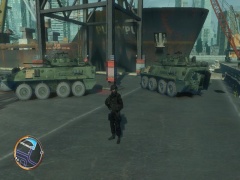
From the album: Bradyg's Military Stuff
-
From the album: Bradyg's Military Stuff
-
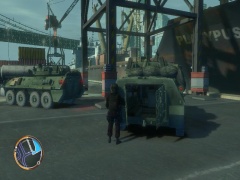
From the album: Bradyg's Military Stuff
-
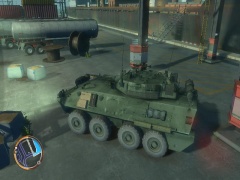
From the album: Bradyg's Military Stuff
L.A.F. arriving on scene. -
It says " This helicopter might crash but we really don't care, if it does refer to flight manual for help."
-
The Abandoned "Haunted" Hospital on Colony Island. It's more of a myth tho.
-
Whelen Sirens, such as the 295, and the CenCom Gold
-
I think the router is a Actiontec R1000H, and it is wired.
-
So I was in a clan patrol, and my NAT Type was Open. Then out if the blue, the " You were disconnected because your Router/NAT is to strict". So I check my NAT Type and it magically changes to Strict. I have all the ports open for GTA IV, and UPnP is enabled. Any help would be greatly appreciated. P.S: Sorry if in wrong section. Thanks, Bradyg
-
That's what I thought it was.
-
Sorry if in wrong section, but my home town recently got a new 2014 Charger and I'm wondering what light-bar is on it. Link: http://policecanada.org/policeca/ns/bridgewater/index.html Pic at bottom right of page. Thanks, Bradyg
-
-
What about a midget?
-
Ice Tea, or Pepsi
-
1. Role Play as PD, FD, EMS 2. Sticky Bombs!!!! 3. Micheal
-
Anyone on here play Battlefield Play4Free?
-
That's some funny stuff! Never seen anything like that before!


