
DooVan
Members
-
Joined
-
Last visited
Everything posted by DooVan
-
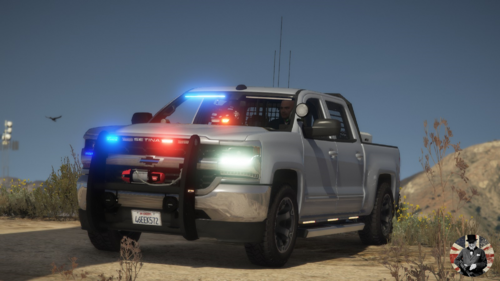 Pretty nice Unmarked Patrol car. Could be used for Commercial Highway Enforcement. I love it! Good lighting
- 58 comments
- 16 reviews
-
-

- 1
-
-
 Pretty good plugin. I have it since 9 months now and it never crashed my game. Improve realism of the game. It is great that he update his plugins and don't let them become outdate.
- 44 comments
- 70 reviews
-
-
-
 Could we have the Unmarked slicktop with either full pushbar or center pushbar please in the REPLACE version? for now we only have the full marked in the replace
 -
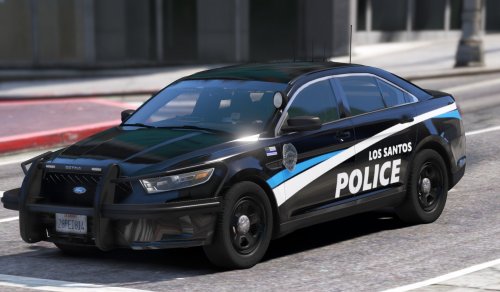 ELS version please?😅😁
 -
 💯I'll never delete this plugin, it makes all the differences for Emergency driving and realism. Amazing, even if sometimes peds are just idiot😅🥲
- 535 comments
- 42 reviews
-
-
- 1
-
-
 First, WHERE IS THE TAHOE?! Second, could you fix the Alley Lights lighting on the back? Third, On the FPIU the pushbar doesn't load properly or disapear even if the light incorporated on it still appears. I love the lightbar, the livery and everything!! An easy fix could be done for the Alley Lights to works properly. Probably need a quick update.
- 27 comments
- 15 reviews
-
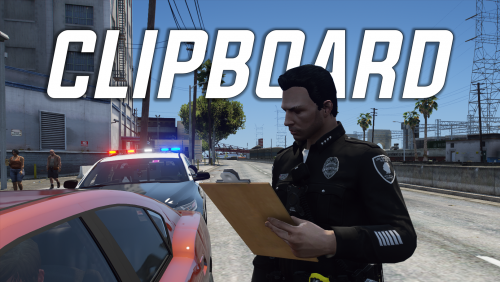 The reason why I removed a star is because when you press RMenu to speak with dispatch it make disappear the notepad/clipboard and when you release it doesn't come back. The second reason is when you are done with it, the player throw his notepad/clipboard on the ground instead of an animation that make it disappear like if he is putting it in his pocket or vest. Otherwise it is a good plugin that works pretty well in 2024
 -
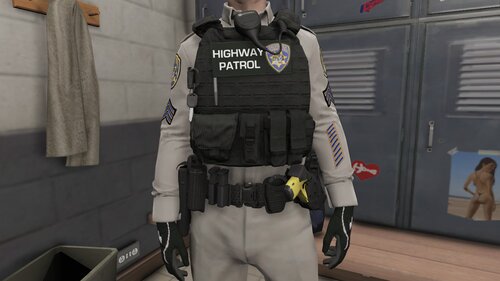 Pretty nice Texture, Good quality thanks to tell us which vest and version your texture is compatible with Hanako Vest and earpiece, it save us time!!
- 14 comments
- 1 review
-
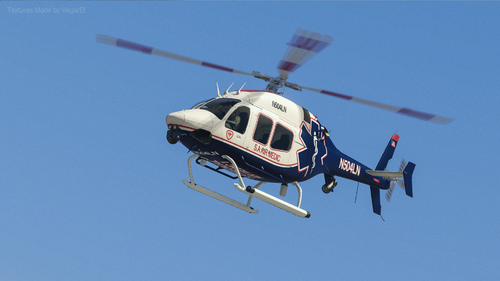 The livery is on point!! For those who would like to know where you can find the model, copy and paste the dev name provide in the credit and then go on GTA5mods.com.
- 2 comments
- 1 review
-
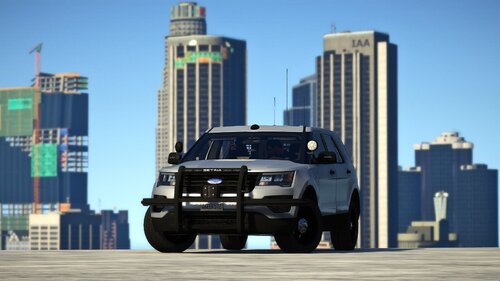 AMAZING!!! One of the best Unmarked FPIU
 -
Where could I find the Helicopter model in the second picture? (the one in the description)
- 2 comments
- 1 review
-
.thumb.jpg.37cdb54de83d6dee03b6b15e76b2f5fd.jpg) I think you upload the wrong version... all files says the last update of the files were on April 8th
I think you upload the wrong version... all files says the last update of the files were on April 8th- 184 comments
- 24 reviews
-
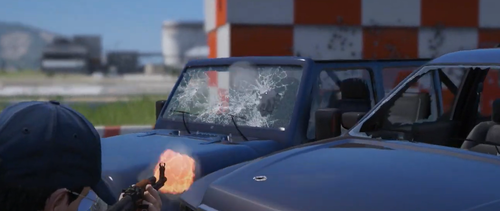 could we get a preview of the gun sounds?
 -
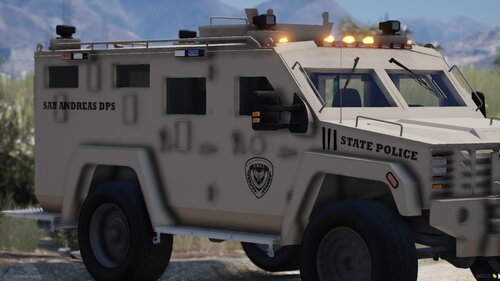 but unfortunately all of them are NON-ELS
 -
Bar fight callout needs to be reworked because when I arrive on scene both suspect flee in different way and i can't start a pursuit on them the game doesn't recognize them as suspect. Also i can't press the END key to end this callout it doesn't work
- 184 comments
- 24 reviews
-
.thumb.gif.4757e3be0fe02512b97a9dc6dff05ff7.gif) WOOW! a GAME CHANGER! way more realistic. no bugs at all and I have an heavily modded game. Super easy install (OIV) with an uninstall option (manual)
WOOW! a GAME CHANGER! way more realistic. no bugs at all and I have an heavily modded game. Super easy install (OIV) with an uninstall option (manual) -
-
-
 UPDATE July 2024: Thanks THP Studio to spent time on this siren to improve it after my review!! Here's your missing STARS⭐👏 The non-rumbler version is now loud enough to keep it in my game! Great job and definitely one of the best siren out there One of the best quality Smart Siren, BUT the siren is not loud enough... If you update this siren to make it sound louder, I'll definitely edit my review to add the missing star and put this siren back to my game. Otherwise, by the time a new update comes, I'll go grab my previous siren that were much louder. Hope you will make the modification 😅😉 By the way I've installed the normal version not the rumbler one.
 -
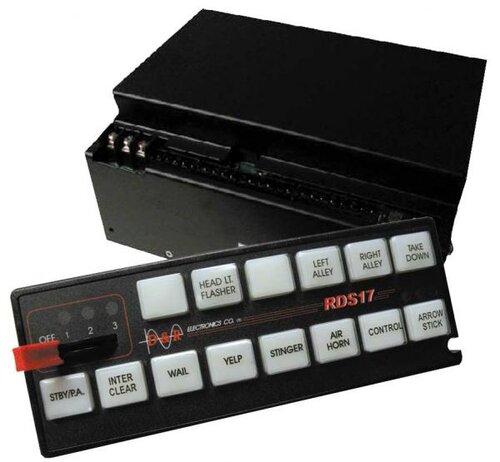 Could be a bit louder... If you fix it, I'll edit my review to add the missing star 😉
- 33 comments
- 3 reviews
-
 AMAZING! 💯 I love the reflective livery and thanks for the choice between Replace/ ADDON and Non-reflective/ reflective
- 179 comments
- 19 reviews
-
-

- 1
-
-
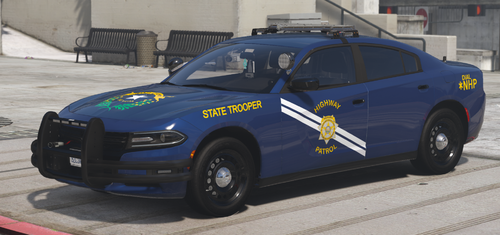 Why the car looks gray instead of dark blue??
 -
Could you make a Reflective version ? I'll use the Scorpion's Fam SAHP pack and would like to keep the reflective livery with blue scheme 💯



.thumb.jpg.37cdb54de83d6dee03b6b15e76b2f5fd.jpg)
.thumb.gif.4757e3be0fe02512b97a9dc6dff05ff7.gif)