Atlanta Designs
Members
-
Joined
-
Last visited
Everything posted by Atlanta Designs
-
 the SSLA on this site is outdated, look at the comments to get the new one
 -
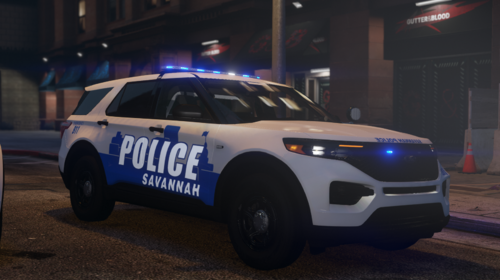 sweeet, I know DFS sells setina fullwrap FPIUs, unfortunately I dont know of a free model either
 -
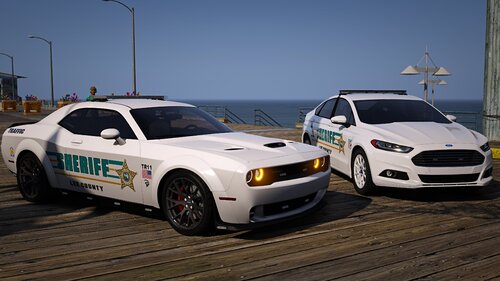
chatham county sheriff when
-
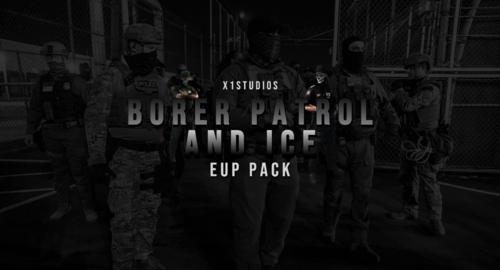 I keep hearing this but I can't find anything about it.
 -
 so based
 -
RagePluginHook.log been having an issue with LSPDFR crashing, I could play for a little bit before crashing but now it crashes the moment I go on duty. .
-
1. find your default vehicle, should be the stanier if you've never changed it before. 2. get in it and park it somewhere else, off its spawnpoint. 3. spawn the car of your choice 4. get in the desired car and park it where the default car was, should be a blue circle. 5. hold down E to turn it into your new default vehicle
-
 2016
2016 -
GTA had 2 updates in a quick span of time, scripthook doesnt work right now, so you need to wait for an update. Do not be alarmed. Just be patient.
-
-
-
Are you sure? Can I see the folder of the car?
-
Your add on converter uses the civilian car meta files, which do not include the emergency vehicle flag, replace it with any police slot and rename your txt, game name, etc to the addon name, and change the handling to whatever you like
-
so I'm having a problem, I recently began modding a new gta folder, it was fine until it recently didn't open, I didn't think much of it but then I switched over to another folder (reverted version) which has NOT been touched in a while. It also won't open and I don't know why. It just opens the game and gets to the launcher loading screen with the R then closes out. It gives an error message that fades away instantly so I don't know the exact error.
-
 Thanks man!
 -
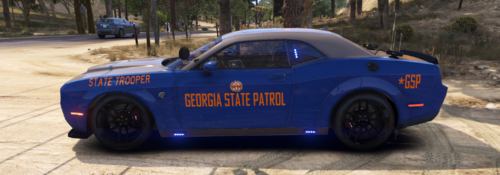
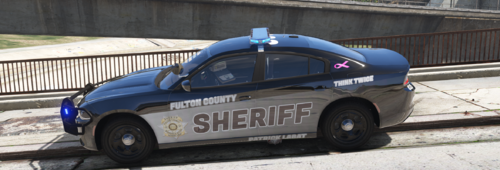
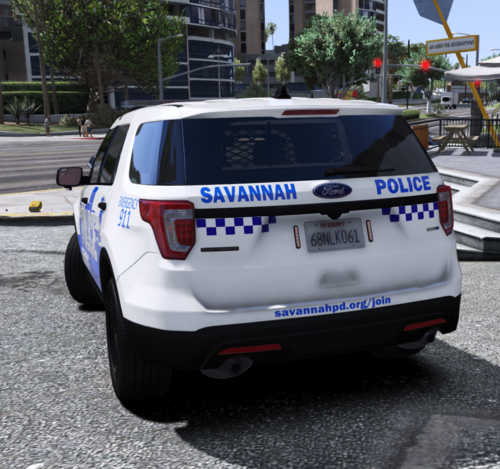
Some liveries I made a while ago, this is my first ever "complex" livery, it took me long to make that skyline pattern.
-
Having a similar issue, I can't get my GTA to boot up, it has a pop up but deletes itself beforehand.
-
-
If it crashes as soon as you press your menu keybind, update your rage native UI, you might have put one thats an update too old. Latest ragenativeui: https://github.com/alexguirre/RAGENativeUI/releases
-
Starting w/o RPH crashes still. Full access was set and folder was excluded from defender
-
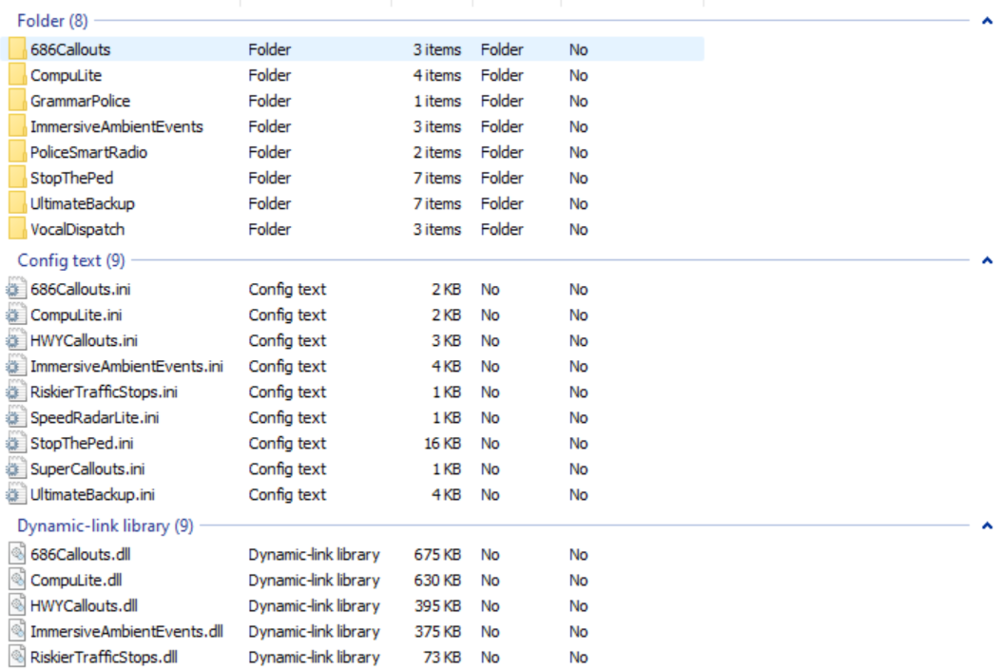
RagePluginHook.log


-
I've always had 3 trainers installed for the past year, I'll try ScriptHookV Removing QuantV and adding SHV.NET didnt work
-
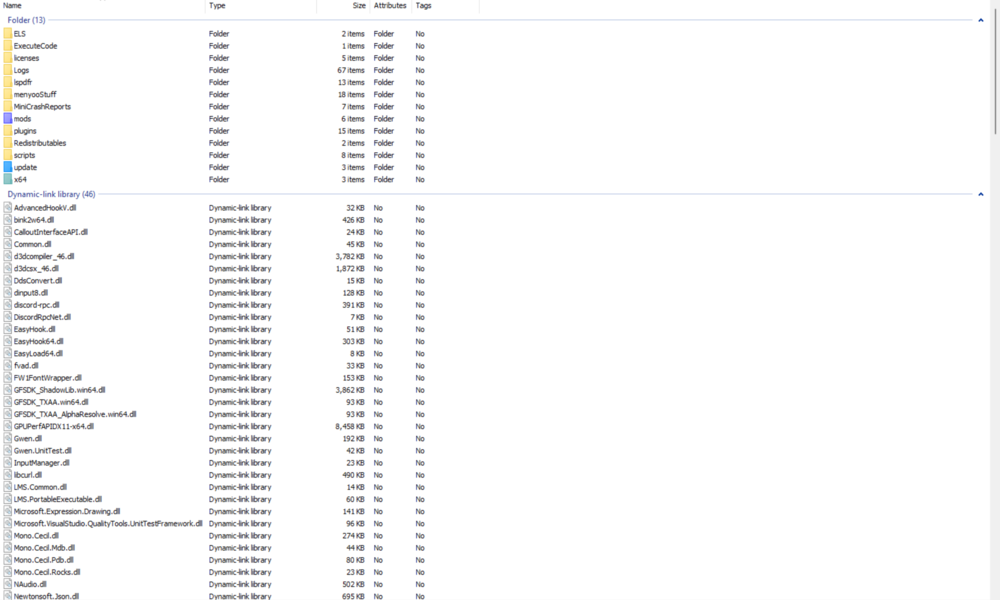
I think these should be all
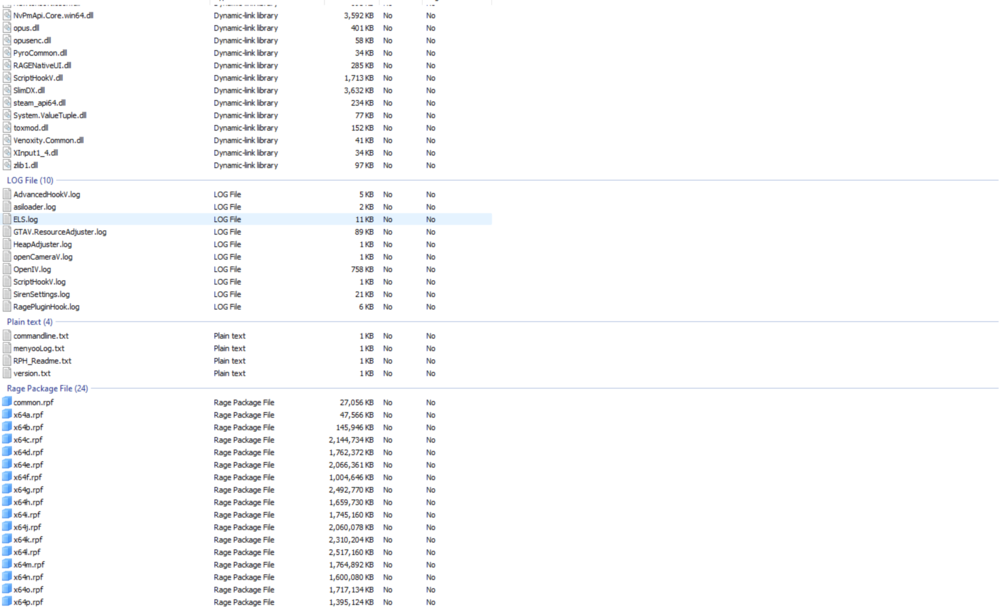
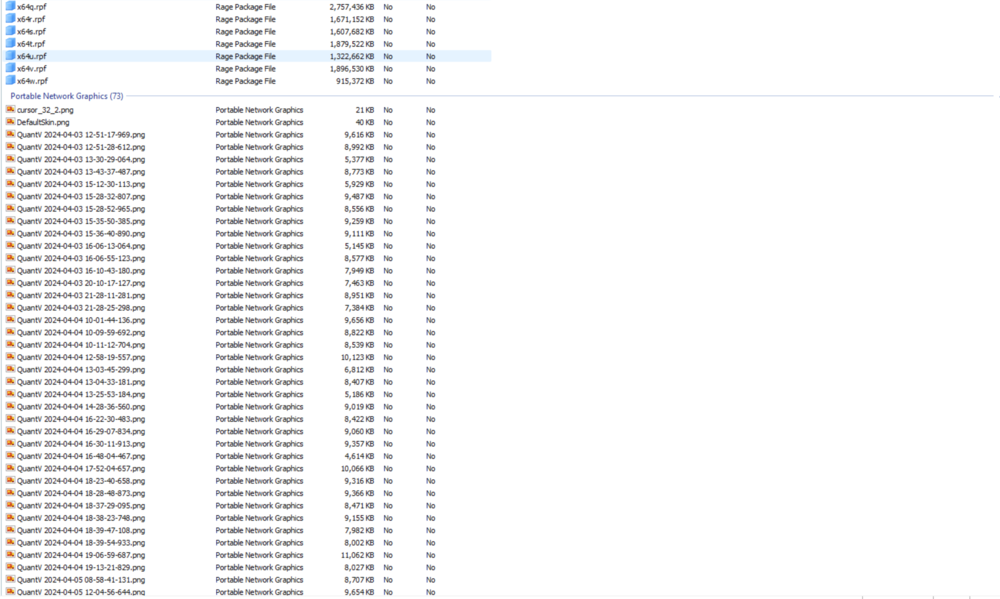
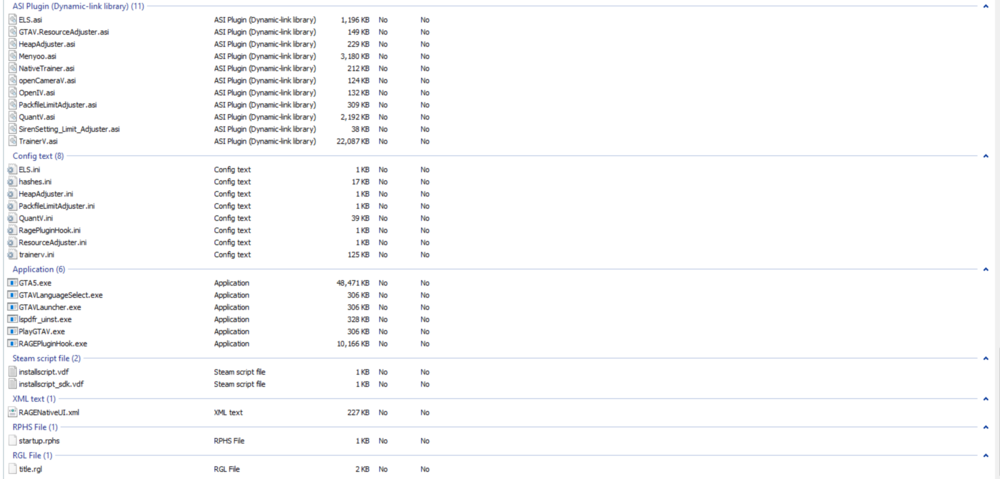
-
Yesterday it was working fine, i did not add any other files. I start up the game, when I get to the "play story mode with RPH" menu and click play, it crashed after 4-5 seconds of loading RagePluginHook.log
-
 Great mod.