Mathox
Members
-
Joined
-
Last visited
Everything posted by Mathox
-
-
-
 RagePluginHook.logSirenSettings.log When i install the plugin and i call backup or turn on the light of a emergency car, my game freeze for around 15 seconds and close himself.
- 341 comments
- 19 reviews
-
 The plugin is making my game freeze sometimes and the spikes strips are deployed to late.
- 248 comments
- 18 reviews
-
-

- 1
-
-
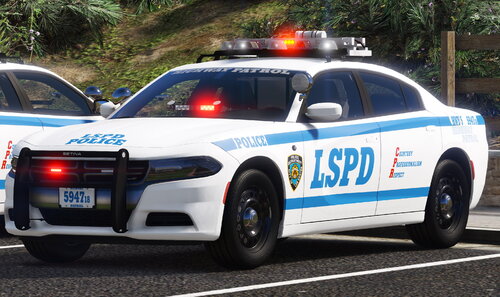 Is this normal that some cars have light not bright enough and the police5 have the back windows tinted in all black ?
- 50 comments
- 4 reviews
-
 Could you do one for LSPD logo but inspired from NYPD like replace the "New York" at "Los Santos" ?
 -
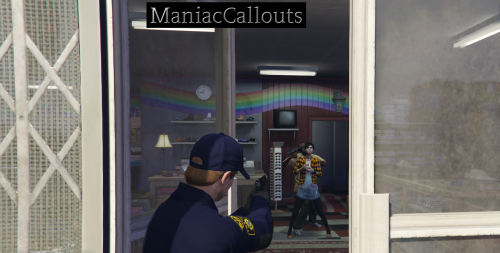 Everytime i'm approching mission row, my game crash and i think is the ambiants events doing it becuase i when i remove it, is was no more causing issueRagePluginHook.log
 -
-
-
When there a drunk ped spawning with a weapon, my lspdfr crash. Here the logs if need : RagePluginHook.log
-
-
I'm using interaction+ and when there ambiant event happing of somoene smoking weed, my game crash is it possible you can something about it ?
-
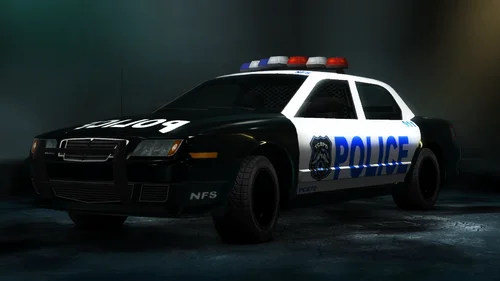 Ok thx
 -
What vehicle are you using in the video ? Also siren are really cool !
-
-
-
-
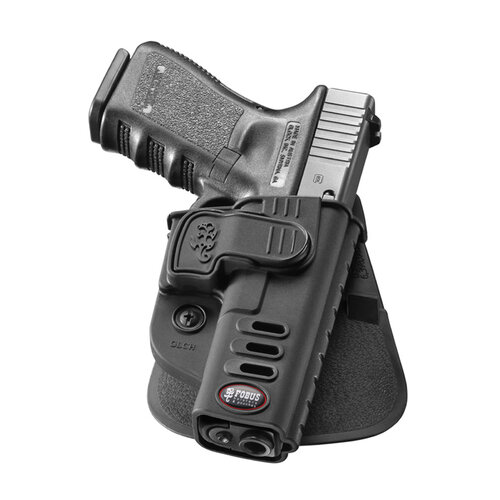 Will be cool if could do this for singleplayer
 -
 When you go to vanilla corn, there a lot of call coming for carrying a firearm, so this bug make you unable to have fun because everyone flee from vannilla corn.
- 680 comments
- 28 reviews
-
-
- 1
-
-
-
-
-
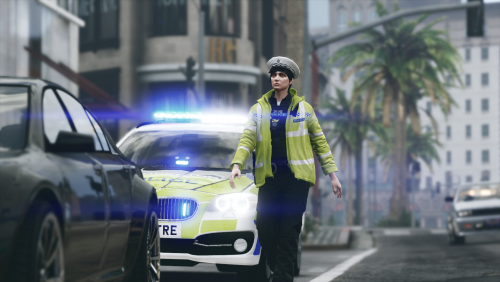 I use EUP Menu and do the same bug for backup ARV when raining , i can't send EUP Wardrobe but is the EUP Wardrobe of Santos Constabulary
- 48 comments
- 5 reviews
-
Also there 2 bug for ARV, The raincoat is buggy and they have red earphone Also the pant is white-grey
- 48 comments
- 5 reviews
-