




Carrythxd
Members
-
Joined
-
Last visited
Everything posted by Carrythxd
-
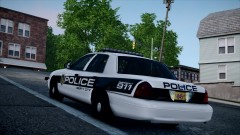
From the album: Carrythxd's Pics [IV]
-
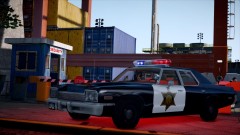
From the album: Carrythxd's Pics [IV]
-
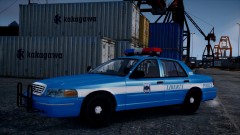
From the album: Carrythxd's Pics [IV]
-
I really like the '98 Crown Vic :P
-
-
Like KM964 said a SVT Raptor police car would be epic (there was one but the author (BPM) removed it). And a Hummer H2 police would be epic too :D
-
Agree
-
-
No problem :) :)
-
These look amazing!
-
Hahaha the Swat Door Kick Fail xDD
-
-
No problem :) Hmm, it most likely will. As long as the other players have this mod too. Yeap Haha good question, I just had to find this because I couldnt see the bait car lol No problem :P
-
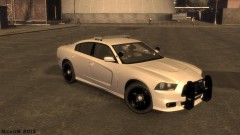 My God :O
 -
-
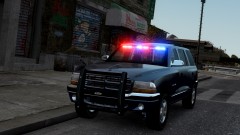 :)
:) -
So I was recording a Bait Car video a moment ago when I ran into a small problem. Heres what I mean: Can you see the suspect? Well yeah me either xD I Googled GTA IV Binoculars Mod and came up with this: http://www.gtagarage.com/mods/show.php?id=9490 So I installed it (it was pretty easy to install too, great text tutorial in the readme ;)) and it actually works. When I first saw it and looked at the date I was pretty sure it wouldn't work on the latest patch, but then I read the Description and noticed that it also said "EFLC" in there so that actually got me to try it out ingame and I'm glad I did! Heres some pics: The binoculars in hand: Not zoomed yet: Zoomed: Video showing the features: The reason why I posted this is because this is a great mod to have with the Bait Car Mod, you dont have to stick around the bait car you can actually go really far away from the bait car and still be able to see it :)
-
From the album: Carrythxd's Pics [IV]
-
-
Have you installed this? http://go.microsoft.com/fwlink/?LinkID=201134
-
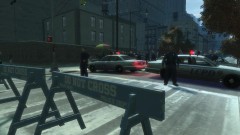 Leftwood? :o To me that looks like Northwood/North Holland :P But epic pic tho :)
 -
I really like the thumbnail :D Its interesting :P And nice video ofc
-
Looks good!
-
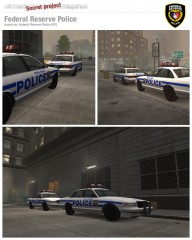 These cars look really sweet! :D
 -
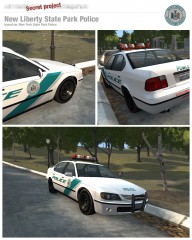 Looks epic :O


