


5Rya
Members
-
Joined
-
Last visited
Everything posted by 5Rya
-
I love these suggestions!Living in NY myself, this is amazing and I can't wait until I can replace all the car models with NYSP cars!
 Any update on getting this mod to work with ELS? It would be amazing if somehow the two could work together!How did the beta version go?Love the idea!When clicking on the link for custom car dlc it says "We could not locate the item you are trying to view." with error code "2D161/2". Why was it taken down? Link = http://www.lcpdfr.com/files/file/13291-custom-car-dlc/Ya, same thing is happening for me. files are either empty or only downloading less than a mb.Seems like I am having the same issues as everyone else. When downloading .rar files it seems to download very little of it leaving it corrupted. Compressed windows folder files seem to be downloading fine its just .rar files for me at least. For reference it is using the quebec server.With so many amazing cars to download how does one go about deciding which ones to download?@DeltaKid If you have any extra time I would love if you could make liveries based off Amherst Police Pictures and video below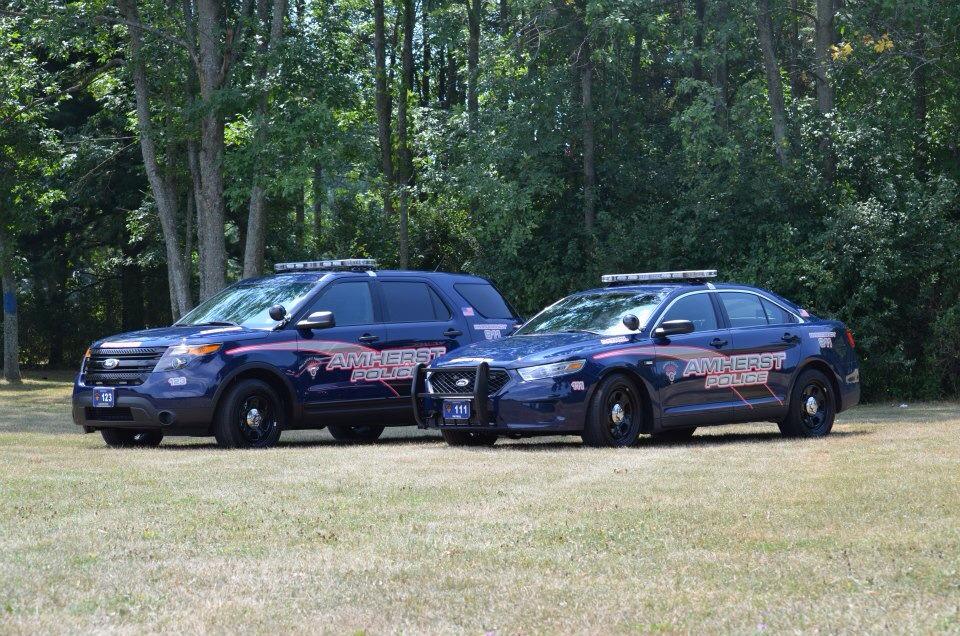
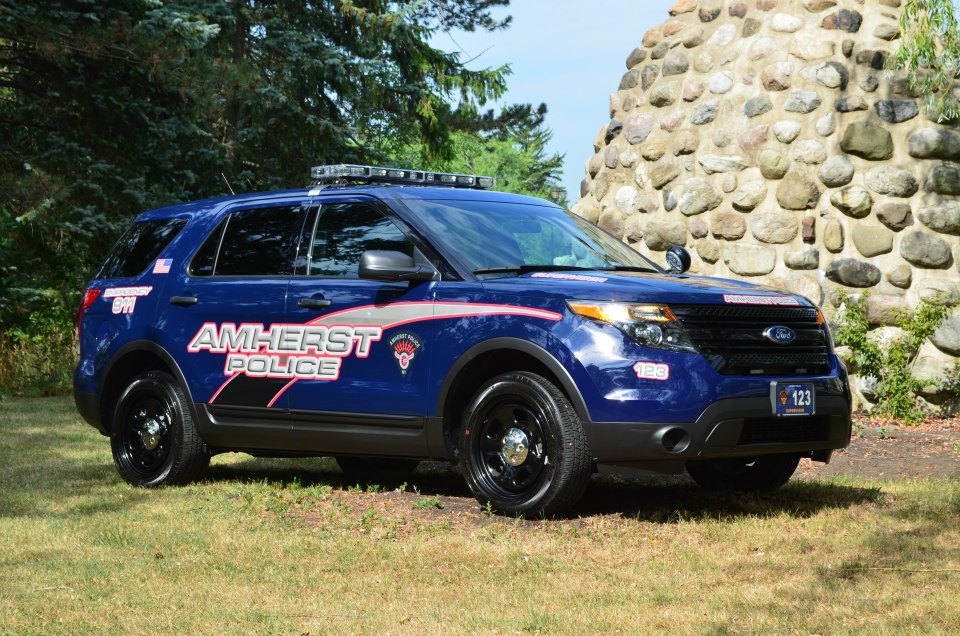
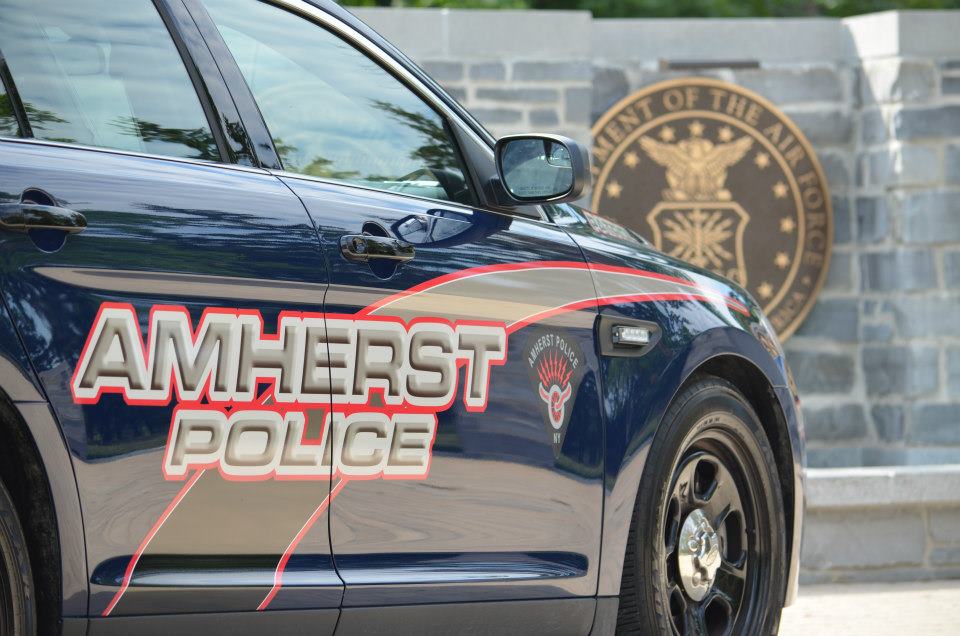
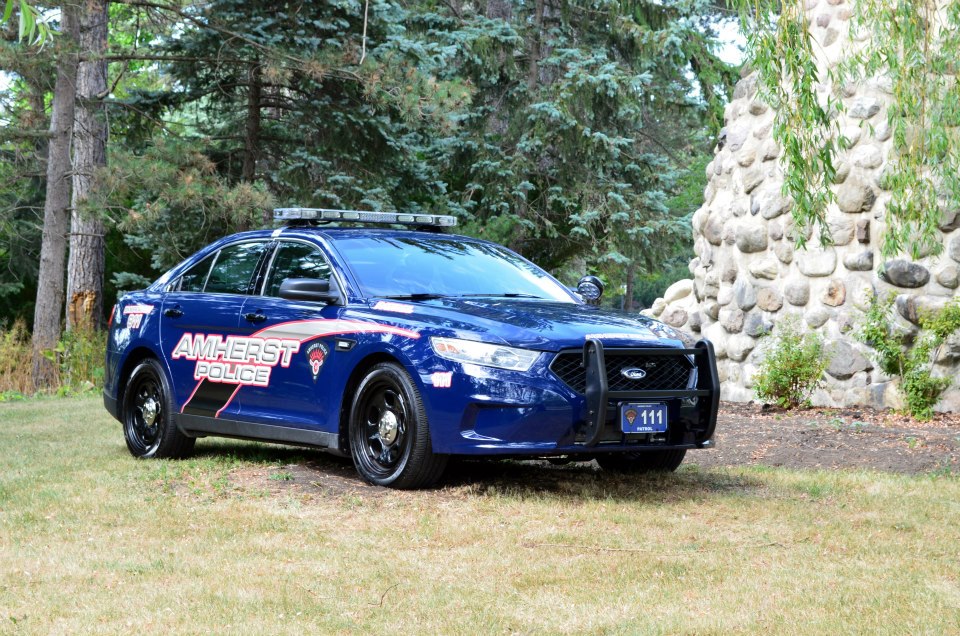

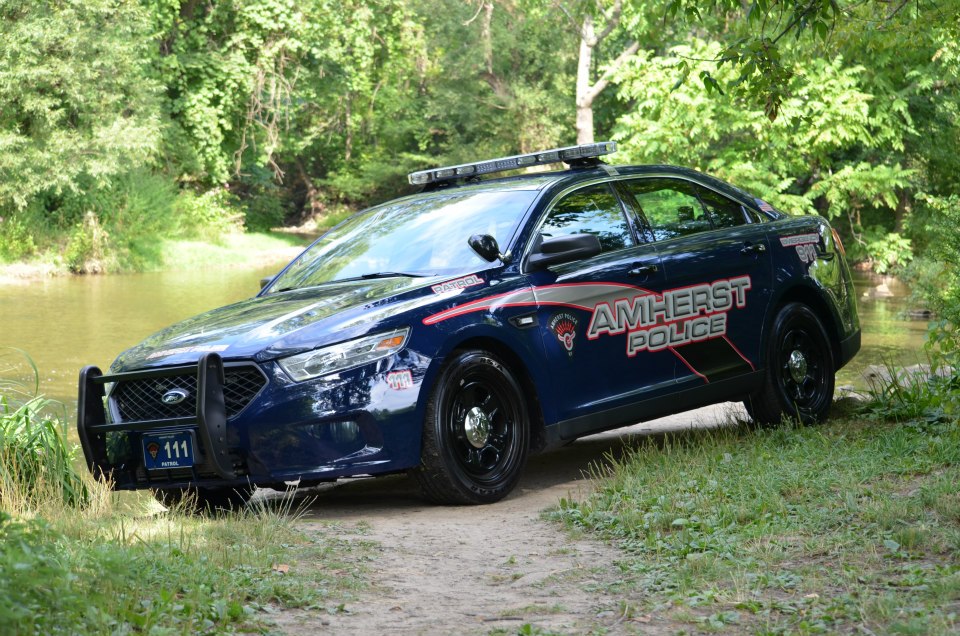 Any update?Is there anyway to use siren mastery sirens with ELS without using the siren mastery plugin?
 @ainesophaur Is the open beta posted, I saw it last night posted but do not see it in the download section anymore?
- 1,743 comments
- 172 reviews
How do I go about downloading the beta? The download button downloads 1.3.3.0 and I don't see another download button near where it talks about the beta.- 1,743 comments
- 172 reviews
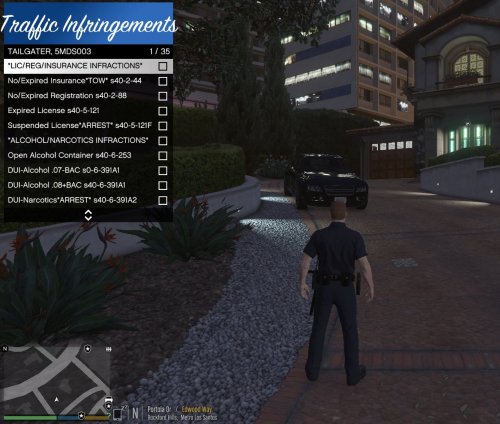 Can you make it work with LSPDFR+ so that when you issue them a ticket it starts a court case?
- 13 comments
- 6 reviews
This just opened a whole world of great ideas now that you can simulate using a police laptop on a real laptop. Some ideas that came to mind in additional to running peds and plates were... writing tickets writing reports alpr (it could show the plate number of each car and show if there are any warnings with that plate). Although probably impossible to do wouldn't it be awesome if someone could setup a script that takes ingame pictures of the plates in real time and sends them to the laptop as it is processing the plate. As i come up with more ideas I will edit the post.Is this something that will be released in the near release or is there still a while before release?Here is one that is blueish. Amherst, NY. Pics and video belowCould you make a filter that has a checkbox for each dev model template that the texture authors could check when uploading textures. Then we could have a checkbox filter where we check the box for textures used by each dev filter.I just thought of this idea after spending a lot time searching for textures for the specific models I have. My suggestion would be to add another tab similar to the review and comment tabs that would contain all the textures for that specific model. The current texture folder in my opinion is starting to get too hard to navigate. It would be much better to just be able to go to the car model's download page. Scroll down, see all the textures available for that car. Pick one and get back to playing. What are other people's thoughts on this?I love this idea. Especially since I have a small laptop just sitting around that I could use this with.Tomorrow I will be doing a complete reinstall of the game to start fresh and don't want to put a ton of callout mods in the game, so what callout mods are your favorite?If you are talking about the CVPI, they don't use CVPI's anymore. The pictures above show the sides somewhat but I will try to look for more pictures.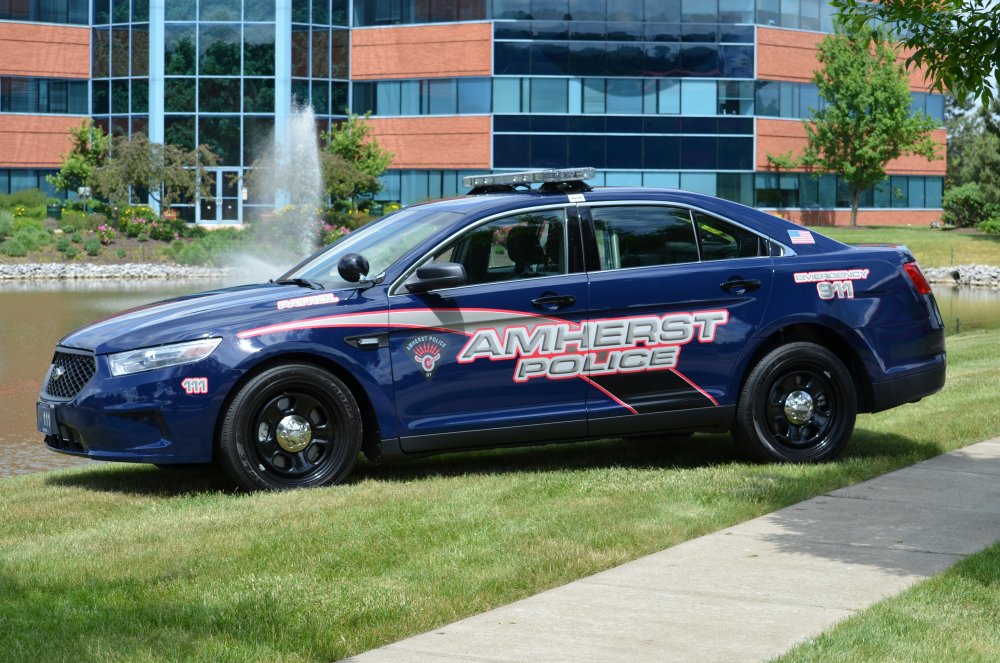 If possible, use the modern skin and transfer it to the cvpi. Thanks




