
JWillMac51
Members
-
Joined
-
Last visited
Everything posted by JWillMac51
-
 I'm definitely liking the look of this too! It's a lot less monster truck-y than before, and I honestly think this new look fits it just as well if not better.
 -
 You have no idea how much I was hoping to see this in V, and from you no less. Are you still working on that LSPD Regina Station Wagon by any chance? Would be cool to see a couple different Regina cruisers, maybe in a future pack or something.
 -
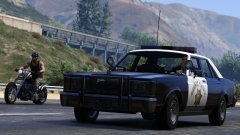 The moment you release all your oldies, my game's going back to the 80's. Every emergency vehicle's getting replaced and I'm taking every modern car out of the popgroups file. Man I can't wait.
 -
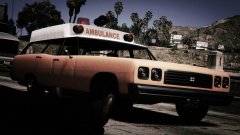 I was wondering if you were gonna do any ambulances, this looks pretty nice. This would look great with an Emperor's front too, it would definitely fit an old meat wagon.
 -
-
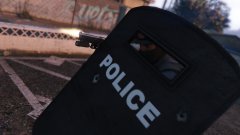 Found the riot shield model while messing around in OpenIV a while back, I was hoping this would be possible. Was there already code for peds to wield it in one hand and shoot a pistol with the other or is this just a creative camera angle?
 -
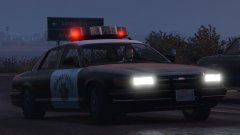 I'm liking the next-gen Stanier's grill on this, it really fits the car. And those rims are new too, never seen a Stanier cruiser with hubcaps before.
 -
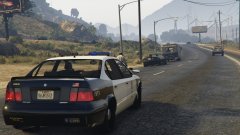 Glad to see this is finally being done, I've been hoping it would be. Are you planning on adding any rear-facing LED's, or the rotators on top as an extra? Looks great as is, just curious.
 -
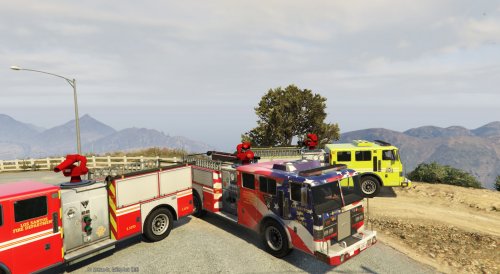 In the mpchristmas2 or mpheist directories, you can add lines for your Firetruck, Transporter, etc. into the carvariations.meta files which will allow your vehicles to support up to 8 liveries. Make sure to add FLAG_HAS_LIVERY into it their vehicles.meta entries as well. It's a bit tough to explain all the steps quickly so if I'm being too vague feel free to PM me for help.
- 23 comments
- 3 reviews
-
-

- 1
-
-
 Eeeyup, gotta go play through this now. That cop also appears to be floating.
 -
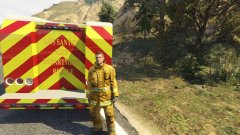 Looks great! I know you're limited in the amount of lights you can use, but do you think it'd be possible to pop a few off the back and add some LED's to the side of the rig? That's really the only way I can think of to improve the model, it looks really nice otherwise!
 -
Damn, it's been a while since I've heard about a mass shooting. Guess it was too much to hope we wouldn't see anymore.
-
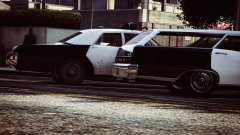 Yes. I can't wait for that Regina, finally a vanilla model turned classic cruiser.
 -
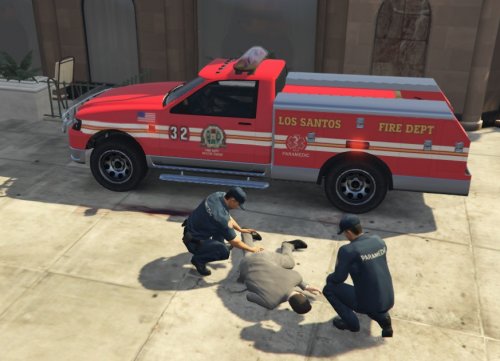 Been looking forward to this release since I saw that screenshot a while back, and I am not disappointed. Looks great!
- 10 comments
- 4 reviews
-
 That's a nice looking rig, I was wondering when someone was gonna make that Contender utility a fire truck. I actually really like it with the rotators too, this thing put the ambulance's lights to good use.
 -
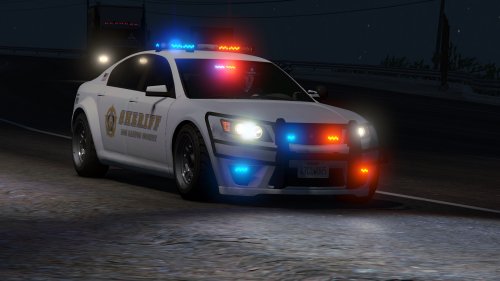 They look amazing! It's obvious a lot of time and effort went into making these. All the variations between this one model is incredible, and you really outdid yourself on the interior. Can't wait to try them out for myself!
- 47 comments
- 15 reviews
-
-
- 1
-
-
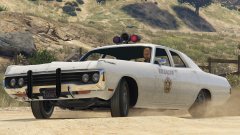 Damn, the more I see these the more I want some lore-friendly classics. I hope someone re-makes or converts that Regina coupe from IV, that was a nice cruiser. I love this light setup by the way, looks great with the sheriff skin.
 -
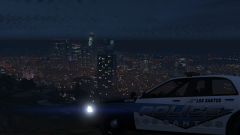 Awesome! I really liked your Silverlake City textures, but prefer sticking to LS skins, so these'll be put to use for sure when they're out.
 -
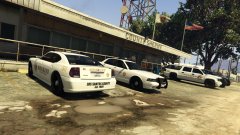
From the album: Various GTA V Shots
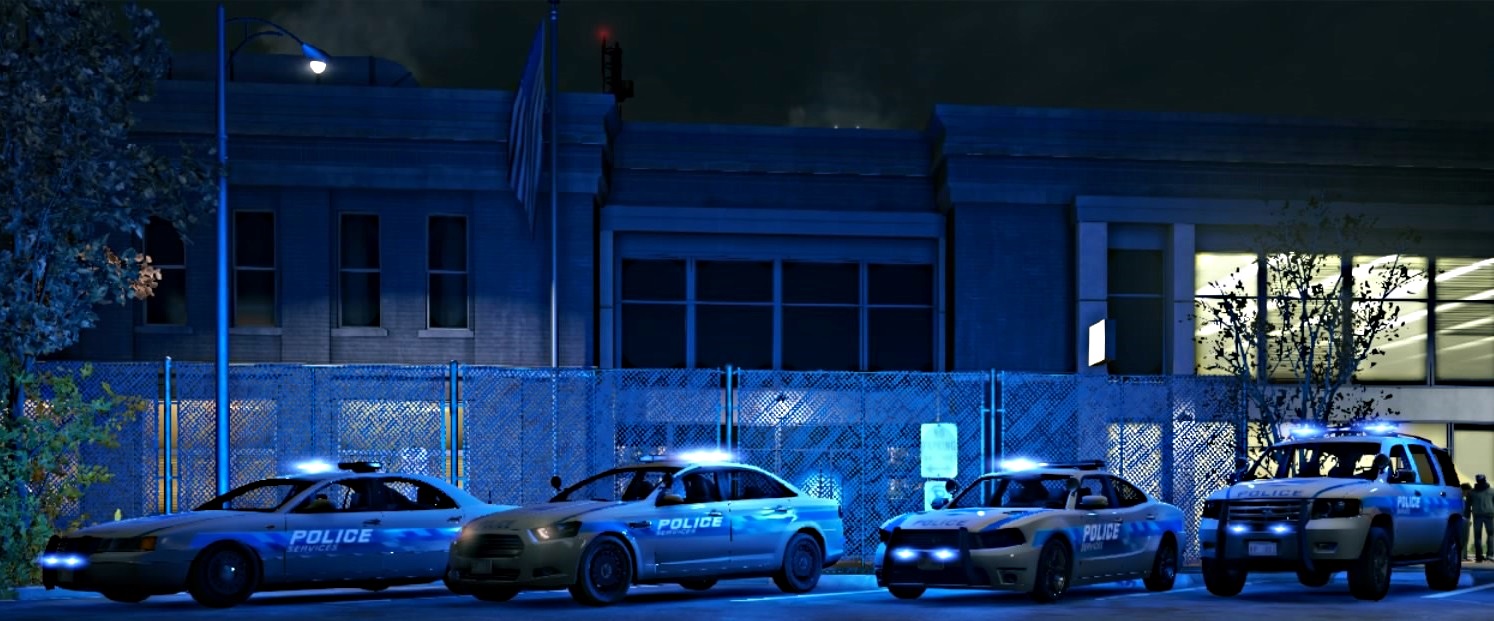
The LSSD vehicle line-up, showcasing their new Buffalo Interceptor in the foreground. -
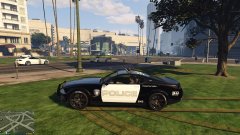 This looks great! I've always liked the look of Barricade. If you need any help with the files just let me know, I can edit them for you to make this an added vehicle.
 -
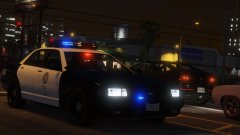 Interesting looking. Is it supposed to be based off of something like the Code 3 RMX? And I really like those angled grill lights.
 -
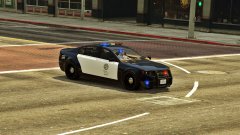 My God, you're doing some amazing things. Can't wait until the day I get to try some of your cars out!
 -
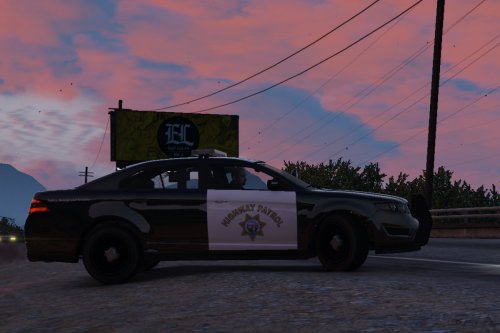 To fix that you can add "FLAG_EXTRAS_STRONG" (minus quotes) into the police3's "<flags>" line in vehicles.meta. And great job Caine! I'm loving the slick-top feature, it gives the car a real nice profile when viewed from the side. However, would it be possible to have the spotlight work again? I noticed that it's no longer an extra as the lightbar is "extra1" now, not sure if it needs to be an extra in order to function. Maybe if the spotlight was made "extra1" again and the lightbar "extra2" it could be solved. Regardless, fantastic mod, the game has sorely needed this.
- 27 comments
- 15 reviews
-
-
- 1
-
-
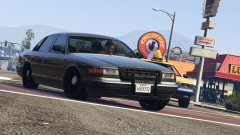 You could add Police4 into the carvariations.meta file, then give it a 13 in the sirenSettings line. That'll allow it to run with the LSPD Cruiser's setup, and the rotators should work. Or you could throw in a 5 in the sirenSettings line and use the Transporter's lightbar if you want the slower rotators.
 -
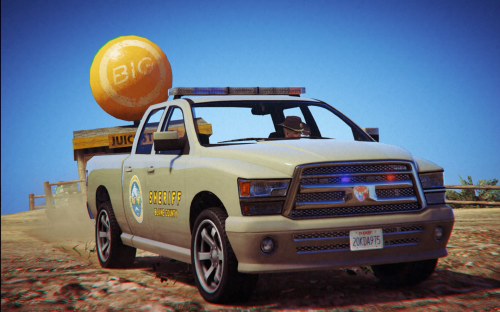 Looks good! Just to let you know, though, your carvariations.meta entry messes up the lights; notice how on the grill lights there's a blue corona on a red light. For a correct light setup you'll want to put <sirenSettings value="2" />< like the original mod had instead of a 1. This allows it to read the Interceptor's light setup, which this truck is equipped with. Regardless, good job on the texture, it looks nice!
- 9 comments
- 2 reviews