




Fartknockr
Members
-
Joined
-
Last visited
Everything posted by Fartknockr
-
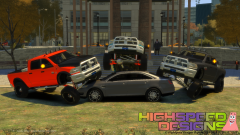 I approve of this message.
 -
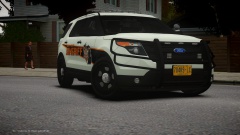 I like it, excellent job!
 -
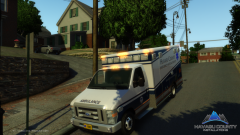
From the album: Fartknockr(FacePalm Studios)
Ambulance by Havasu County Installations Vehicle by XBR410 Skin by Me Vehicle Not For Release (Vehicle Reserved for Havasu County Virtual Emergency Services) -
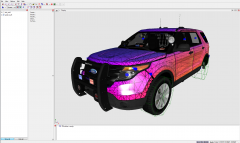 Dat explorer
 -
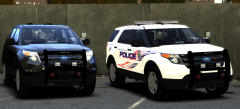 Im not...........But dat explorer though
 -
I remember ripping something similar to this.
-
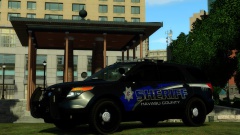 GHHAAAADDDD DDDAAAYYYYUUUMMMM!
 -
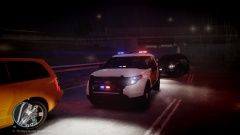 Dat skin though
 -
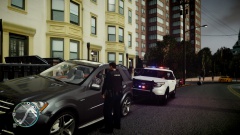 Picture seems legit now.................. dat explorer be de sexay
 -
Yeah, and that's why CSP fails. In other news, you see dat explorer ^^
-
Pure white skin......legit police department
-
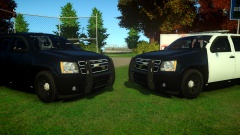 Beautiful. You're doing an excellent job
 -
Bring another girl home and screw her. Then call your ex-bitch back over, if she finds you two in bed, just say, "Oh, I forgot you were coming back over, I hope you don't mind"
-
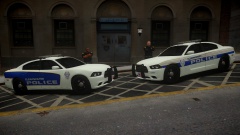 I like both. Considering I've seen the actual design for it, which is on the right, I like it better. However, I think the designs should be merged.
 -
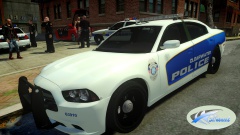 Tip Top Gorgeous
 -
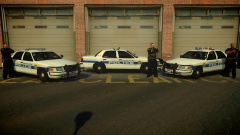 Looks good. I like it
 -
You sure in the hell must not be looking right. Either A) You're blind or B) Just down right too god damn picky about something that isn't 100% exactly as you want it. There are well over enough CVPI's with full detailed interiors.
-
It's all preference. Some unmarked units do have them and some don't. It mainly determines if the vehicle is used on primary traffic stops or not. In which this case, after seeing your description of what you are using them for, I would have to say no. Mainly since the type of lighting you are using is usually on detective vehicles. But as I had stated before, its all preference. :)
-
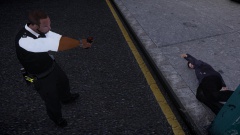 Where did you get the Ped from?
 -
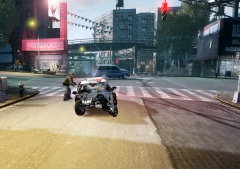 Is it me or does anyone else notice the drunk guy trying to get into the back?
 -
Where the f*** did it go? To the seventh layer of hell and back?
-
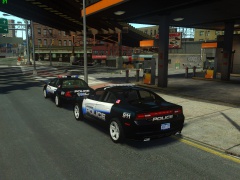 Those are special mounts to hold down the Liberty to the car. They are on all vehicles. Mine are just more noticeable with the ICEnHancer. *whistles like nothing happened*
 -
From the album: Fartknockr(FacePalm Studios)
-
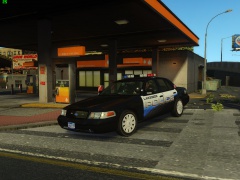
From the album: Fartknockr(FacePalm Studios)
-
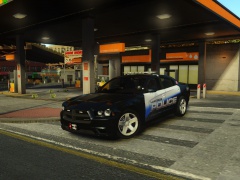
From the album: Fartknockr(FacePalm Studios)

