




Charlie686
Members
-
Joined
Everything posted by Charlie686
-
You heard?
-
If you are talking about your light bar being dim do this: Put the following settings to high or higher: 1. Shader Quality 2. Shadow Quality 3. PostFX If this doesn't work try installing this: https://www.lcpdfr.com/downloads/gta5mods/datafile/23298-better-radiance/
-
Make an exception of the GTAV folder with your antivirus + Windows Defender. Them manually install LSPDFR.
-
If installed incorrectly, yes.
-
Send me a new log.
-
Not seeing an LSPDFR crash here - give it another try.
-
-
Update LSPDFR.
-
Nice to hear! Any more issues let me know
-
I need the path.
-
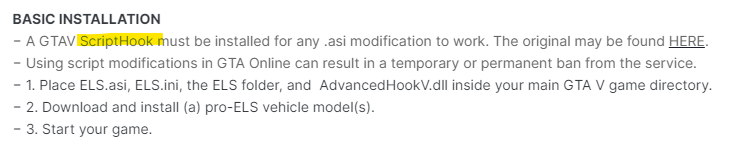
^That is a screenshot from the download page. Follow the link there 🙂
-
You are missing some files for Automatic Siren Cutout. Reinstall it.
-
Ok. Try again with RAGE then attach your RagePluginHook log - a text document found in your main directory (not logs folder)
-
The corrupt game data error?
-
So, so far your game is fine? Continue going slowly and if you run into anything let me know.
-
No problem 🙂
-
That indicates corrupt game data. Was that with your mods folder disabled?
-
This means the issue is most likely from ScriptHookV/dinput8.dll as they are the common requirments. Could you attach your asiloader log?
-
No problem - any more questions let me know.
-
As per the FAQ's (which I advise you check out) you are missing the .NET framework. Install it here: https://dotnet.microsoft.com/download/dotnet-framework/thank-you/net472-web-installer
-
That is the one! Do this for me: Increase your Plugin Timeout Threshold to 60,000 -> this can be done in the RAGE settings Set this in your lspdfr.ini file (GTAV/lspdfr) Main.DisableGameBlipHiding = true
-
That isn't something easily done - they are often hardcoded in. If you believe you can change it, contact the callout dev for more info in regards to this.
-
Attach your RagePluginHook log - a text document found in your main directory.
-
But can you actually play was my question - not loading up to the menu screen. If that is still yes: 1. Load GTAV without RAGE and enter story mode 2. ALT + TAB out and open RAGE 3. Wait for it to hook The result?
-
Bump.


