TheRedDevils75
Members
-
Joined
Everything posted by TheRedDevils75
-
What do you mean by EUP peds?
-
-
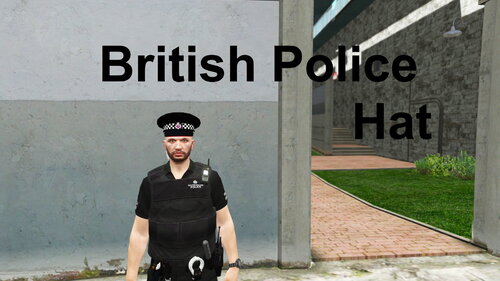 How can i get the that whole yellow coat, white shirt, black tie, and the radio uniform?
 -
-
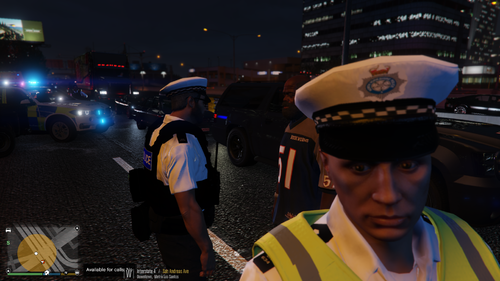 Not working again, I drag and dropped the png files from the mp_m_freemode_01_p folder into that same path in open IV as you can see below i do that for every folder in your download but there is no british hats in gtav only the LSPD ones before
- 8 comments
- 1 review
-
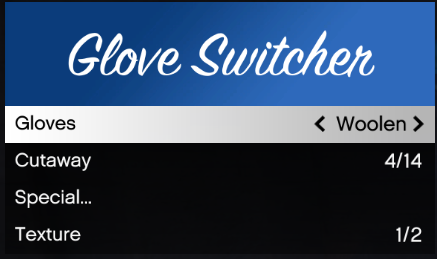 I put this in my directory, didn't work when I pressed f5 ??
 -
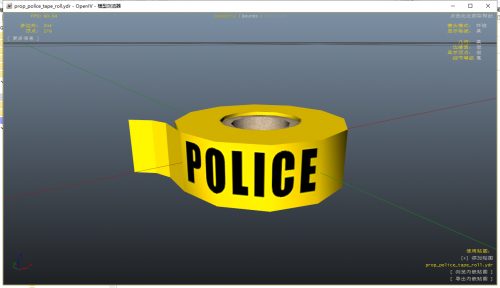 Is this the same as the other police tape?
 -
 My game looks like this now after installing it where can i install corona begone?
- 67 comments
- 10 reviews
-
-
Are there any videos on how to install british uniforms?
-
-
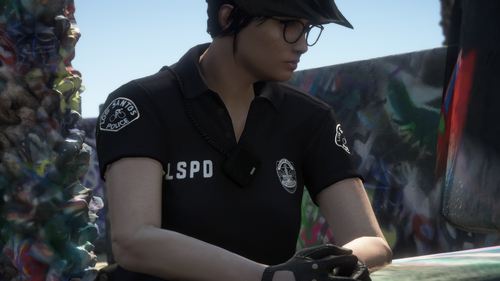 I have chrome and when you download something it shows up down the bottem when i click on it to open it up in winrar it it gives me that first pic i sent. I have the radio over my shoulder now though
- 25 comments
- 3 reviews
-
 Dont understand what you mean by "(make sure the service is active in windows under the name "Razer Chroma SDK Service")." But i have a razer dealthstalker chroma set to all red lights and i have razer synapse open I have razer police lights ticked in the rage console plugin settings but when i press f4 and type load plugin razer police lights this comes up
- 113 comments
- 13 reviews
-
Thats what comes up when i click on the download after its downloaded on chrome so no idea I haven't had problems with OIV files before
- 25 comments
- 3 reviews
-
-
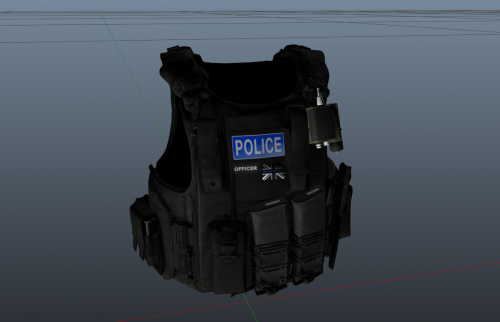 Ok, still don't understand how to install other vest's, uniforms Only thing I know how to install is cars with the xml's
 -
Don't understand why the british vest requires this hanako EUP VEST & EARPEICE
-
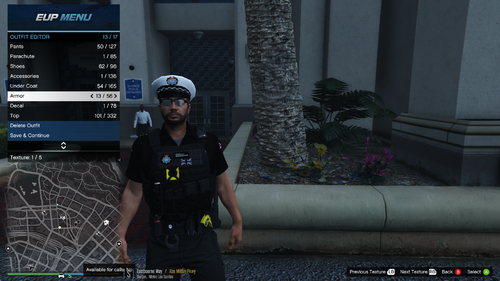 but where in open IV do I replace it with your png texture I am still here in this path (see below) as it is where i put mp_f_freemode_01_mp_m_vinewood C:\Program Files\Rockstar Games\Grand Theft Auto V\Mods\update\x64\dlcpacks\eup\dlc.rpf\x64\eup_componentpeds.rpf\
- 29 comments
- 1 review
-
ok so i put the mp_f_freemode_01_mp_m_vinewood folder into eup_componentpeds.rpf with the task_003_u.ydd i choose but where do i put the PNG file?
- 29 comments
- 1 review
-
I am not able to replace as when i go to the folder it is empty which is weird as its filled with the PNG files
- 8 comments
- 1 review
-
Where is the texture file? or hanko vests? inside british style vests all i have is 4 folders with PNG photo's and a read me.txt thats it
- 29 comments
- 1 review
-
-
-
Is there another link? it says that one dosen't exist
-
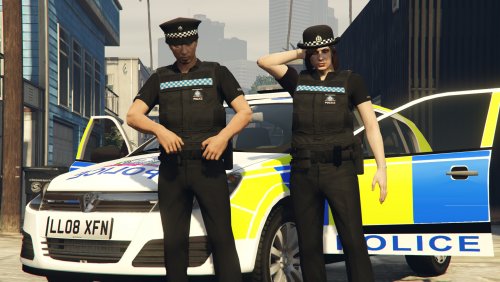 I installed all these in the correct folders on OpenIV but when I go on duty my outfits are the same as before
- 32 comments
- 4 reviews

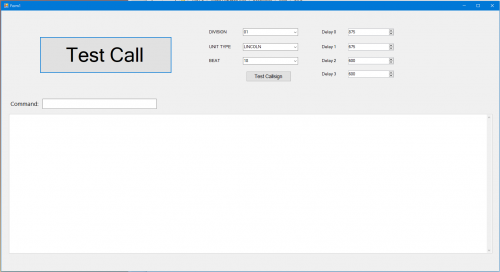
.thumb.png.bd97e37b7859461caf18a0863f388296.png)