


TheRedDevils75
Members
-
Joined
Everything posted by TheRedDevils75
-
-
 Even though I tested simpleCTRL and simpleEmotes separately, emotes wouldn't work at all and CTRL would crash as soon as I step into a car. so guess we wait till its updated.
- 447 comments
- 17 reviews
-
-

- 2
-
-
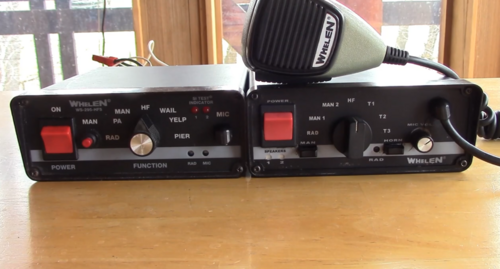 sure I'll join.
 -
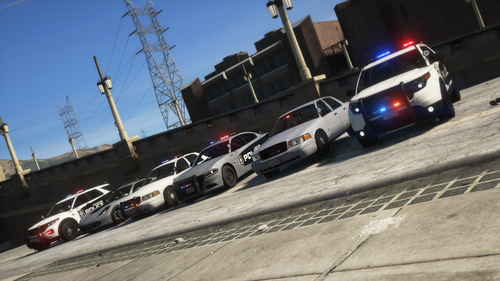 Not sure if this ELS issue? but only the blue lights on top my lightbar are showing up/reflecting off (No Red lights)
- 11 comments
- 1 review
-
-
I've just dragged and dropped your file in my directory following the path and I still have the vanilla siren?
-
There is no "how to install" in the download.
-
-
Guess we're waiting for the owner to reply and hope they releases a fix
-
Not heard of that issue before I'm guessing you got the recent version of EUP and ragenative?
-
-
Will that fix it though? as people are saying its been happening since they installed the recent version
-
-
-
-
-
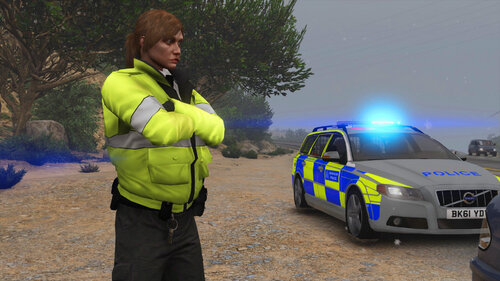 The files on the right in the winrar have to go into openIV, not sure why you have the other folder open though.
- 115 comments
- 3 reviews
-
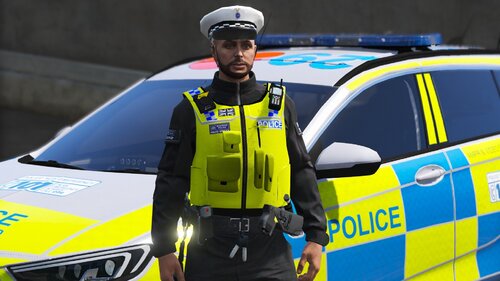
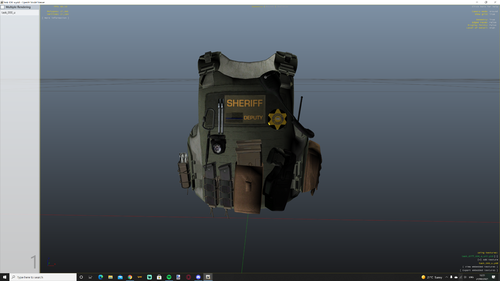 I went and replaced it but they are looking like this?
 -
 Where do I put the dds files to? and where are the ytd's?
 -
-
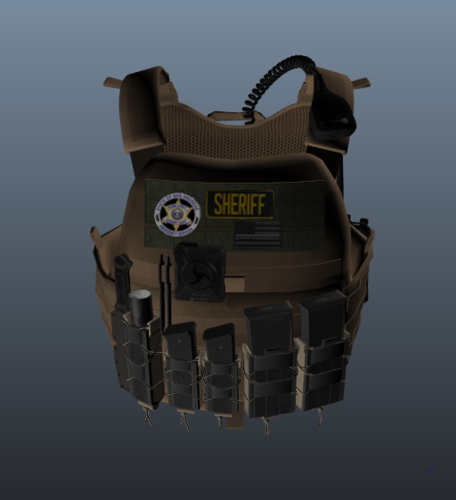 If you're having trouble finding which vest it is in hanako's "EUP VEST & EARPIECE" this texture will fit vest4 setup2 that is in hanako's vest download pack
- 5 comments
- 1 review
-
-

- 2
-
-
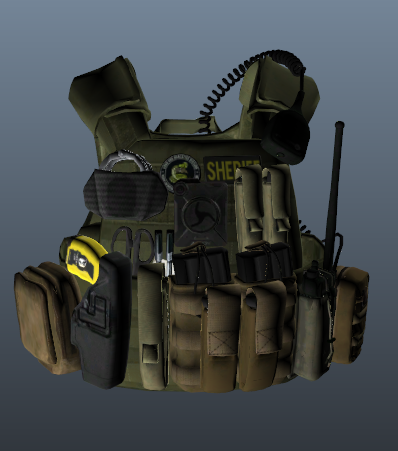 If you're having trouble finding which vest it is in hanako's "EUP VEST & EARPIECE" this texture will fit vest1 setup 4 that is in hanako's vest download pack
 -
the vest this texture is for is not in this pack by hanako EDIT: just realized which one it is
-
-





