



JoramD
Members
-
Joined
-
Last visited
Everything posted by JoramD
-
I'm having the same issue, also a clean install with just LSPDFR & copholster.
-
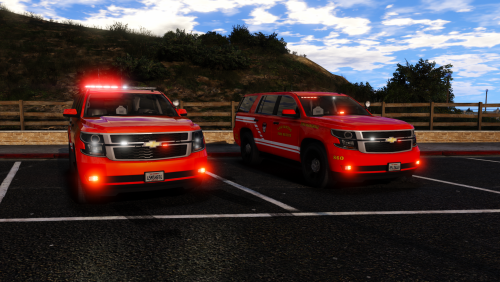 Do you have that bearcat or any vehicle that comes with a vehiclelayouts.meta? That broke several vehicles for me.
- 12 comments
- 11 reviews
-
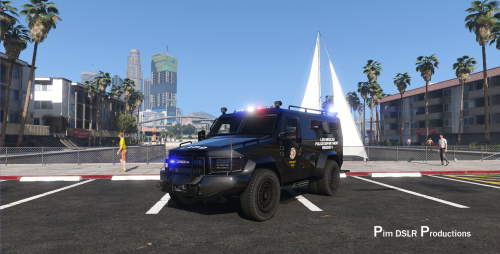 I don't know if this has been reported before but the vehiclelayouts.meta is broken. If you try to enter any vehicle with the <layout>LAYOUT_RANGER_SWAT</layout> layout it will crash your game. Other than that it looks great :)
- 67 comments
- 11 reviews
-
-

- 1
-
-
 I meant more as a speed limiter (which is the part which I thought was not really possible). Should've probably worded it better
- 330 comments
- 24 reviews
-
 The model is great! As I understand it, the model is bought by some awesome community members (Code Zero) and then put in-game by TheHurk, again very nice. The vehicle looks great in-game However this is where the niceness ends: The instructions are unclear and incomplete. The vehicles.meta has about 3 different versions. The carvariations file has some indent issues. This is all stuff that can be fixed by virtually anyone in 5/10 minutes. I am giving it 3 stars because of these easy to fix issues, if those would be fixed this would be a on-line review with 5 stars . Oh and there is no ELS version .
- 218 comments
- 42 reviews
-
I don't know how possible this is but would this not be easier: Have a 'toggle' key to turn on/off the feature completely Then have multiple speed increments (say 5, 10, 15, 20, etc) that the player would be able to select (have 2 keys to go up and down the increments).
- 330 comments
- 24 reviews
-
-
- 1
-
-
-
 Ehm for some reason i'm having trouble installing this. I placed everything in the right folders (i think) but when i go in-game the handling is pretty messed up for some cars (fbi2 is the worst). I have no clue what i did wrong. EDIT1: Placed the vehicles.meta in the (again i think) correct location but now my game crashes (I have installed the gameconfig.xml)
- 501 comments
- 104 reviews
-
 I'm loving this mod but I ran into some wierd things. I was in pursuit of a vehicle and when i called for backup no police showed up on my map but i saw them sitting still at their spawn points (no lights and sirens). After a while they started to pursue the suspect but without light/sirens. And after another while they turned oon light/sirens. After they started to chase the suspect the AI looked like they used the tactics I saw in your video.
- 1,178 comments
- 137 reviews
-
Okay... It just worked again after switching file around. it said my original file were corrupted for some wierd reason FIXED
-
Hello, I usually dont use this type of stuff but I have no clue whats happening. I just installed a fresh copy of everything (LSDPFR, cars, sirens, scripts etc) and when I fired up my game the sirens and some other sounds (burnout sounds, can hear car but not the tire). I'm using the American Sirens Pack 1.4, i've also tried not using the mods folder that kind of stuff but i cant seem to get it working. EDIT: Wierdly fixed itself...
-
-
-
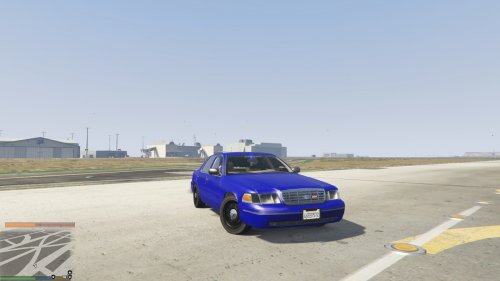 The problem with POLICE4 is that the game handles the colors (there is no texture). I am trying to make it to where it does not do that.
- 24 comments
- 4 reviews
-
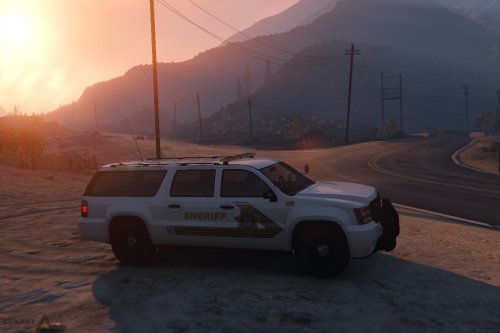 Love the model finally made my border patrol skin ( http://imgur.com/a/AzATB ). I am having one issue when flipping the truck and hitting the lightbar (wich easily can happen), I get a gamecrash. But ill just mess around with some handling files and make it unflippable :)
- 36 comments
- 6 reviews
-
Thanks ill give that a try when I'm back home :)
-
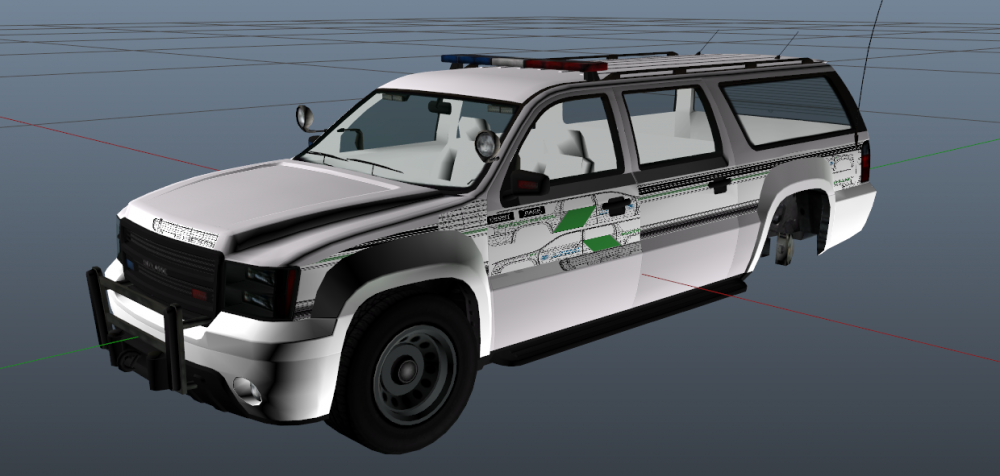
I'm trying to make a new skin. finished it and exported to OpenIV. It looked fine in OpenIV but then... I loaded up GTA V and spawned in the vehicle. And what was there was the old skin/vehicle. So I guess OpenIV didn't import it to GTA. And I'm wondering if you guys have thesame issue. (This all happend after the recent gta update) My guess is that R* broke something again or it is just on my end and i'm doing something wrong. -JoramD
-
Ohw ill try to figure that out i guess... Thx for the info anyway :) EDIT: Cannot even get my ZModeler account/license to work :/ looks like i made a skin that cant work
-
Tried doing that but it just does something wierd (look at picture)
-
But I have one question. How do I apply the uv maps to the vehicles? I'm kinda having issues.
-
-
 No he didn't include all the files only the files need to change the images. EDIT: Didn't know Trifon didn't include the needed files
 -
Dude do you even have respect? It takes ages to script things like this it's even harder when companies like rockstar are interrupting
-
For me thats about 20/30 mins of waiting :)
-
I just hope it releases today (11) and not tomorrow (12). Devs please ;)





