



Scorpionfam
Members
-
Joined
-
Last visited
Everything posted by Scorpionfam
-
 Its been pending for about 6 hours now. its just waiting on manual review for the virus detector.
 -
You should be able to edit teh window template. although i think i originally uploaded the wrong one so it should be fixed with this update.
-
Yes, its actually already made and currently in early access. I have 17, maybe 18, Models that will most likely be releasing tonight or tomorrow!
-
-
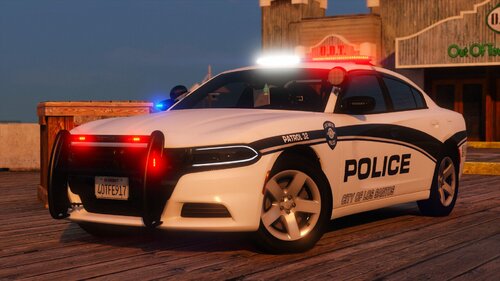 Yeah they both looked fine to me. And I haven't heard reports from anyone else. Might be something with your system?
 -
Thats definitely strange. havent seen that at all. not sure what would cause that
-
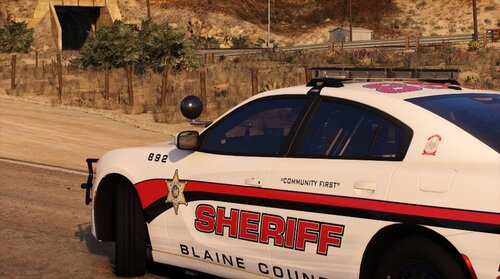 This mans COOKED 🔥
 -
Will do brotha!
-
Got some more cooking for my BCSO pack right now
-
-
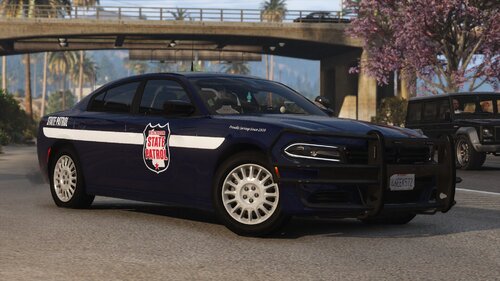 near the top of the comments there is a button to switch over to reviews! I appreciate it thank you!
 -
 Does exactly what you'd expect it to do and more. Definitely adds another level of immersion and liveliness to the game. I Highly recommend it!
- 51 comments
- 5 reviews
-
-
Right now I'm planning on adding cars from 2015 and older.
-
When georgie releases his 21 durango
-
With the way i made the lights it needs to be a addon pack.
-
I'm not entirely sure then.
-
Make sure you have a game config installed
-
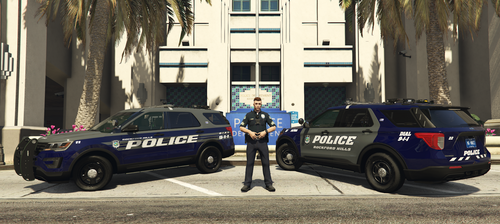 Looks pretty sweet
 -
Not sure tbh.
-
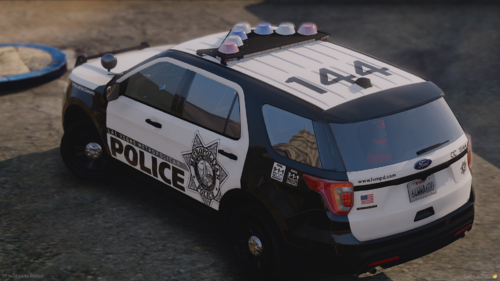 Looks great! One thing I just wanted to say is please ask in the future before you use my stuff! It Is "technically" ripping but i ain't gonna freak out about it. Just ask next time!
 -
If you have simple trainer it's in vehicle options
-
I cant include one because the cars are hybrid vehicles. It would be alot more work then it's worth to edit the regular police metas
-
Make sure you have siren setting limit adjuster installed
-
It's the slicktop one. It has 4 liveries on the 2016 fpiu






