



Scorpionfam
Members
-
Joined
-
Last visited
Everything posted by Scorpionfam
-
 Make sure you have a game config, pack file limit adjuster, heap adjuster
 -
 UHP Pack mentioned 🔥
 -
 Make sure you have a gameconfig, pack file limit adjuster, and heap adjuster installed use simple trainer or some type of addon vehicle spawner. if they don't show up in the addon vehicles menu then they were not installed correctly
 -
 It's in the optional folder included with the replace files
 -
This pack does work fine. I would recommend double checking you have packfile limit adjuster, heap adjuster, and a gameconfig. As well as getting the latest Siren Setting Limit Adjuster SFPD23CHGR2 IIRC uses the same light setup as CHGR so it does not need another carcols file. But this pack does have 10k+ downloads without people having the same issue so it's something happening on your end.
-
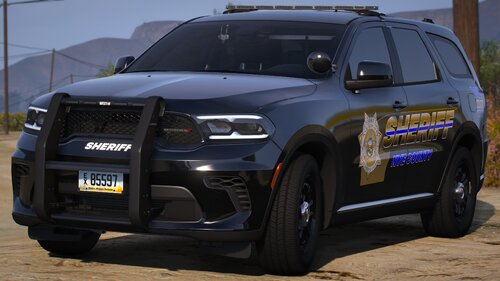 ELS will be a decade old this December. DLS gives us devs wayyy more features we can add to cars that people get to use. it was also still being worked on recently. Although I believe the main dev went MIA. But I do hope the community as a whole switches over to DLS. as well as that the devs of it can keep pushing out features.
 -
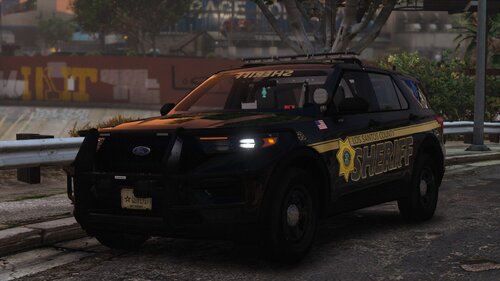 Make sure you get the newest SSLA from the Chiheb Bacha discord. They do indeed work
 -
 That part is supposed to remain black. I believe there's a little box somewhere for it.
- 179 comments
- 19 reviews
-
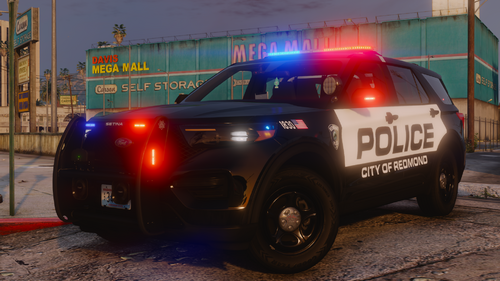 should be this, the third option down in your DLS.ini # Extra patch ; Enables or disables the extra patch (Default = true) ExtraPatch=false
 -
That would be because its an addon only vehicle. all the addon only vehicles are shown in the description.
-
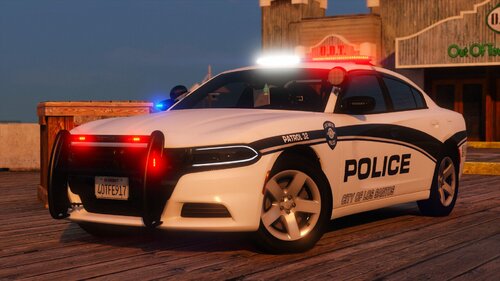 You can upload liveries you just cannot include any of the YTD or YFT files included with my pack. and then yes you can credit
 -
The lights require 32 sirens so something is most likely not working with that
-
Make sure those cars are inside the addon pack. it looks like they are getting a different carcols.meta. If they are in the Addon Pack, try reinstalling it and see if it still has the same issues. if it does another pack may be overwriting it
-
There's some very fancy red text at the top of the description for this that states why those lights are probably not working. "THIS PACK REQUIRES THE 32 SIREN SETTING LIMIT ADJUSTER SCRIPT (SSLA). WITHOUT IT SOME LIGHTS WONT WORK!!!"
-
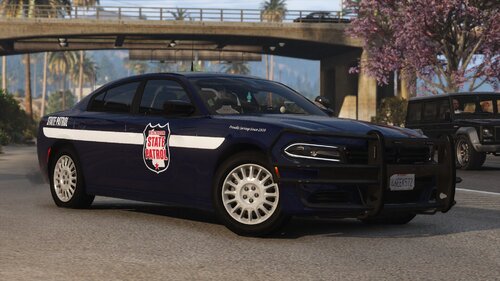 Nothing yet, been extremely busy on other projects
 -
Well, that would simply be because... there is no slicktop silverado
-
If you install it as a replace you need to edit the vehicle meta for proper handling yourself.
- 179 comments
- 19 reviews
-
Yes, You can put your own liveries on them no matter what you do. I hope you enjoy!
-
An all blue version is included. if you do addon you gotta download the seperate file. for replace it's in the optional folder. Thank you!
-
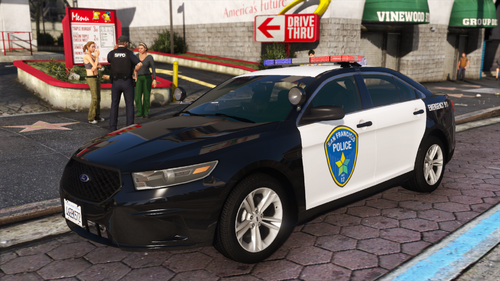 oh hell yeah
 -
 So, installed the update just now. Still the same issue. Game is constantly lagging/stuttering every 3ish seconds. Then the second I remove the files from my FR folder and reload FR my game goes back to running fine.
- 392 comments
- 9 reviews
-
Unsure if it's already been mentioned. I tried using this and had constant stuttering issues that made my game unplayable. Checking through logs I found this in the MDTPro.log file. looks like its spamming picking up the weapons on me that PR loads. edit: just while typing this out the log hit 460 lines of the exact same thing ☠️
- 392 comments
- 9 reviews
-
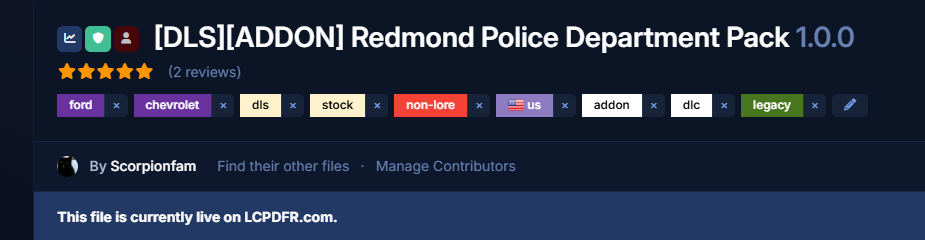
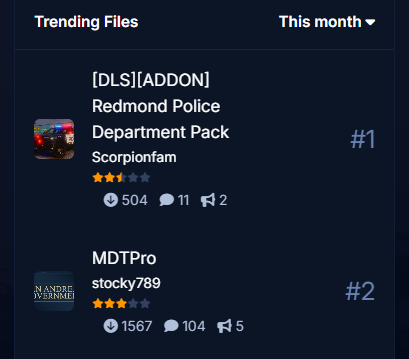
Just something I noticed as it appears to be happening on another file as well as my pack. My RPD pack currently has 5 stars when you click on it. but on the "monthly trending" page on the home screen it shows it at 2.5/5 stars. same with MDTPro where it shows 3/5 but actually has 4/5 stars currently
-
I don't believe any has been made for this department. at least none that I've seen.
-
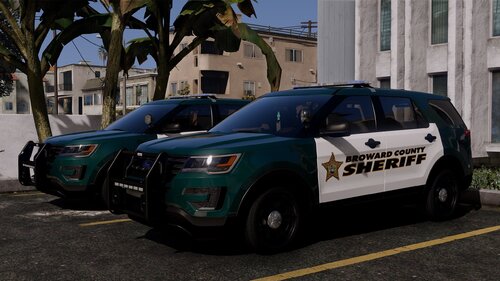 Siren setting limit adjuster broke with the most recent update. A fix is still being looked into. Until then if you can downgrade your game files that's the best bet.



