Legendary6amer9
Members
-
Joined
-
Last visited
Everything posted by Legendary6amer9
-
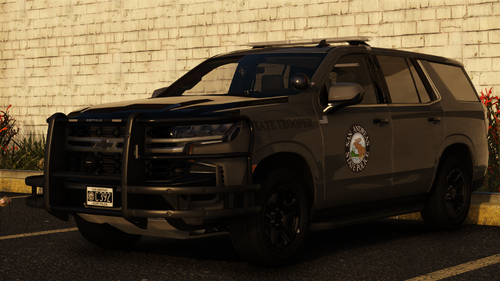 what tahoe pack you used
 -
where'd you move it to?
-
[ELS] 2021 Chevy Tahoe PPV PCSO Inspired - Vehicle Models - LCPDFR.com Does anybody have a proper vehicle meta file for this tahoe? The one @xJDMxLIMIT provided does not stop my ppv from flipping and rolling over.
-
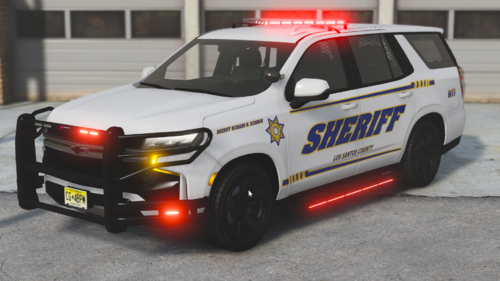 Why doesn't the vehicle meta work, my unit still flipping
 -
-
-
-
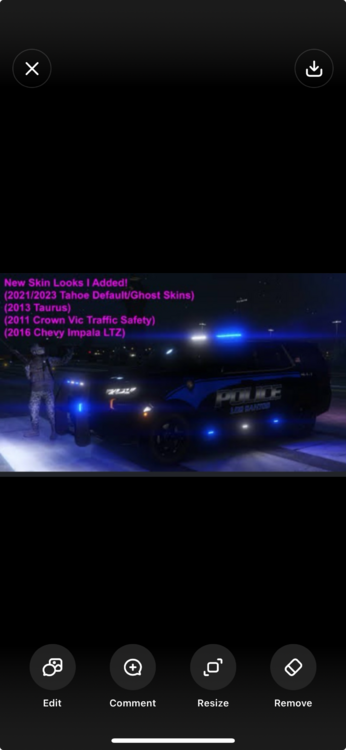
will yall help me find this livery please… i’ve been searching for a month literally
-
-
 How do I answer callouts (my ini is set to A from Grammar Police and Interface), but when I press it for the Agency Filter, nothing is assigned to me
- 24 comments
- 1 review
-
 It may just be my problem, but when I talk to them, they glitch a little (such as stuttering)
 -
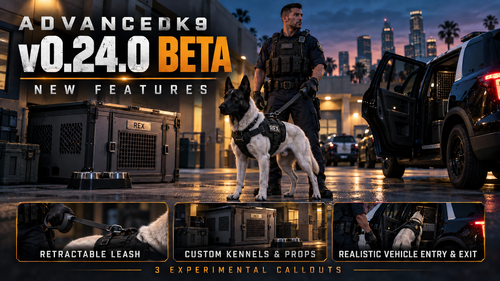 For the voice, am I using my original Api key, or am I to go to a different website to generate the key disregard
- 60 comments
- 6 reviews
-
Will this work for 3.1.2?
-
 Instead if updating the full ini and everything, don't we just need the .dll or we need to drag and drop everything? change the keybind in the ini file
- 423 comments
- 48 reviews
-
-

- 1
-
-
 Did you manage to create a showcasing on this plugin?
 -
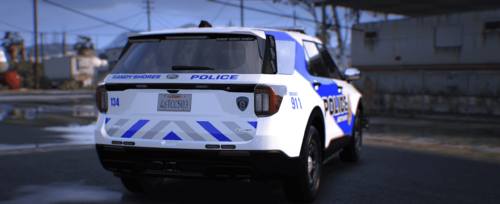 link the vehicle
 -
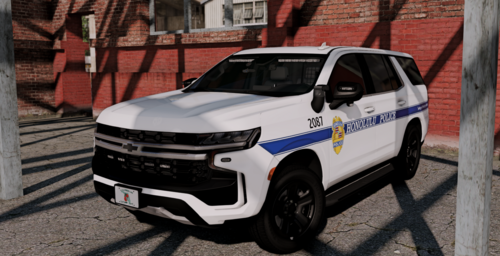 how I install this?
 -
as of this current moment, we're only able to add replacements for the uniforms dealing w/EUP. Any addons could potentially crash your game (hypothetically speaking; due to the update some frames may have been smaller than before)
-
-
so basically what you saying is I got to patrol with default stuff
-
No it didn't wrk
-
Ever since I updated my game when I go to add my thinlinesanctuary dlc vest and launch game and reloadallplugins; my game crashes I've confirmed that it's coming from my mods folder but here's the thing I've updated my gameconfig and everything and the vest was perfectly working before the update. Is there anyone who can assist me on such problem matters? RagePluginHook.log
-
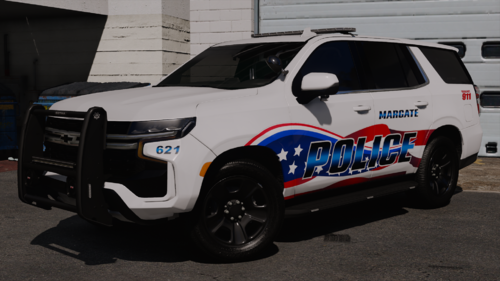 does this work as replacement?
 -
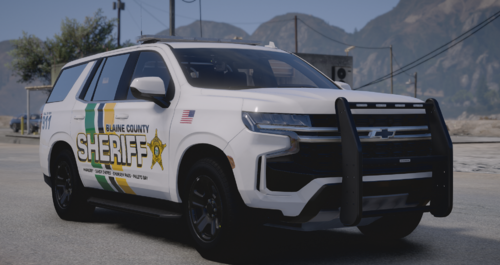 wheres the tahoer and charger you used
 -
this works for NPCAI?