Legendary6amer9
Members
-
Joined
-
Last visited
Everything posted by Legendary6amer9
-
any idea on how to fix it?
-
every time I force duty an unexpected crash pop up how I fix that Here's my log RagePluginHook.log
-
Whats the correct patch day to replace vehicles I tried 2025 but the nve police vehicles shows and I deleted them
-
Disreguard I had to load up
-
Ight so I did that but my eup folder isn't showing how I fix that?
-
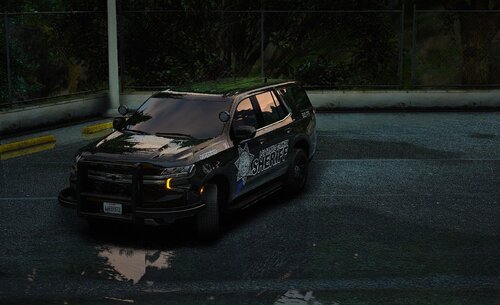 how do I change the dds and make it a ytd
 -
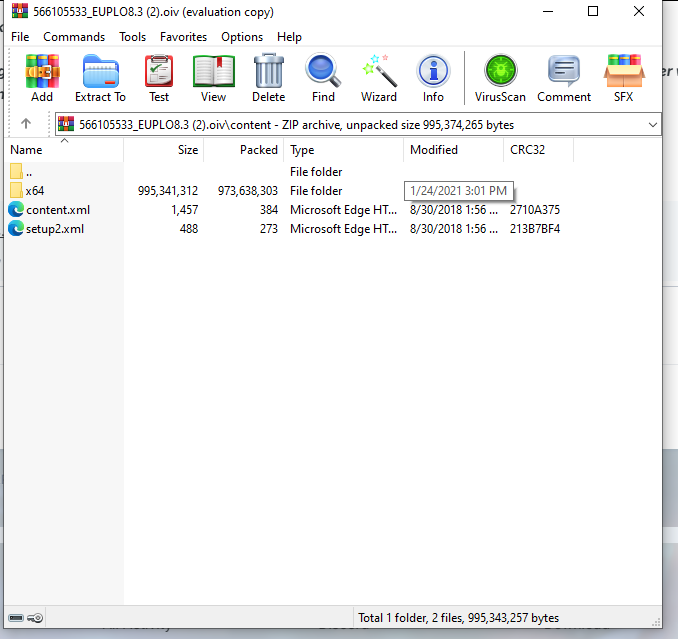
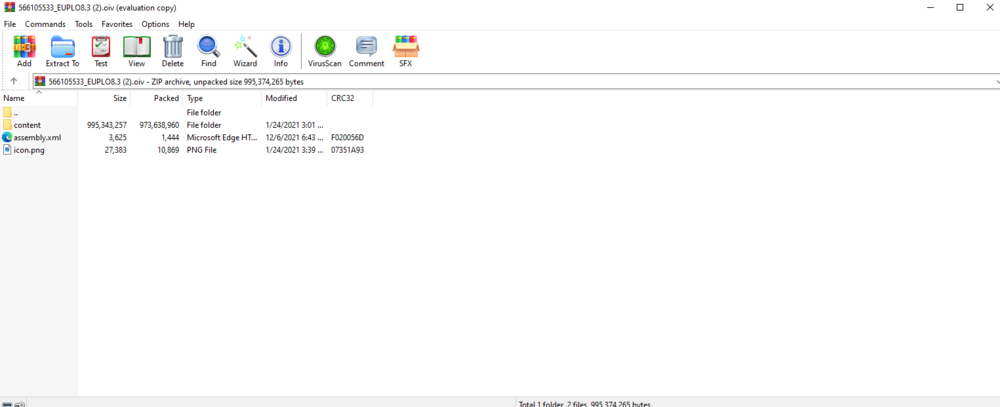
Idk if this the correct place to post this but I kinda need help I had to restart my mods folder bc I added a gun and I fg which one it was... I'm trying to download EUP but I remember it being a piece of paper where I just drop in OIV but when I downloaded it this came up and idk which one to drop in OIV... Could smb help me out -Many thanks for considering my request. This is also with Serve and Order.
-
When I do f4 and force duty lspdfr dll crash I downloaded rage native and script hook And for some reason my eup doesn't load up here's my log Thanks in advance RagePluginHook.log
-
I did that it only gave me the one box one
-
Can you drop the link to pay and download it? The one with the 3 boxes
-
I don't see a ytd I only see a dds
-
Ohk so if you don’t update your gta because your waiting on rph to update how are yall still playing lspdfr? Cause I really wanna do sheriff patrol tn
-
so basically redownload lspdfr?
-
I loaded it normally, and it loaded as it usually would. I seen Franklin but it was like a dark screen over it then it kicked me back to my desktop. I didn't even have time to launch rph. 7 secs max is when it kick me out to desktop
-
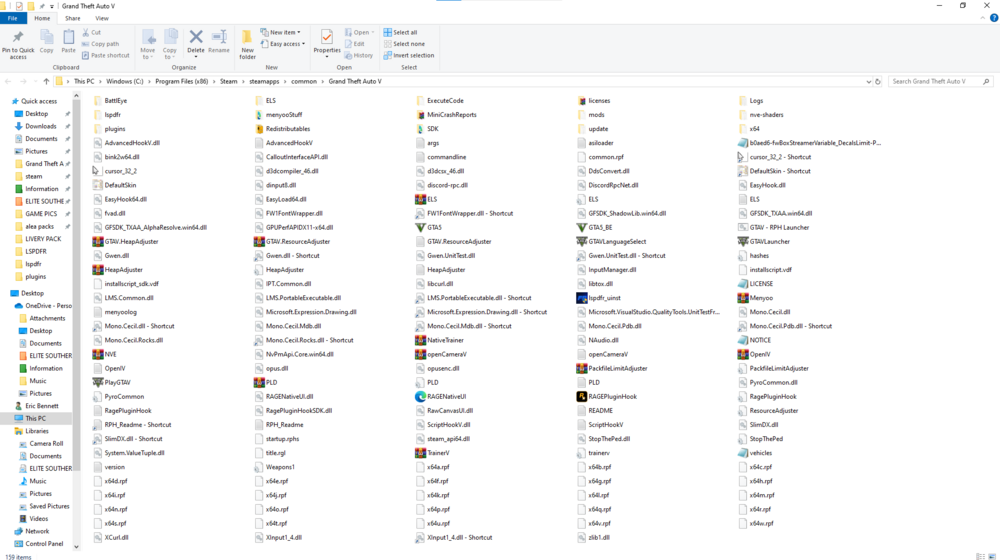
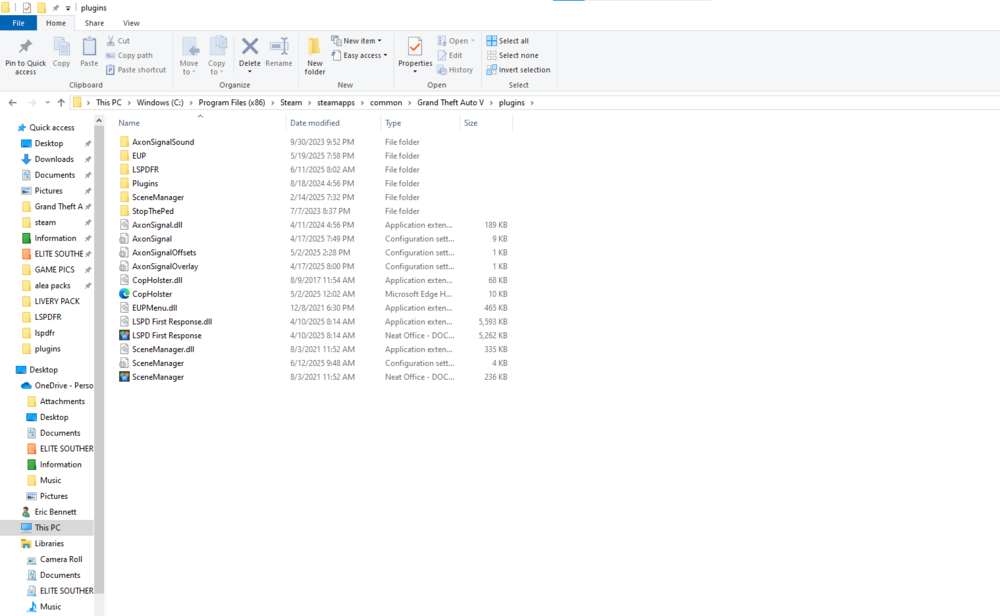
Here is my directory, and Plugins
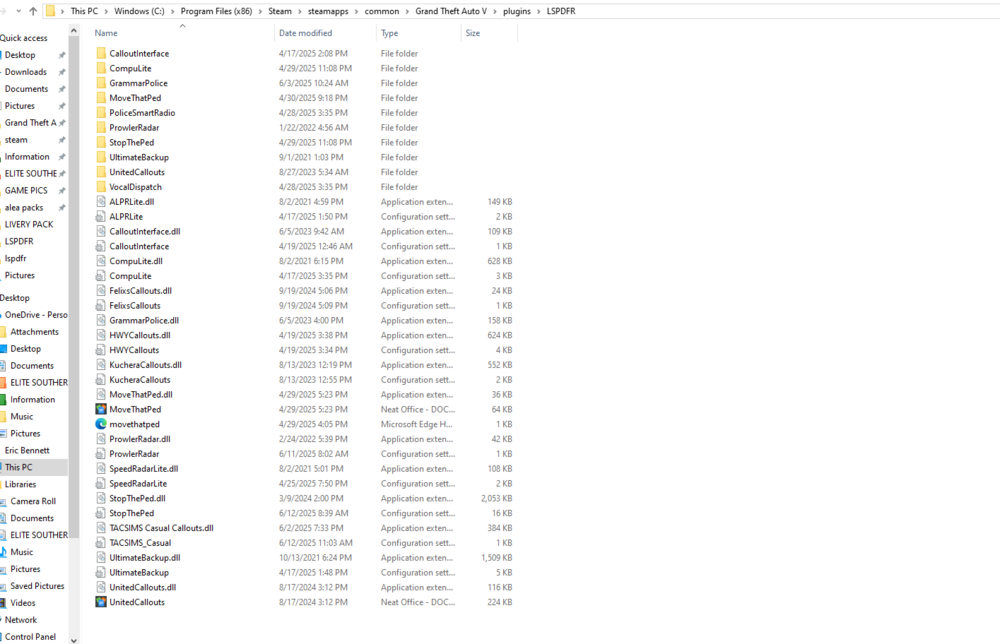
-
-
When I load the game, it'll run normally, then when it's time for the loading screen (loading default character), before it even gets there, it kicks me back to the desktop screen. I went through some comments to see if that would help, and so I renamed my mods folder to '_mods' to see if it was any of my mods. It wasn't; it kicks me back to the desktop.
-
Update #2~ When I go on OpenIV and try to look at one of my vehicles, a message pops up saying "Error loading file, probable file is corrupt." I deleted them and tried relaunching, but the same problems keep recurring.
-
 Do this pack still work cause my open iv says corrupt game file
 -
Update~ I just renamed my mods to _mods to see if it was any one of them and it wasn't cause the game don't load up here's my rph RagePluginHook.log
-
thank you, could you respond to my other problem
-
I just installed a new car pack or wtv and deleted my old one but now when Iaunch the game it'll give me the option to click play with rph but like soons the loading thing stop loading to my spawn default character (Franklin) the screens goes black and the game doesn't launch... will somebody help me? PLEASE This the carpack I installed
-
Do I need the InputManager.dll because somebody said it was out-of-date, and I don't want to crash my game? But every time I launch the game and try to load the plugin through F4, it says I need it. Should I download it?
-
None of my vehicles are leo vehicles are spawning and when type them through the f4 menu it still don't pop up. (Only default vehicles)
-
How do I get the compulite with the 3 boxes I already have the one by bejoljo