puffy skate
Members
-
Joined
-
Last visited
Everything posted by puffy skate
-
-
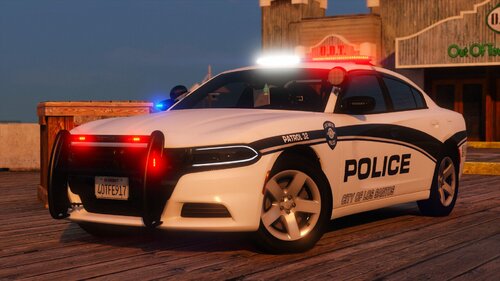 been rockin this for a bit and as always 🔥
 -
 Does anyone know of any issues that could cause the cursor on the editor to stop working? Mine quit working a while ago so I just kinda stopped dealing with it, however I would like to fix it if possible.
- 477 comments
- 73 reviews
-
 It still works for me
 -
 I hope to see further improvements of this amazing vehicle pack. it has its bugs, but I am sure you'll put them back in the shop and fix em!
- 300 comments
- 22 reviews
-
-

- 1
-
-
 as always fire release, do wish there was a marked version of the RAM but hey, still an awesome pack!
 -
still looking for input on the issue
-
Now I am no pro at reading RagePluginHook Logs however to my knowledge standard practice is PluginThreshold to be 60000 (Max Value). If that doesn't work the only thing I see on here is a AccessViolation [5/15/2024 7:11:35 AM.007] LSPD First Response: Exception type: System.AccessViolationException [5/15/2024 7:11:35 AM.007] LSPD First Response: Exception message: Attempted to read or write protected memory. This is often an indication that other memory is corrupt. So I did a quick search and it's saying it's due to outdated plugins, or RageNativeUI is outdated, or your AntiVirus is blocking it (according to another LSPDFR Support Post), did you install anything else?
-
So I had LCPDFR working but had to ALT + F4 because ELS was glitching (invisible light bar issue) and I wouldn't load into the station however now when I try to load I get an error for the LCPDFR Loader and my log returns this: If anyone could point my in the right direction to fix this, I'd appreciate it, I just bought GTA 4 yesterday for LCPDFR, and it sucks that I had it working and now I got this issue.
-
-
 Big fan of this always makes me a little more scared of traffic stops and gives them other possibilities.
- 235 comments
- 32 reviews
-
-

- 1
-
-
-
 This is truly awesome! I've been using it for a few weeks now and it truly does give me something else to do and look out for. I get less bored.
- 297 comments
- 17 reviews
-
-
-

- 2
-
-
-
 any news on a potential update? I really enjoy this mod and would love to see the new stuff you've still been able to create!
- 60 comments
- 8 reviews
-
-
sorry for my late reply, the only thing I can think of from your log is to increase the timeout threshold value as high as you can. I don't know anything else if that doesn't work.
-
Did you validate or completely redownload GTA?
-
A few more ideas. Make Rage run as administrator (I got to do this sometimes) or restart your computer (sometimes can fix it, for me at least). You can also try launching GTA then running RagePluginHook.
-
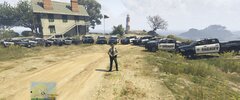 where'd you get the vehicles in the BCSO Fleet? They look sick!
 -
They are all in an outage currently, refer to:
-
-
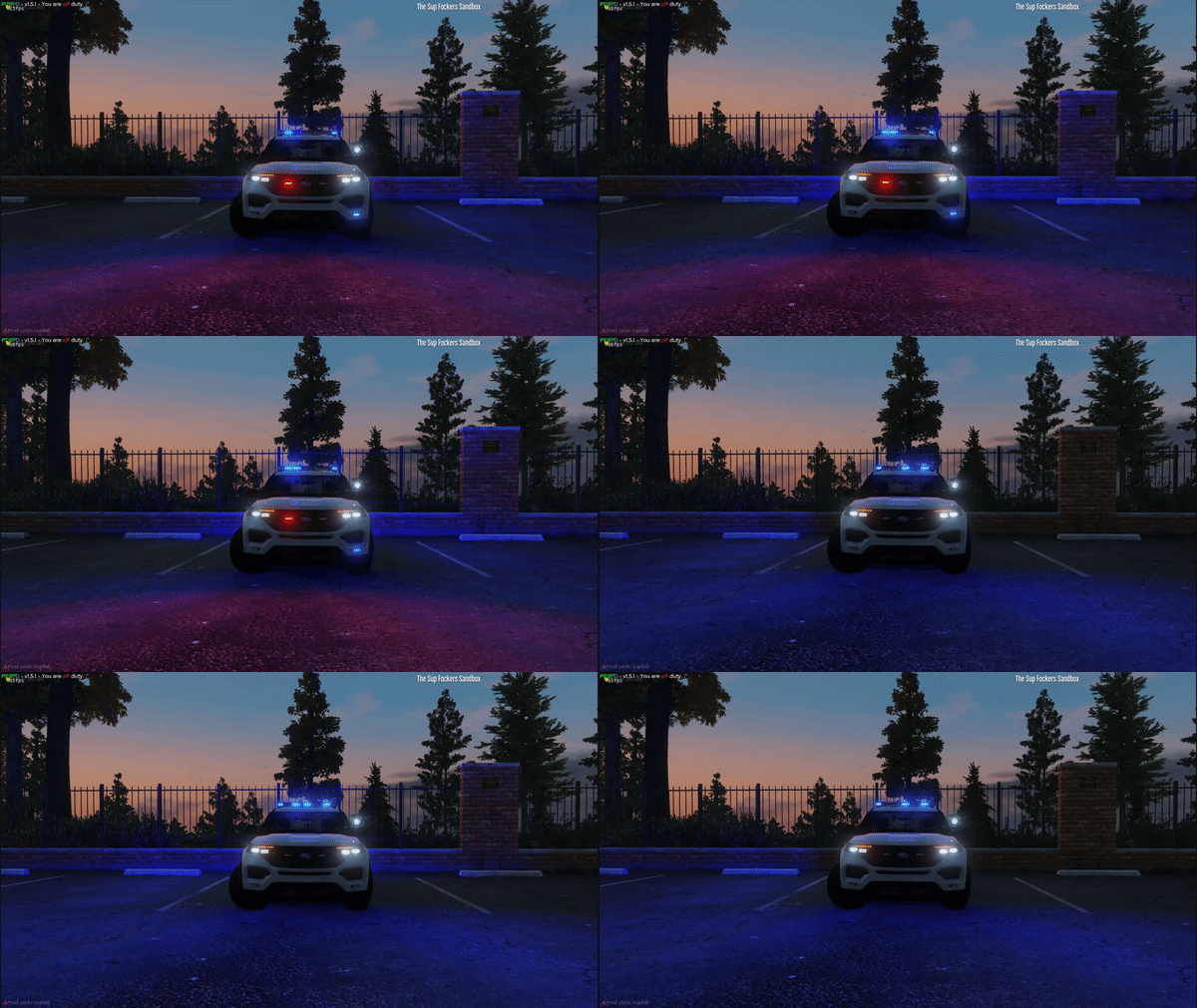 update on your 21 Tahoe idea?
 -
 Badges were really nice just overall awesome!
 -
This is awesome! Keep up the good work!

.thumb.jpg.68046a4b42381bd4f48080c95d5bcb9a.jpg)