
Bubbles123
Members
-
Joined
-
Last visited
Everything posted by Bubbles123
-
-
-
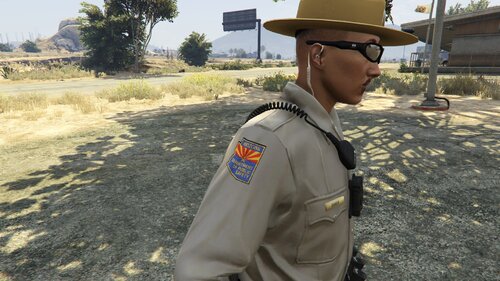 Will do, I'll continue using the ped :)
 -
Where do the textures go? There's no instructions in the read-me whatsoever
-
-
-
-
.thumb.png.68ea202da8c3598b60b46d4a8be9f14a.png) That I will :) You should make a 15+ Charger skin too
That I will :) You should make a 15+ Charger skin too -
Thank you! Been waiting for this
-
-
-
-
-
-
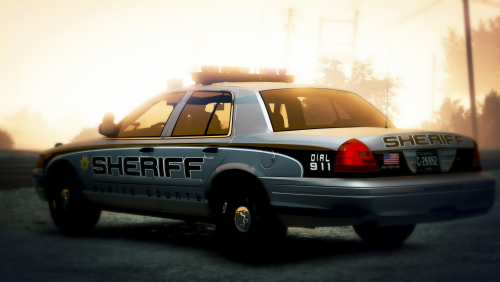 I think I found the ram: https://gtapolicemods.com/index.php?/files/file/237-2017-ram-1500-slicktop/
- 16 comments
- 4 reviews
-
-
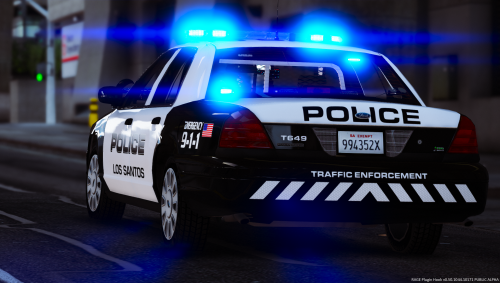 The title is of this page for the mod is very misleading. I clicked on it thinking that it's a car pack since it says "ELS Version" to find it's just a skin pack....
- 40 comments
- 10 reviews
-
-
-
-
-
-
-
-



.thumb.png.68ea202da8c3598b60b46d4a8be9f14a.png)
.thumb.png.7077fe28b2e70f02de2f08f22d609d5f.png)