


LtSnoDawg69
Members
-
Joined
-
Last visited
Everything posted by LtSnoDawg69
-
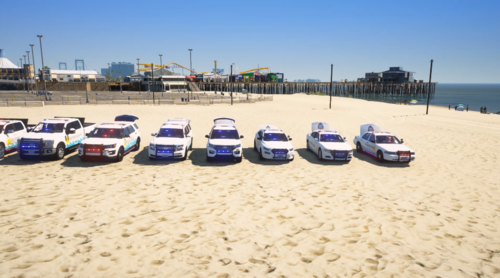 Just a heads up for those who play SP like me, download lenny's mod loader from this site if you want to convert some Fivem made vehicles into single player. The mod authors themselves who make these types for FiveM only will not know how to convert them to SP. Plus I'm pretty sure it would take a long time to do so.
- 15 comments
- 1 review
-
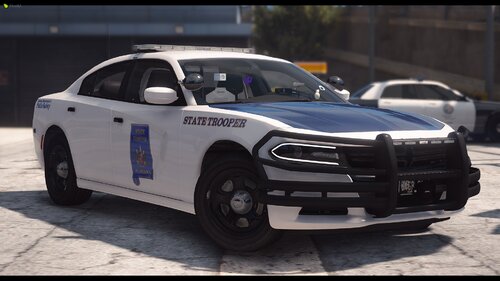 Dude there is no rush into getting this big pack done, things take time, so go ahead and take your time, make sure everything is top notch. If anything doesn't seem right, then triple or quadruple check it. I am one of those who has no time to waste, and I can wait until this pack is complete.
 -
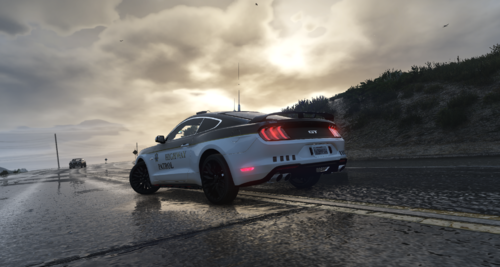 Actually you're wrong, you can convert this to SP by using LML aka Lenny's Mod Loader.
 -
-
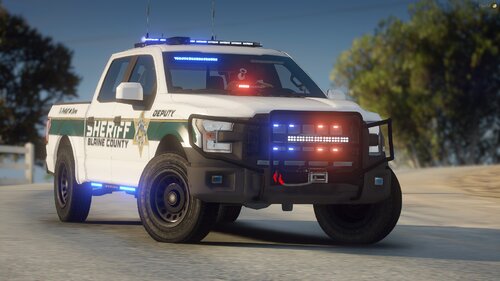 I ain't paying you anything, downloaded mods should always remain free.
 -
 He specifically said in his info that he will not answer questions.
 -
 Resource files go into resource folder, vehicle files ie, ytd and ytf go into the stream folder, meta files go into the data folder. Then boost up the server and type whatever the command line is for spawning your mod vehicle.
- 14 comments
- 3 reviews
-
 But that's why there are so many lazy people out there.
 -
 Some like non-els more than els, nothing worth crying about.
 -
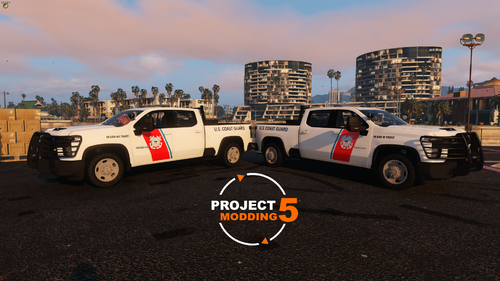 Oh just google rednecks valor pack, but you'll have spend between 15 bucks and maybe close to 100 bucks.
 -
Mods should always be free and not have paywalls put behind them, it's how Bethesda does with their mods.
-
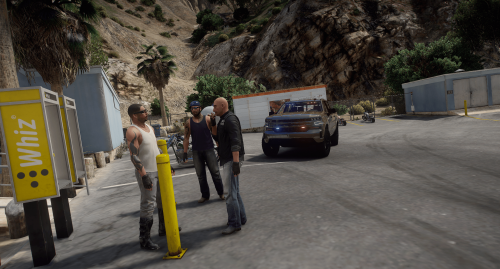 That's because you can find another livery for this certain truck somewhere and just replace the skin. I just open the ytd with openiv, then delete the default truck skin, and voila no more lines.
 -
We need something like this as a callout in lspdfr.
-
 Everytime I download vehicle mods and follow everything the readme indicates including the description on here. My game never crashes like at all.
- 159 comments
- 10 reviews
-
-
.thumb.png.b11be8a4080ca8803ea924dd1f37ca7d.png) Anyways, I love this pack a I have no problems with it whatsoever. Keep up the great work.
Anyways, I love this pack a I have no problems with it whatsoever. Keep up the great work.- 50 comments
- 2 reviews
-
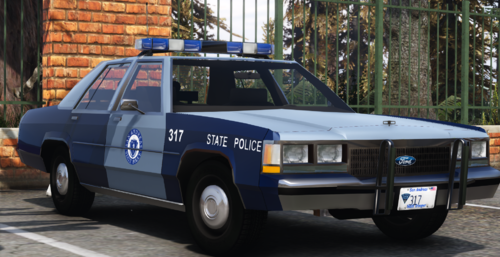 Basically to get the lights working like in the video, do a lot of editing of the carcols and carvariations to find the right numbers. Doesn't seem all that hard to do. And if all else fails, ask a librarian.
- 38 comments
- 1 review
-
-

- 1
-
-
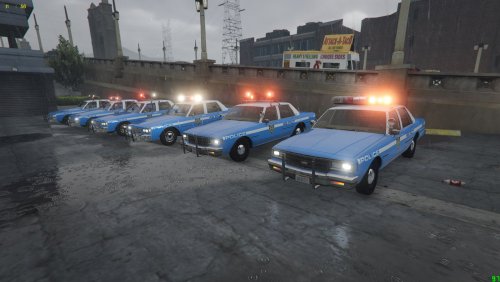 So I downloaded this and put it into the dlcpacks folder, once I loaded up the game and spawned one of the nypd cars, the lights actually worked without ELS. They were rotating nicely.
- 37 comments
- 2 reviews
-
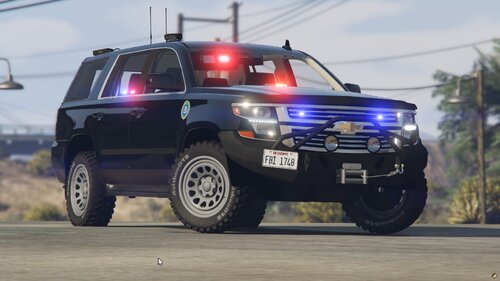 Would you be able to create a 2003 GMC Sonoma SLT, if i gave you pictures of mine?
 -
I can easily spawn the Tahoe but not the GMC. Even when i type FBIGMC manually in the search box, nothing shows up, I just get an error "Can't load model". I also try GMCFBI and nothing.
-
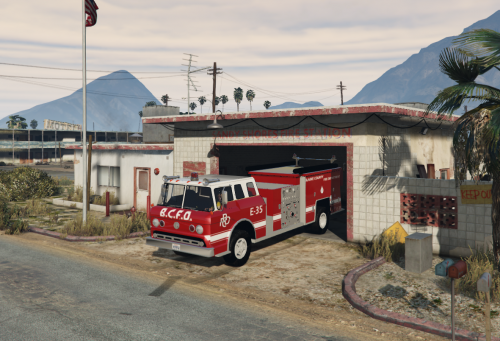 Looks like nobody got back to you at all, what you need to do is download LML or Lenny's Mod Loader on this site. Then once the download is done, put all files inside the zipped folder(at the bottom a file should read "Put all these files in the main GTA V directory), the Mod Manager can go anywhere but I would recommend putting it in your GTA V directory. Now, load up Mod Manager, go to the "View past and current downloads" tab, then go back to the 1975 ford c900 engine non els template file page, click on the Green button that says Download via Mod Manager(Contribute an LML install.xml) which means it will be downloaded and installed via the Mod Manager(Lenny's Mod Loader). It will take you to the countdown page that counts 5 seconds, once it reaches zero, the download will begin in your mod manager, you can click on mod manager to see the file downloading. Wait till it says Installed - Automatically Converted, then the file has been installed in the single player portion of the game. Load up gta v, wait till the loading screen is done and one of your main characters shows up. If you have simple trainer or Enhanced Native Trainer(i like this one best, lot less clutter), but never use menyoo trainer. For ENT, go to the Vehicles section, then to Spawn a Vehicle, then go to the third page where you can manually spawn a vehicle. Choose that option, then type in the vehicle's name which would be ward, wait to see if you spawn into the vehicle or if it spawns in front of you. If it does then it worked, if it doesn't then lmk.
- 11 comments
- 3 reviews
-
-

- 1
-
-
Keep playing on your xbox one, save up some money to buy a cheap gaming rig, then save up some more money to buy better parts till you have the kind of pc gaming rig you like. Then buy this game off of Steam(a program where you can buy pc games). Also to answer your question, there are no support and never will be for mods on consoles except for Farming Simulator games, but they have modhub for that. I mean if modding ever does come to console, a lot of those who can't afford gaming rigs will be extremely happy. But it would only be for the sp portion of the game, just imagine if FiveM was made for consoles.
- 11 comments
- 3 reviews
-
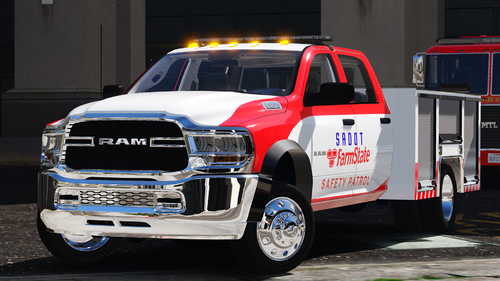 Always wondered why Dodge Rams look so dang sexy. I mean Ford F150 are good looking, GMC Sierras are decent looking.
 -
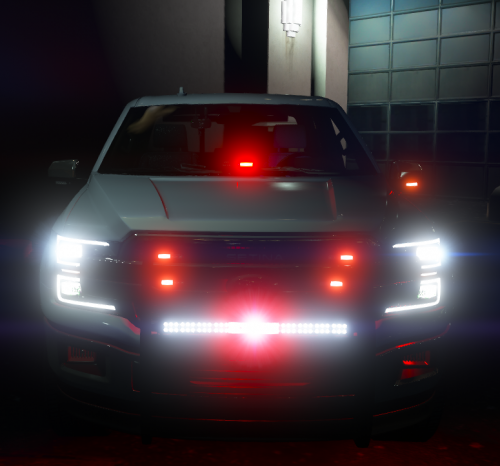 Pretty sure you've heard of Lenny's Mod Loader or LML? That plugin itself can convert alot of FiveM vehicles into SP, but sometimes the light settings, siren settings get all mixed up. Doesn't take long to edit the metas to fix the lights and sirens. Now I only download Non-ELS FiveM vehicles, and once I have LML in my gta v folder, I open up the Mod Manager, then I press the green highlighted button that says "Download with Mod Manager(Convert from FiveM)" green button, underneath the blue Download button. Then it takes you to the next page where it shows you the countdown of 5 seconds, while this is happening, make sure Mod Manager is open, then you can take a look at the downloading section of Mod Manager to see if it's still downloading or if it's finished. Now on the downloading section of the program, you'll see something like "Automatically load into running game" I usually have this ticked off until the game is running, then I Alt-Tab to the program, tick the option and go back to the game. Now all you need is either Simple Trainer(whatever it's called) or Enhanced Native Trainer that you can get at gta5-mods dot com. Pretty sure you know how to get that running, so once in game, open the Trainer by either pressing F4 or whatever keybind you chose, go to the Vehicles section, then Spawn a vehicle, then go to the third page and you will see Enter something manually. Once the box shows up to enter the car mod's name, sometimes the name will be different than the folder it's in, so go into the folder, all the way into stream(this is where the yft and ytd files are) but you only need to type in carname.yft into the box in the game. Once you've done that, you'll either spawn into the vehicle or get an Error that says "Can't locate/load carname". This sometimes happen with downloaded files, even though you know you installed them correctly, did everything right, and yet it still won't load up properly. My guess is it's GTA V's newest update/s that are conflicting with it, I miss the old days where you could just download any modded vehicle, throw it in the mods blahblahblah folder, and be done with it. Go into the game, spawn the vehicle, and boom there it is. But now the whole dlclist b.s., changing vehicles/carvariations/carcols meta/ymt/xml files which always somehow screw up your game, then you get an error and a ctd.
 -
 Little late here, but it's your right to suggest that.


.thumb.png.b11be8a4080ca8803ea924dd1f37ca7d.png)
