LtSnoDawg69
Members
-
Joined
-
Last visited
Everything posted by LtSnoDawg69
-
-
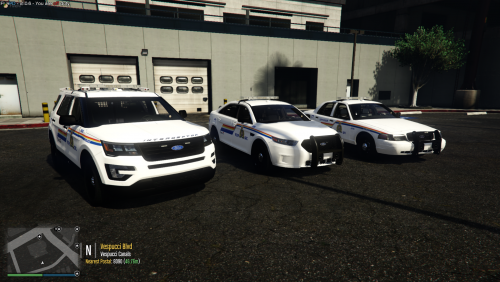 Since I am from Canada, I absolutely love this pack and any other rcmp packs out there. One reason why I download these is to support my fellow Canadian modders.
- 18 comments
- 2 reviews
-
-
My best bet would be is to get rid of nve, and download Radiance V which is on this site. Radiance V is way better and way more stable.
-
-
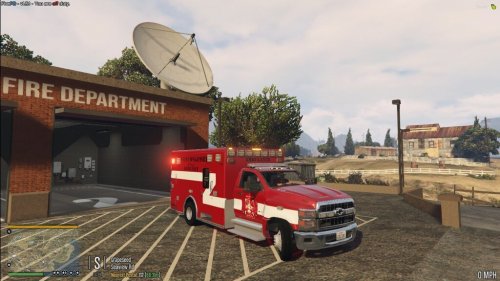 Why don't some people just read the credits to see who made the original models?
 -
 You guys need to stop asking for an ELS version, I am pretty sure Gump would've made one by now. Also, when I saw my older comments, I should've known that's how it was made. Also for those having tint issues, just download Enhanced Native Trainer from gta5 hyphenate(-) dot com.
- 117 comments
- 28 reviews
-
 Some people are just blind, they immediately click download without reading the description or realize what category they're in.
 -
Did you put NVE in the plugins folder?
-
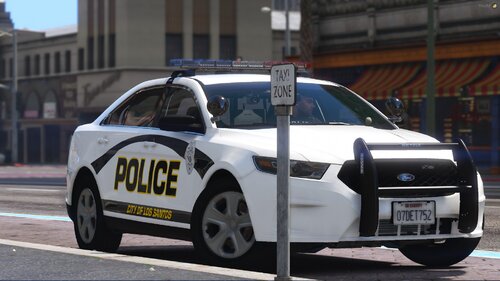 Just gonna use this as a replacement in sp of gta v. Will come back and let you know how it worked out.
- 7 comments
- 1 review
-
 READ THIS; https://gtafanon.fandom.com/wiki/Ludendorff and this https://askingames.com/where-is-north-yankton-in-gta-5/. Also these 2, https://gta-myths.fandom.com/wiki/North_Yankton.
- 15 comments
- 1 review
-
Look it up on google, it will tell you that it is in fact based off of Fargo, ND.
- 15 comments
- 1 review
-
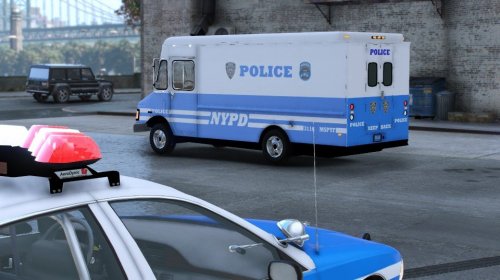 Gonna replace this with the boxville, then figure out how to get the sirens working by trying to locate the vehicles.meta for the boxville itself. If it works, I'll come back and let you know, as well as if it doesn't.
- 15 comments
- 1 review
-
-
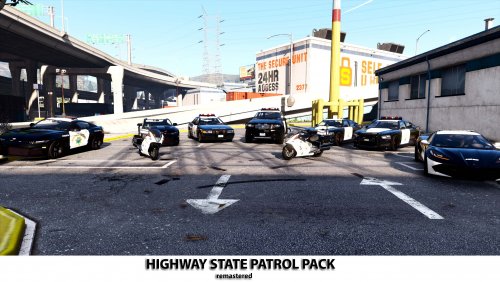 That's your main problem, MENYOO. Delete it, get rid of it, use enhanced native trainer or simple trainer, they are way better and way more up to date.
- 35 comments
- 2 reviews
-
I somehow got them to spawn now by removing the mods folder in my gta v directory. Something in the mods folder was conflicting with the models. Anyways I will delete this.
-
Could just set your texture settings to normal in the in game options menu.
-
Yeah menyoo isn't exactly the best trainer like ever. You're better off with Enhanced Native Trainer.
-
Go to Bejoiji's site and there are some plugins there that are updated.
-
-
So what I did was deleted everything I had in the mods folder, among other stuff I added to the gta v root directory. Then launched the game again, and it corrected itself to 2699 online 1.61. So I had to re download everything from scratch.
-
Umm still having a problem downloading, I mean I was able to download well before midnight. Could midnight be the culprit time?
-
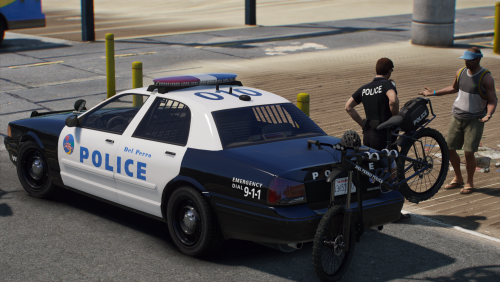 Quick question, the bike on the back of one of the cruisers, is that a paid model?
- 44 comments
- 4 reviews
-
My main problem now is whenever I launch the game, i noticed the build says 2628 online 1.60 even though I did update it to 2699. Then it crashes to desktop, guess I'm going to have to redownload all my plugins, mods, car mods, addons, eup stuff, delete my mods folder, and start over from scratch. I was actually happy with being disconnected from the internet without having to update the game. I could've just stayed offline.
-
I think I'm gonna give it a shot to see if it occurs with me. I'll come back and give you an update.