
Matthew686
Members
-
Joined
-
Last visited
Everything posted by Matthew686
-
-
this is topic telling you to show off! lets see some of those sweet builds! my pc specs!
-
i noticed that both of yours plugin threshold is at 10000. This is very low, try putting it up to 60000 and try again this can be found at general page of RAGE settings. Make sure your RAGE settings is loading all plugins on start up (check the little box box that says (reloadallplugins) in plugin tab.
-
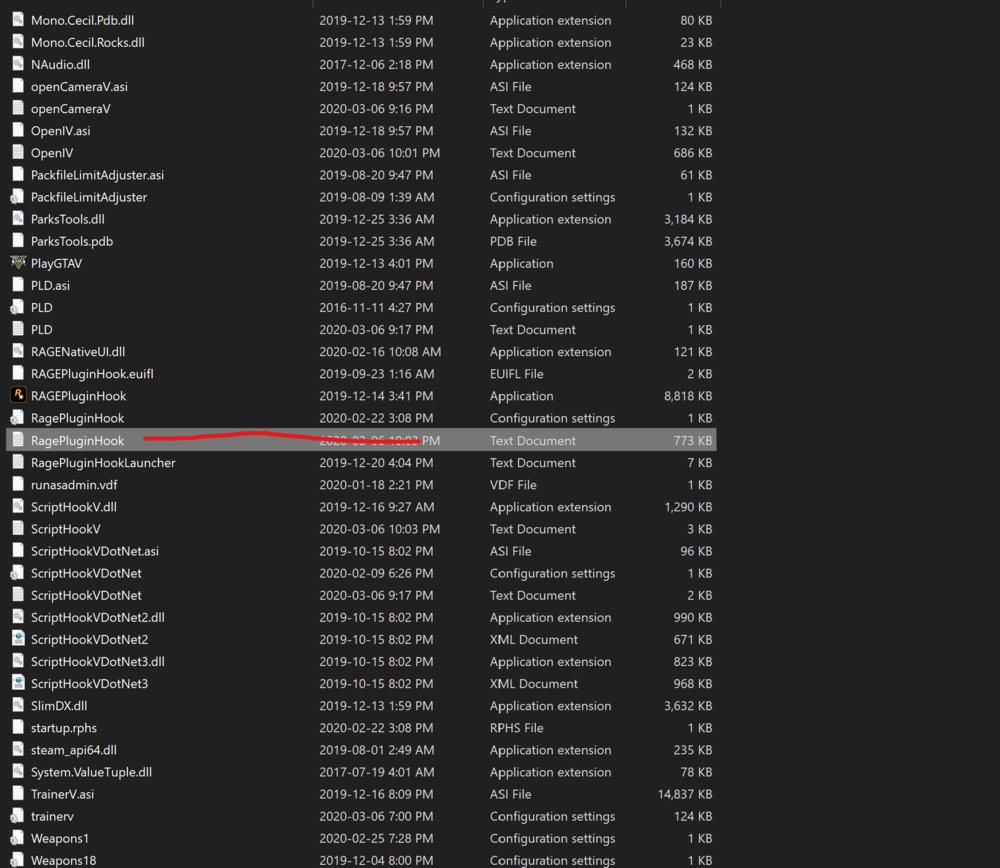
if you have a antivirus when you launch the game using RAGE turn off the antivirus so it can hook. Another way is to launch GTA( without rage) and when it goes to the main start up screen then launch RAGE. Can you post your ragePluginHook log?
-
I can help with this as well if you want @Micka17
-
yes you might even be able to run at ultra settings! just look at benchmarking on youtube!
-
its not bad! in my opinion i would get a 32gb ram kit for more short term memory. but its all up to you its your pc! but for 925 its really cheap and they sometimes cheap out on your MB. also again up to you, i would a 500gb+ ssd to run games off of for faster loading times!
-
unfortunately no but i can make you a custom made file! i'm actually almost done and thinking of releasing it today! i'm just working on some more tuning.
-
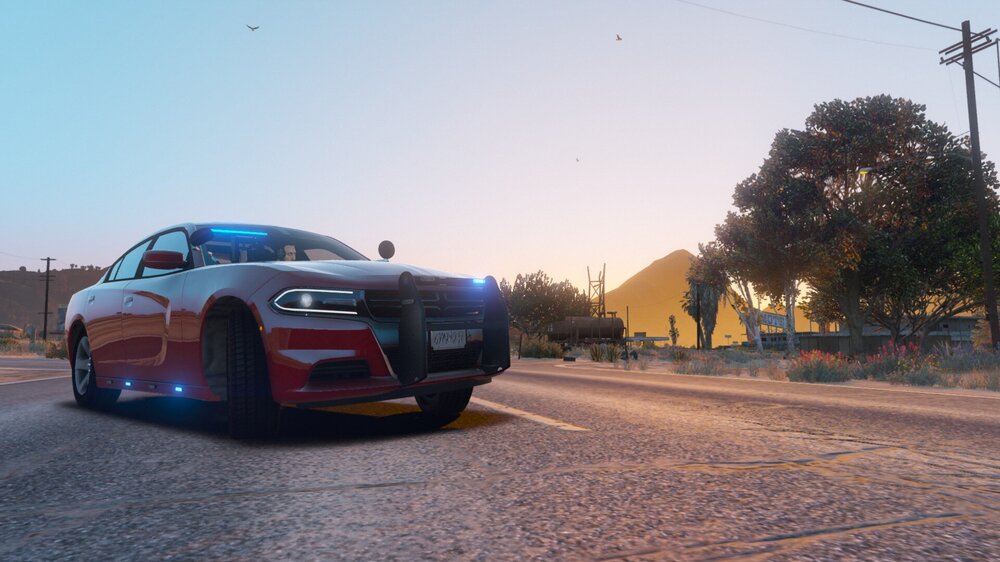
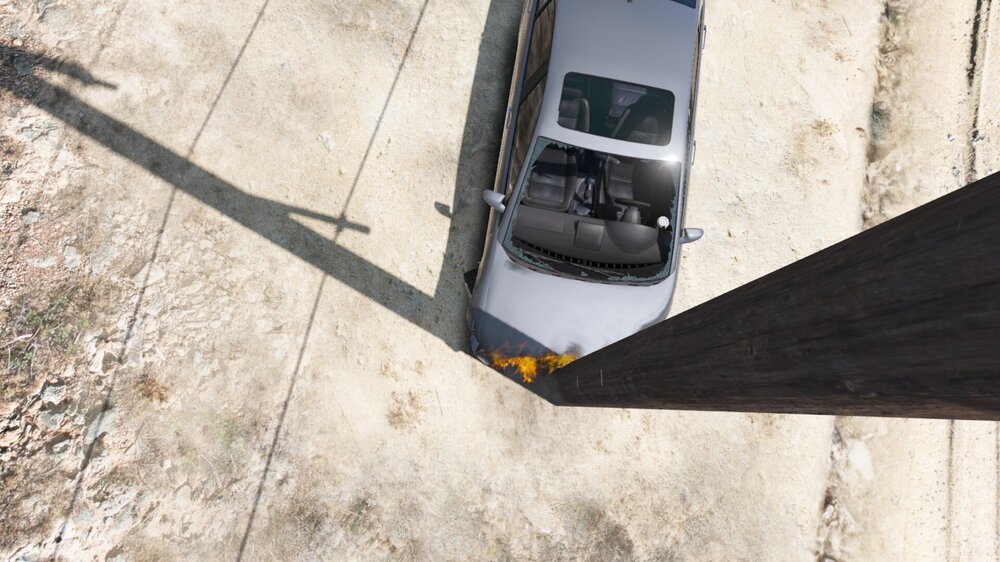
let me ask you a question! when you have a pursuit and the purps car hits a barrier at 100 mph and the engine is fine and the car is a little bit dented do you hate that? like come on GTA! well not for long! this mod is going to focus on real life engine and handling physics so when a car hits a barrier at 70 MPH the engine is tost! and the front end in crumpled in! this mod is also going to make cars handle like real life! as well as, all cars have real top speeds and the real amount of gears. all the handling lines are based off of real cars and this mod doesn't only focus on police cars but it also focuses on civ cars as well! so pursuits are a lot more realistic! If you have any questions please feel free to comment! this mod has been discontinued, sorry for the inconvenience
-
-
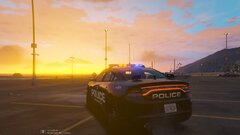
From the album: keeping the streets safe!
-
-
 you can download the mvga version because they look the same and it wont change how our game looks.
- 110 comments
- 20 reviews
-
What I can do is make you a custom made better radiance file and pm it to you😁
- 110 comments
- 20 reviews
-
-

- 1
-
-
-
-
yeah i have that same issue here with the exact same wheels so i can't help you on this one lol. but you could try to reinstall them 🙂
-
hello do you mod any metas? also can you post your rage log located in your directory? 🙂
-
the lspdfr+ traffic stop menu is the same keybind as stock lspdfr. yout can go into lspdfr+.ini and change the keybinding for it 🙂
-
alright bro you asked for it
-
i see your plugin threshold is set at 10000. that it low please set it to 60000 and try again 🙂
-
hey, i looked into you log and i could see its a possible gameconfig issue please download these and try again. https://www.gta5-mods.com/misc/gta-5-gameconfig-300-cars https://www.gta5-mods.com/tools/heap-limit-adjuster-600-mb-of-heap https://www.gta5-mods.com/tools/packfile-limit-adjuster 🙂
-
do you have lspdfr+? 🙂
-
try setting your plugin threshold to 60000 but first like a stranger said make sure its all updated 🙂
-
hey, i see your plugin threshold is at 20000 change it to 60000 and try again