



Gary Connor
Members
-
Joined
-
Last visited
Everything posted by Gary Connor
-
 Do you mean the chattering audio in the video? This is made by Khorio.
 -
I already fix two audios that are not complete. In the next version I will add the voice of the last police officer.I already fix two audios that are not complete. In the next version I will add the voice of the last police officer.
-
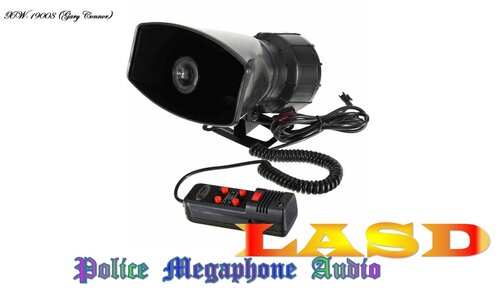
Hello guys, this is a single (LASD)Police Megaphone Audio. I made this LASD megaphone audio, this audio will replace original LSSD megaphone audio. If you want to play real Los Angeles in GTA5, maybe you need this audio. But my audio may have an accent, I will try my best to solve it later. If you are not satisfied with this audio, please leave a message in Comments, I will fix the bug, in the future version. For the mod in my show video that was made by other authors, the file I posted does not contain this mod, only the awc file I made myself. ▲But you need remember: In LSPDFR&YouTube my name is Gary Connor, in Twitter my name is Gary Connor★, and in 5MODS my name is XW-19008. Don't confuse my name, lol▲ =========================================================== 1.INTRODUCTION: I brought the LASD megaphone audio to everyone (- audio in the car megaphone -) You can go here to download "Police Megaphone"script: https://www.lcpdfr.com/files/file/20204-policemegaphonevariety-additional-police-megaphone-yelp/ =========================================================== 2.INSTALLATION: (Use OpenIV): x64 → audio → sfx → S_FULL_SER.rpf ▲Replace:s_m_y_sheriff_01_white_full_01.awc▲ 【Note: It is best not to change the name of my audio file and replace it with other audio files. In case you have done something that can't be reversed, you can only delete the Mods folder, I can't help you.】 =========================================================== 3.MORE: | YouTube Channel: THAT's GARY | Bilibili Channel: X-Gary-W | Discord: https://discord.gg/pevv6fG | Twitter: @THATsGARY_xw | Facebook: Gary Connor (Thats Gary) | Instagram: garyconnor_xw | Reddit: GaryConnor_xw | 5Mods: XW-19008 | Steam: THAT's GARY | Tencent QQ: 2406746773 | WeChat: THATsGARY ★About Police Megaphone Menu Script★
-
-
-
-
-
Yeah, I know. Many scripts and plugins do cause a serious drop in the number of frames.
-
 Default G is key, if it doesn't work, maybe you not install script hookV. I guess. Or you need change the key, in ini.
- 72 comments
- 10 reviews
-
 Simple and interesting, nice work. 😄
 -
-
Nice work! But I hope that you can update the actual effect of the megaphone in future versions, which will be even better. Thanks!
- 72 comments
- 10 reviews
-
 I don't know why, I put everything in there, but the partner can crash my LSPDFR.
- 542 comments
- 98 reviews
-
 Very nice work, especially is improved Pursuit AI, I very like it. Similar scripts used before have serious frame loss problems.
- 1,178 comments
- 137 reviews
-
.thumb.png.da31fac1cdbed476577a0aaf4ab60f16.png) It will crash my LSPDFR too, I know that there are many people who have encountered this problem, so this problem is very serious.
It will crash my LSPDFR too, I know that there are many people who have encountered this problem, so this problem is very serious.- 156 comments
- 25 reviews
-
I also heard a lot of people say that when they started using LSPDFR, they didn't install any other plugins, script and callouts. When the LSPDFR mode was started, there was a noticeable decrease in the number of frames. And obviously, this is not a problem with the computer configuration.
-
Looks good. But I hope... that version 0.4 can fix more bugs, such as: serious dropped frames in LSPDFR, prone to crashes and so on.🙃
-
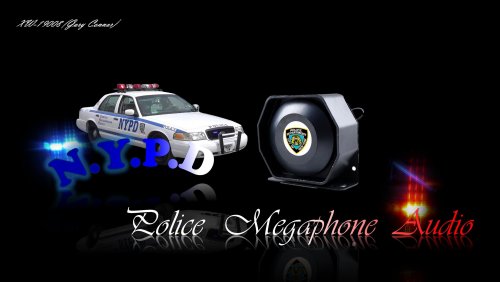 For the accent problem, I have tried to alleviate it in this NYPD audio, I hope it will be better than LAPD.😎
 -
Hello guys, this time I made a NYPD police megaphone audio. If you are not satisfied with this audio, please leave a message in Comments, I will fix the bug, in the future version. For the mod in my show video that was made by other authors, the file I posted does not contain this mod, only the awc file I made myself. ▲But you need remember: In LSPDFR&YouTube my name is Gary Connor, in Twitter my name is Gary Connor★, and in 5MODS my name is XW-19008. Don't confuse my name, lol▲ =========================================================== 1.INTRODUCTION: I brought the NYPD megaphone audio to everyone(-audio in the car megaphone -) You can go here to download "Police Megaphone"script: https://www.lcpdfr.com/files/file/20204-policemegaphonevariety-additional-police-megaphone-yelp/ =========================================================== 2.INSTALLATION: (Use OpenIV): x64 → audio → sfx → S_FULL_SER.rpf ▲Replace:s_m_y_cop_01_white_full_01.awc▲ 【Note: It is best not to change the name of my audio file and replace it with other audio files. In case you have done something that can't be reversed, you can only delete the Mods folder, I can't help you.】 =========================================================== 3.MORE: | YouTube Channel: THAT's GARY | Bilibili Channel: X-Gary-W | Discord: https://discord.gg/pevv6fG | Twitter: @THATsGARY_xw | Facebook: Gary Connor (Thats Gary) | Instagram: garyconnor_xw | Reddit: GaryConnor_xw | 5Mods: XW-19008 | Steam: THAT's GARY | Tencent QQ: 2406746773 | WeChat: THATsGARY ★About Police Megaphone Menu Script★
-
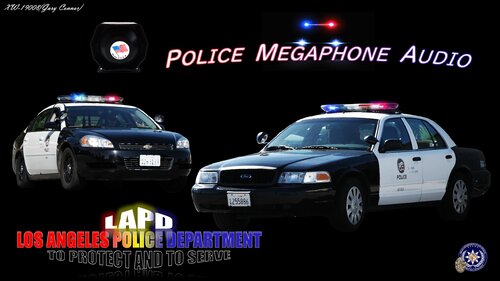 For the accent problem, I will optimize it in future versions. I will fix some problem in the next version.😎
 -
Hello guys, this is a single (LAPD)Police Megaphone Audio. I made this LAPD megaphone audio, this audio will replace original LSPD megaphone audio. If you want to play real Los Angeles in GTA5, maybe you need this audio. If you are not satisfied with this audio, please leave a message in Comments, I will fix the bug, in the future version. For the mod in my show video that was made by other authors, the file I posted does not contain this mod, only the awc file I made myself. ▲But you need remember: In LSPDFR&YouTube my name is Gary Connor, in Twitter my name is Gary Connor★, and in 5MODS my name is XW-19008. Don't confuse my name, lol▲ =========================================================== 1.INTRODUCTION: I brought the LAPD megaphone audio to everyone (- audio in the car megaphone -) You can go here to download "Police Megaphone"script: https://www.lcpdfr.com/files/file/20204-policemegaphonevariety-additional-police-megaphone-yelp/ =========================================================== 2.INSTALLATION: (Use OpenIV): x64 → audio → sfx → S_FULL_SER.rpf ▲Replace:s_m_y_cop_01_white_full_01.awc▲ 【Note: It is best not to change the name of my audio file and replace it with other audio files. In case you have done something that can't be reversed, you can only delete the Mods folder, I can't help you.】 =========================================================== 3.MORE: | YouTube Channel: THAT's GARY | Bilibili Channel: X-Gary-W | Discord: https://discord.gg/pevv6fG | Twitter: @THATsGARY_xw | Facebook: Gary Connor (Thats Gary) | Instagram: garyconnor_xw | Reddit: GaryConnor_xw | 5Mods: XW-19008 | Steam: THAT's GARY | Tencent QQ: 2406746773 | WeChat: THATsGARY ★About Police Megaphone Menu Script★ ★About v2.0 "Preview Video"★ ★About v3.0 "Preview Video"★
-
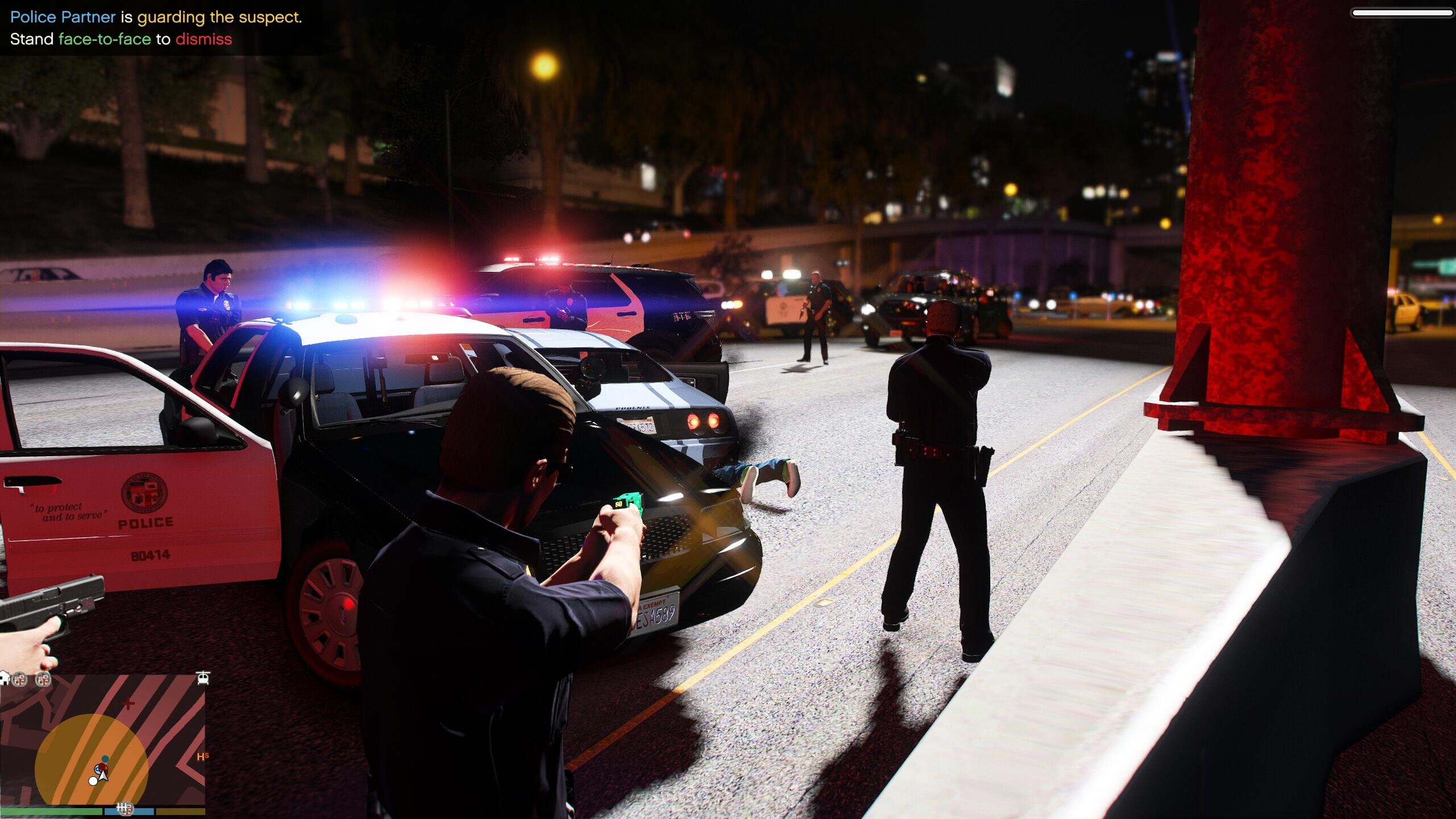
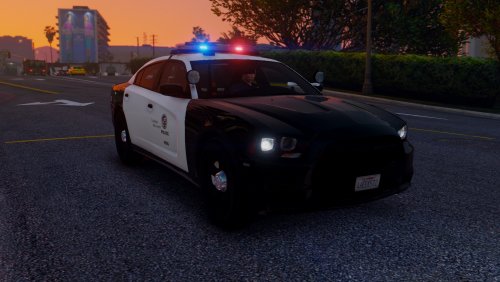
All Of My GTA5 LSPDFR Images In Here. Daily Patrol, Callouts, Scenery, etc. THERE'S ONLY IMAGES, AND IF YOU WANT TO WATCH THE VIDEOS ↓ ↓ ↓





.thumb.png.da31fac1cdbed476577a0aaf4ab60f16.png)

