bakerxgooty
Members
-
Joined
-
Last visited
Everything posted by bakerxgooty
-
 Screen shot it and show me, I have a few people say this and always ends up something user side. I will download the pack myself and make sure it's there.
- 23 comments
- 6 reviews
-
-
-
 I did with the one I have, unless you want to buy one and send me it to record there's not much more I can make. I'm honestly done buying sirens, I spent over $1000's buying and making these to just give people for free.
- 19 comments
- 5 reviews
-
-
 I actually did cut up all the priority tones in the RAW TONES folder. You just gotta swap out the "POLICE_WARNING" in the vehicles.oac.
- 35 comments
- 7 reviews
-
-
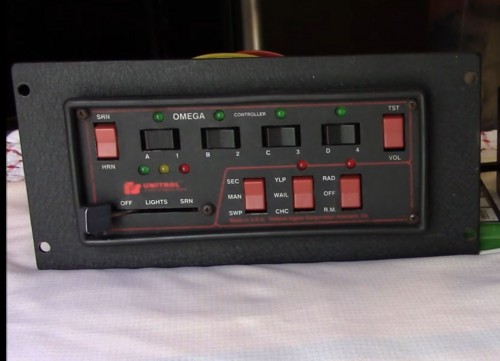
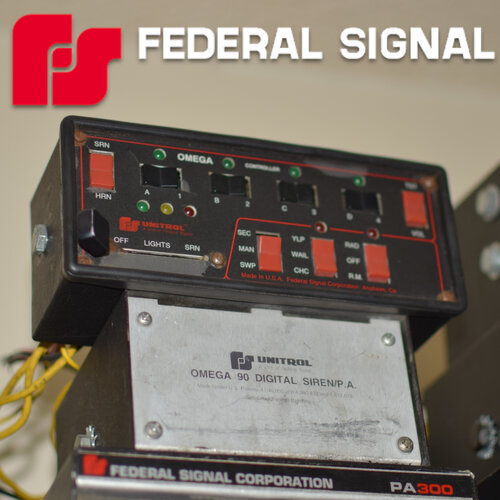
After searching for over 6 months daily I finally found a complete IRL Federal Signal Omega 90 Unitrol siren with the 8000 controller that I was able to purchase. This is the holy grail to my siren collection and want to be able to share it with you guys. This has been the hardest siren to find clean recordings of so I professionally recorded it through a federal signal AS124 speaker from a Shure SM57 microphone to give you the best quality Omega 90 siren imaginable. This is the same siren found on the older LAPD CVPI's as well as the gang unit and MANY more. A truly famous siren in the police world. This is my new main siren and hope you guys can enjoy my new baby 🙂 *No one is to redistribute my siren without contacting me for permission* Included: Both short and long priority sweep versions FiveM ready Vehicles.oac Raw Tones Instructions DEMO VIDEO: (Way Louder In Game) My Siren Used For The Sounds: LAPD Tahoe Using It:
- 35 comments
- 7 reviews
-
-

-

- 10
-
-
-
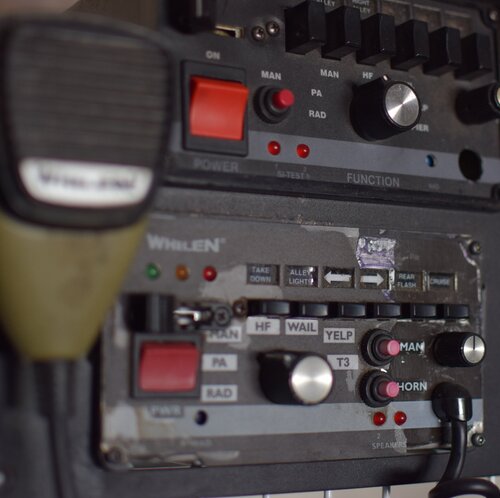 They're all just different updated versions. I kept the old ones in case someone liked the sound of those better.
- 25 comments
- 4 reviews
-
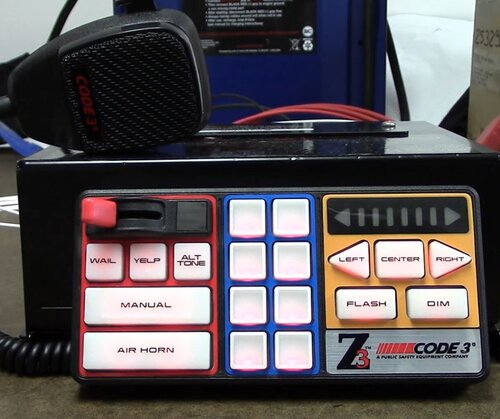 Lol possibly, it works for me and everyone else. I'm honestly not sure why it's showing that for you. Try re downloading it and trying again.
- 33 comments
- 5 reviews
-
I just re-downloaded it and the files in there. You might have accidentally deleted it or something. I saw someone have this issue before but it was something they did on their side.
- 33 comments
- 5 reviews
-
-
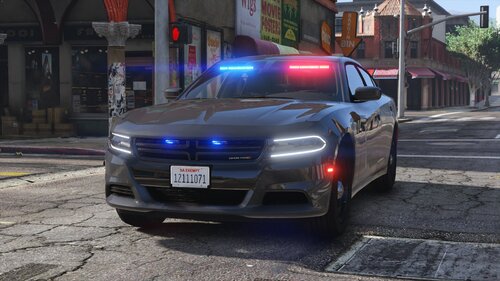 I've looked for a legit LAPD unmarked for a good while, this totally satisfies that craving ! I love it !
- 34 comments
- 14 reviews
-
-
- 1
-
-
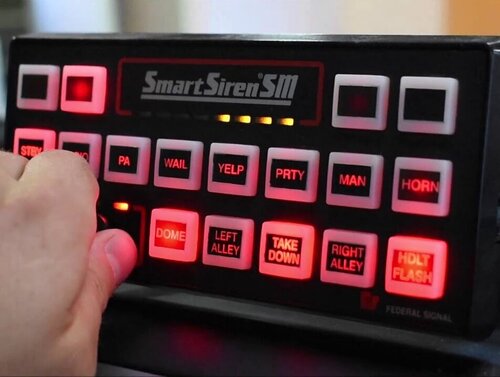 For sure, the mic quality and bit rate are a huge factor in the quality. That's what make's youtube video sirens so hard to make because they distort and clip easily. I have a whelen one as well I did in this way but not a saphire.
- 32 comments
- 10 reviews
-
-
- 1
-
-
I finally bought a Federal Signal smart siren on Ebay and as I do I made a GTA 5 siren pack with it. Used a SM57 mic under a controlled environment and made a crisp sounding real to life smart siren. This pack also has the firetruck as my real life PA300 siren and the ambulance as my real life Whelen siren for extra immersion. Hope you enjoy ! Included: FiveM ready version Instructions RAW Tones Siren Pack DEMO: (New Version) FIRE SIREN IN THE PACK:
- 32 comments
- 10 reviews
-
-
-
- 11
-
-
I easily could but the website stopped letting me upload RPF files and I have to do that to archive them for use.
- 19 comments
- 5 reviews
-
-
-
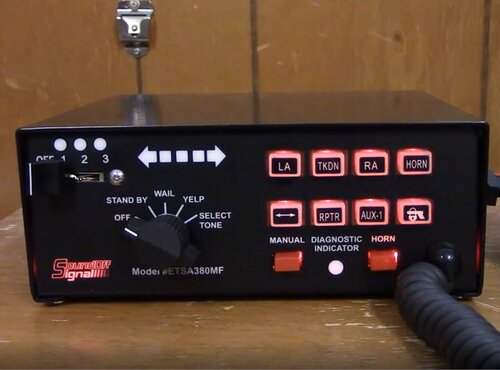 I'll check it out, feel free to send me a video with really clear audio and i'll do what I can !
- 6 comments
- 3 reviews
-
-
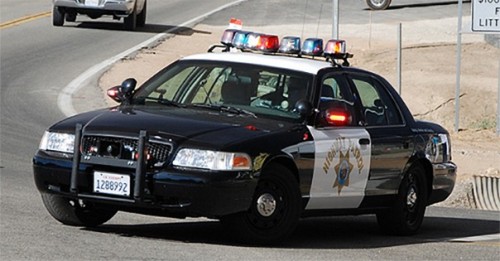 Sorry brother but i've dumbed this down as much as humanly possible with a full explanation on mic positioning and all, it's out of my hands now. you'll have to go out and find an irl CHP and have him run some siren cycles for you and make sure your microphone is right in close proximity in front of the speaker, that will give you a high pitched sound, it's extremely difficult to find though which is why this was the cleanest clips I got from their own instagram, good luck champ.
- 22 comments
- 2 reviews
-
You understand how audio and speaker direction works right ? You send me a CHP video of a cruiser flying by where as mines from in front of a stationary CHP fpiu. These are literal audio clips from a CHP squad car. I know im explaining common sense everyone should know but if a speaker is placed in different positions from a mic source, the tonal personality is going to change. I know this because not only do I have an in home studio and produce music recording guitar cabs etc. , I own a real life siren collection and recorded countless siren packs using my studio mics and doing so mic placement is key to catch a certain characteristic of tone.
- 22 comments
- 2 reviews
-
-
- 3
-
-
A Sound off signal 380 siren pack for LSPDFR I made from a youtube video from "allintodrumsandguns". I really like the aggressive yelp and unique priority tone this siren has. Even the wail is a nice even tone, so I had to see what it would sound like in game and ended up liking it and wanted to share with you all, Hope you enjoy ! Included: Vehicles.oac RAW Tones Instructions DEMO VIDEO: (Louder In Game) TONES FORM THIS VIDEO:
- 6 comments
- 3 reviews
-
-
- 2
-
-
Ummmm, Are you trolling ? I live in Southern California and my pack came from direct recordings of CHP cars from the highway patrol themselves. So you're telling me that recordings from actual CHP cars don't sound like CHP ? I'm confused.
- 22 comments
- 2 reviews
-
-
- 4
-