bakerxgooty
Members
-
Joined
-
Last visited
Everything posted by bakerxgooty
-
-
-
-
-
 It's there, you're doing it wrong. To make it easier just swap the Resident.rpf in your mods folder if you're trying to use it in LSPDFR
- 16 comments
- 4 reviews
-
-
 Try my Mastercom. I own that siren and did a studio recorded siren with it. Pretty much the exact same tones as the RLS just in a different siren box.
- 51 comments
- 6 reviews
-
 Oh man would love to see red/blue domes on that 98 cvpi, that thing looks mint.
- 15 comments
- 2 reviews
-
-

- 1
-
-
-
you're doing it wrong that's probably why. You just have to switch out the resident .RPF and thats it. No importing. I'll try to make one louder without it sounding like peaky shit.
- 16 comments
- 4 reviews
-
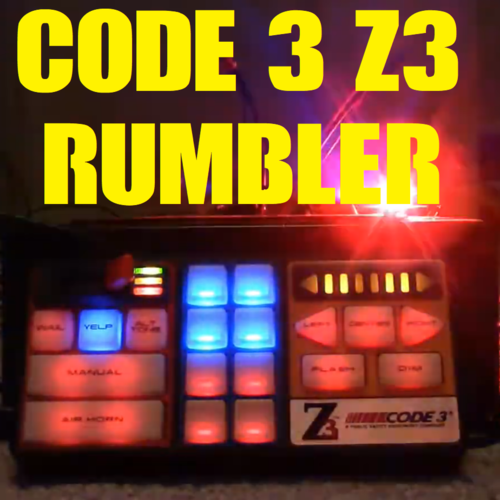
Made a Code 3 rumbler siren with a custom EQ to add more bass as well as bring out the highs for a full sounding experience. Includes my Eq2B fire sirens for the firetrucks and whelen sirens for the ambulances as well. FiveM ready and easy to install. Included: Instructions Raw Tones FiveM Ready Version Vehicles.oac SIREN DEMO: Tones from this video:
- 16 comments
- 4 reviews
-
-

- 1
-
-
-
-
 Are you guys able to see the demo video ? I started using the twitch upload feature to make it easier to post the demos of the tones.
- 14 comments
- 1 review
-
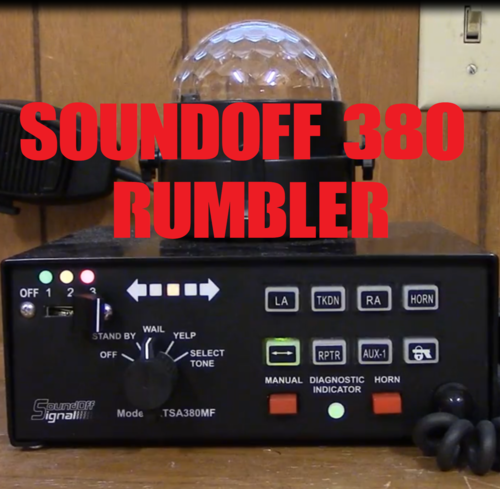
Made a Soundoff signal rumbler siren with a custom EQ to add more bass as well as bring out the highs for a full sounding experience. FiveM ready easy to install. Included: Instructions Raw Tones FiveM Ready Version Vehicles.oac SIREN DEMO: Tones from this video:
- 14 comments
- 1 review
-
-
- 3
-
-
-
 Sounds like an older PA300, I own 2 versions of that siren. I actually have a siren I made for that. If you listen to the yelp it's identical.
- 10 comments
- 1 review
-
 Because it's not a zip, you have to extract with winrar. It's free to get. Most downloads on this site are like this.
 -
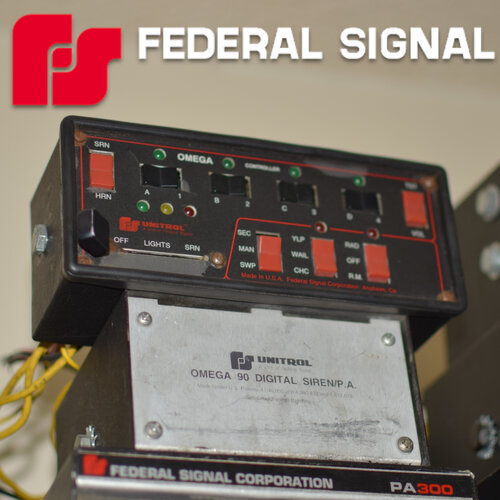
I own an Omega 90 and made one already I also made the powercall one as well: I just never did the middle one.
- 10 comments
- 1 review
-
That ones pretty similar to this one: Just without the dual tone, which you can dual tone in game. This ones studio recorded and super crisp.
- 10 comments
- 1 review
-
-
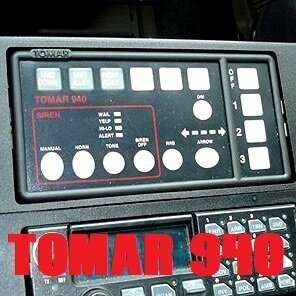
A user requested siren I made, the Tomar 940. This ones a little obscure to find clips of but I managed to find a good video with all tones to be able to make the pack with. So for any of you looking for this siren I hope you enjoy. To swap out the included priority tones to the one you desire just simply swap out "POLICE_WARNING" within the vehicles.oac. The stock one is a sweep of all the tones as it is in the video. Included: FiveM Ready File Vehicles.oac Raw tones w/ extra prioritys Instructions Demo Video: Tones from this video:
- 10 comments
- 1 review
-
 Oh ya you can use it normally, it's even easier actually. Just change the resident.rpf in your mods folder with this one and it's that easy.
- 35 comments
- 7 reviews
-
-
- 1
-
-
 Not hard to do, you'd just have to go into each ELS file and tell the game which siren in the files you want to play after setting each siren up, that IS if you can manage all the sirens within the allotted size limit.
- 32 comments
- 10 reviews
-