


bakerxgooty
Members
-
Joined
-
Last visited
Everything posted by bakerxgooty
-
-
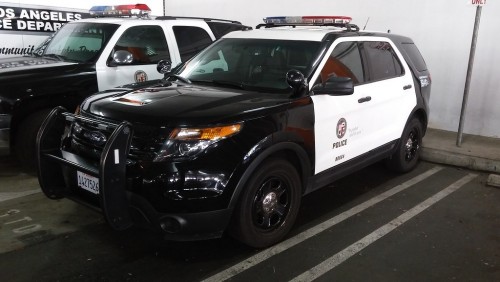 I made a waaaay better one once I bought the actual siren and recorded it. I used my studio mics for them.
- 14 comments
- 2 reviews
-
-
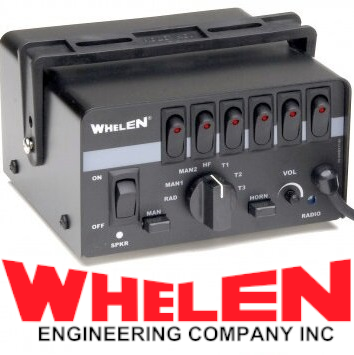 It's there, you just have something messed up on your side. I occasionally see people with your same issue, you must have something set up that's interfering with the import.
- 45 comments
- 8 reviews
-
-
-
It's the perfect volume without clipping, I can add a louder version soon but I can't promise it will sound as clean due to distortion.
- 45 comments
- 8 reviews
-
Made a brand new Whelen epsilon siren from scratch thanks to an awesome new video on youtube with good tones. This is one of my favorite sirens as well as a much requested one. Includes: FiveM/LSPDFR ready Siren Pack Real EQ2B Fire Sirens Instructions Raw tones DEMO VIDEO: (Siren Louder In Game Due To this being a stream clip) Tones from this video:
- 45 comments
- 8 reviews
-
-

-

-

- 23
-
-
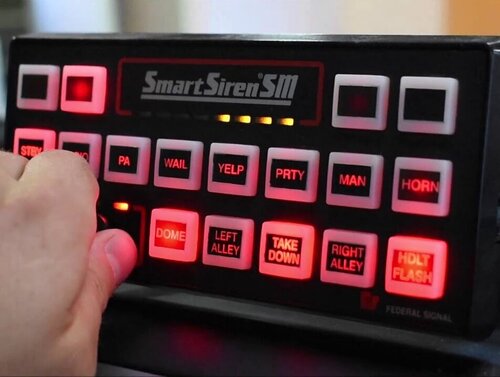 Ya I added a little to make it sound realistic. When I record these im using a real siren and speaker in my closet with a microphone above, so I have to add some so it's not a dry recording. Also the game itself adds a little reverb depending where you're at.
- 32 comments
- 10 reviews
-
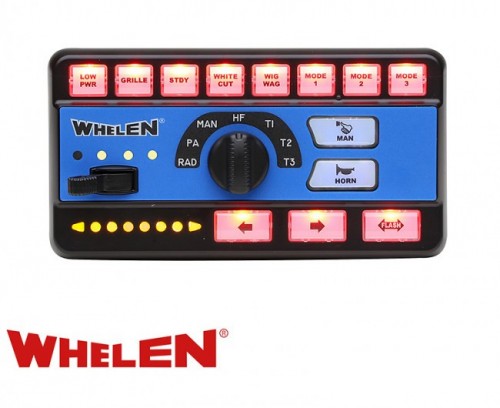 Actually give this one a try, it might be what you're looking for. I made it a while back.
- 61 comments
- 9 reviews
-
-
-
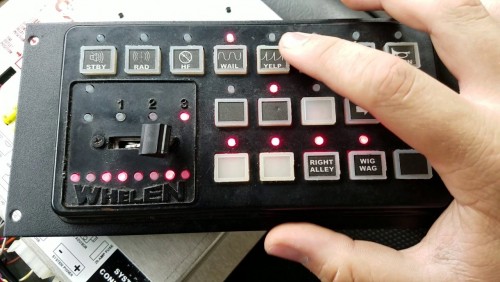 That's a problem on your side. Jeff F. uses this himself as well as 5000+ other people and I never heard any complaints.
- 48 comments
- 2 reviews
-
That's way too much work lol just watch some youtube tutorials, that's what I had to do to learn.
-
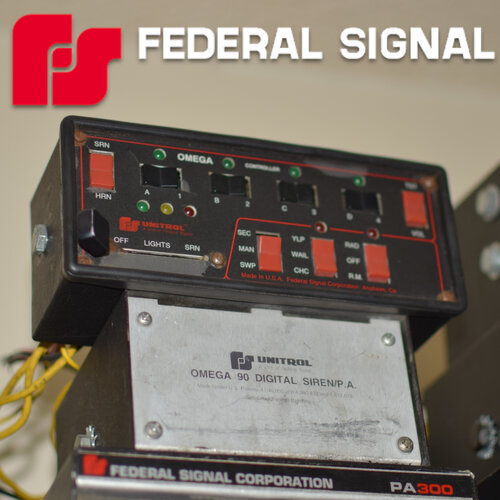
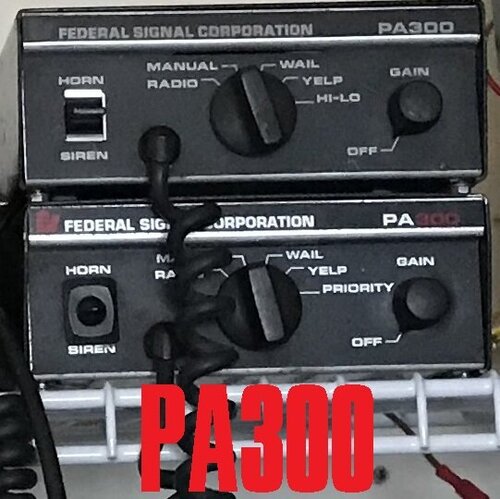 Ya, i've already spent around $1000 on sirens this year (ones in the pic on my profile) so you could imagine having to spend more. I pretty much just bought all the ones I love. The Omega 90 with 8001 controller was my most expensive at $150 but that's a steal compared to it's rarity and worth. That one's my holy grail lol.
- 11 comments
- 2 reviews
-
It would be far too much writing to explain how to install sirens especially when I don't even know what you've done. Youtube is your best friend there. I have instructions in my downloads but if you need more technical help there's not much I can do there.
-
I made the LAPD one, that ones recorded by my real life siren with a SM57 and ST159 Sterling studio mic. I got a lot of them made like that if you want top notch quality sirens.
-
That's a very expensive siren i'd never buy, but if I was ever able to use one i'd glady make a pack with it.
- 11 comments
- 2 reviews
-
-
 I downloaded it and the files there, you might have something conflicting with the import.
- 23 comments
- 6 reviews
-
-
-
 Look up "Archivefix" and find a download of that. Once you have that you drag the resident.rpf of ANY siren over the "archivefix.exe" and it automatically will make the files readable for FiveM. I sadly cant upload Resident.rpf files to the website or else all mine would be FiveM usable.
- 21 comments
- 1 review
-
 You know what, I think I know what's confusing me, I have the "FULL" sweep on my other version and this one I cut it short. I'll go ahead and update that.
- 35 comments
- 7 reviews
-
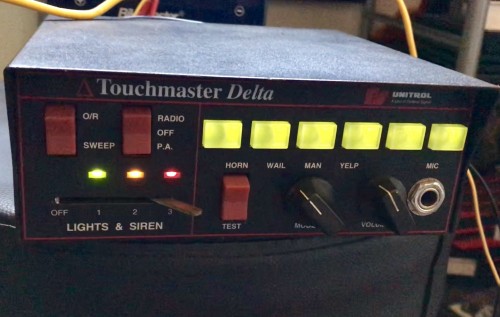
BTW the ultra hi lo is there too, there's no other tones im missing. I think you're confused with something else. Especially after thinking there was no WAIL or YELP which are the main siren tones. the ultra hi lo is the one that sounds similar to the priority tone on the touchmaster delta/TM4 (I own both) and that tones here too. You had me confused even for a second lol.
- 35 comments
- 7 reviews

