grizzbear
Members
-
Joined
-
Last visited
Everything posted by grizzbear
-
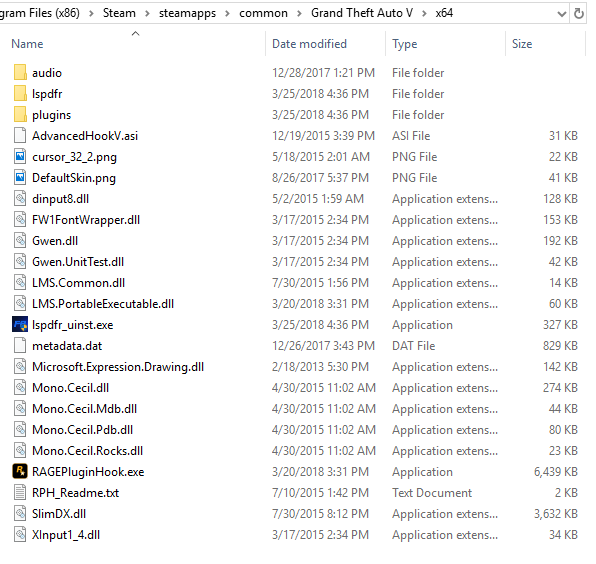
Im not sure... how do I do that? Also I just found something weird...... when I open my x64 folder, it has alot of files in it that are also in the main directory and in plugins. Is this a problem? Why is it doing that? See? All of these files are also in my main directory.
-
No 😞 I have Norton and im pretty sure I just disabled it. Now RageHook is telling me that GTA V quit unexpectedly as soon as I click on it. Before it would load and then pop up. Wait... I dont even have a scripthook.asi in my folder... am I supposed to? I just have a scripthook.dll I have a SCRIPT.rpf too
-
Hmm. That's good to know. When did it start and how many people is it affecting?
-
Thank you. Glad to know its not just me. So what are we waiting for? The next script hook update?
-
I got it. Just had to remove the window template in OpenIV. I have no idea why but lmao.
-
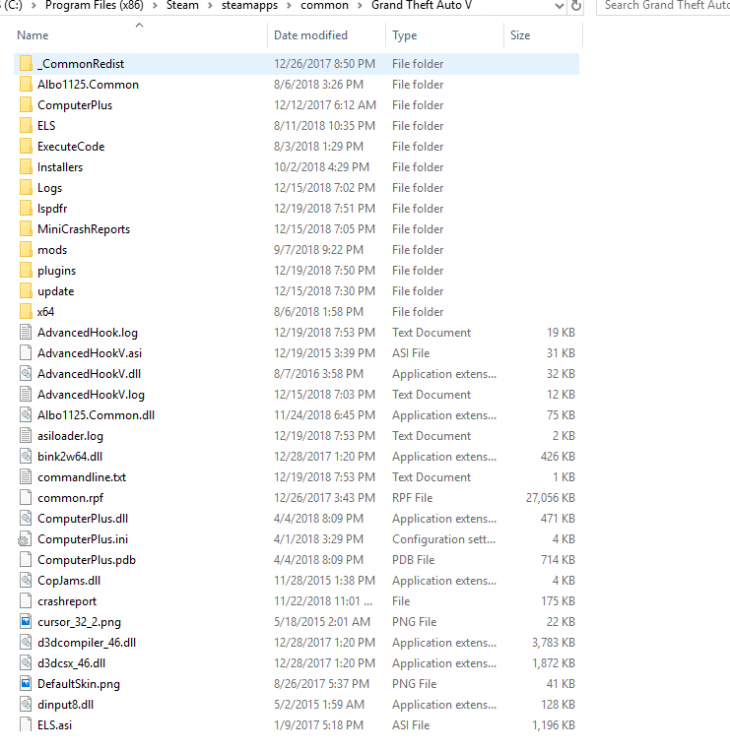
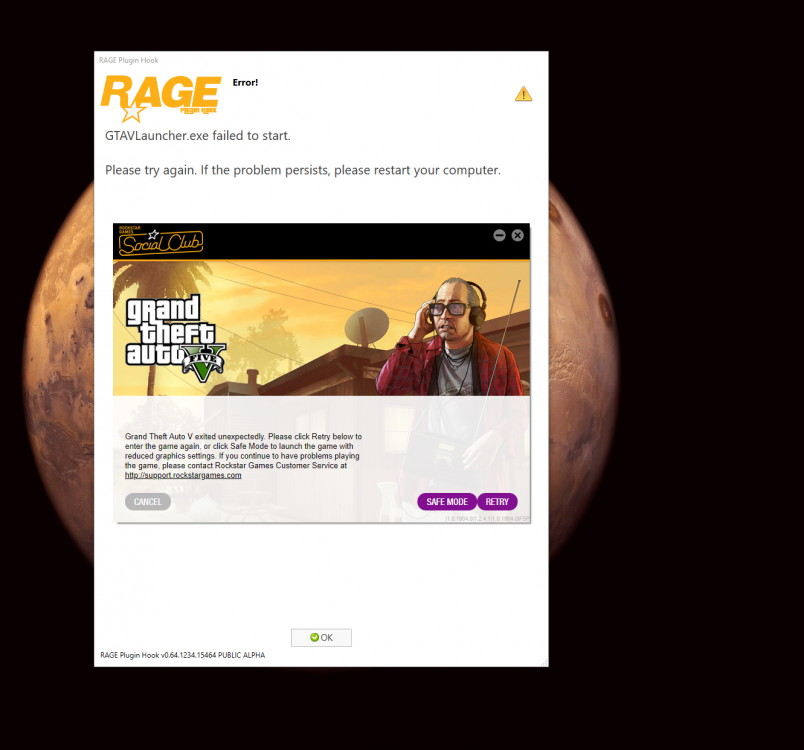
So I randomly just started to have this issue where when I go to start ragehook it says that the GTAV launcher failed to start. I updated like everything and it's still not working so I have no idea what to do now. I'd also like to add that I can't even play GTAV without ragehook. It says that it quit unexpectedly when it tries to launch.
-
it does it at day too. I guess I'll just have to play around with the ytd files. Its never did this before I reinstalled it 😕
-
It hasn't done it before though. So are you saying its the texture? The texture should be compatible with that vehicle.
-
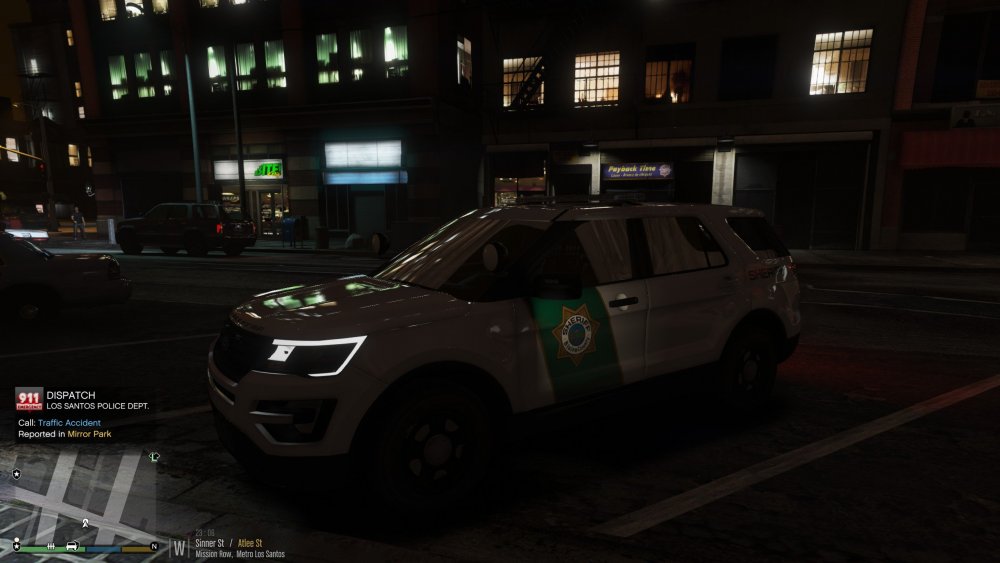
So I just installed this new explorer and there's this weird white texture on the windows... what is this and how do I get rid of it? Is it a bad png file in the vehicles ytd file that I need to delete?
-
Thank you!!
-
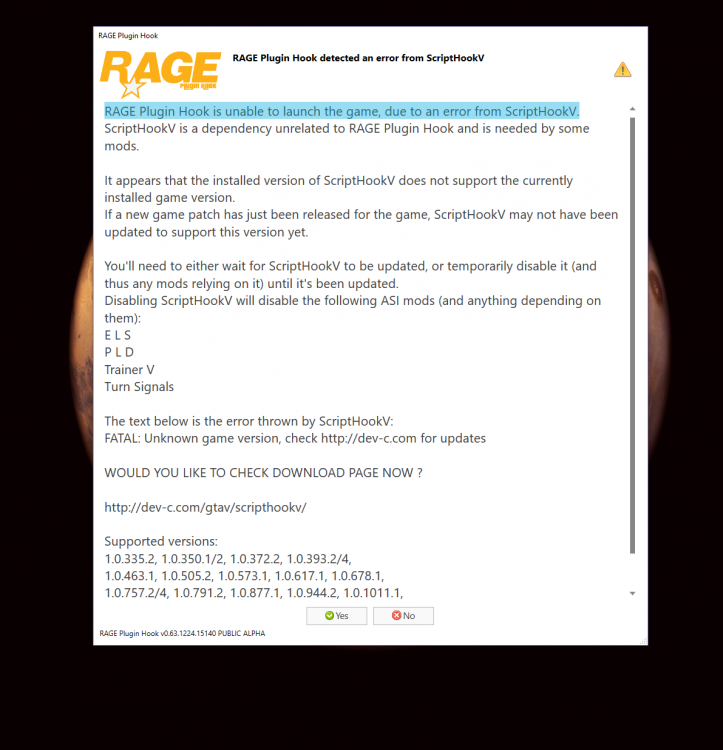
So I haven't played lspdfr in a couple days and when I went to start it up just now I got this error. Does anyone know what's causing this? I installed the newest version of Scripthook V and still it's not working. If anyone has any idea about this I would appreciate your help! Guessing I have to revert to an earlier game file and then verify the integrity once the current version is playable again.
-
Solved The Gresley is a good handling line for the explorer. About the same size too.
-
I used the Baller2 handling line but it just doesn't feel right. Too stiff and it doesn't turn right. Anyone have better models for handling lines?
-
Yep... had this problem before its why I uninstalled NVR. I vaguely remember how to fix this. I don't have it anymore so I'm not exactly sure but in OpenIV NVR has its own files and in one of those files you should see a list of vehicles, delete the vehicles from the NVR list that are purple like that. It won't remove the car from the game, it just fixes the texture.
-
Yea it was probably down in areas. Glad its working now 🙂
-
What is it telling you? Are you trying to sign in and it's saying the information you have entered is incorrect? Or are you actually getting an error with something? If you can, try signing into the social club from Rockstars website here: https://signin.rockstargames.com/signin/user-form?cid=socialclub
-
The sirens don't work? Did you install a custom siren or is it actually the original GTA5 siren messed up? Maybe this video can help you with installing sirens:
-
So I downloaded new vehicles into my game, new crown vic is perfect but when I first drove the explorer it was terrible, flipping on turns and such. The installation came with an explorer vehicles.meta but not a handling.meta... I read somewhere to relace the police 3 slot with the police slot handling line. It's now even worse lol. Just realized using a cars handling for an SUV probably isnt that great... What handling line can I put in for the police3 slot to make it drive accordingly and stop flipping on corners? Explorer: Should I just use a handling line thats already in the game like Baller2 or something along those lines?
-
Try reinstalling ragehook and script hook just in case. If you get the F4 command prompt to pop up that's a good start. Also, when you're starting up ragehook, hold shift and go to plugins, and make sure you click the button that says something along the lines of load all plugins on startup. I've noticed this setting does not save and I have to do this every time I start up Ragehook.
-
So basically it sounds like another siren tone that is playing in the background? Or is it a horn? Maybe you can check this video, it might help you with something:
-
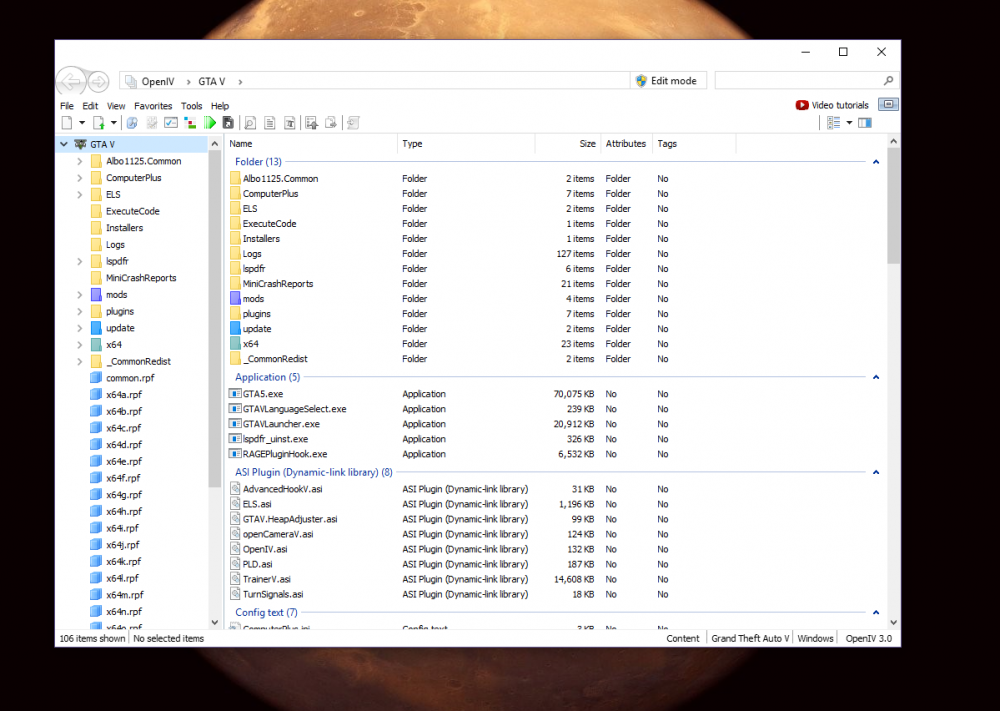
So where is the modded version and where is the unmodded version? Somewhere in the mods folder I'm guessing. No need to be hostile if I don't know. Mods, update, update.rpf, x64, textures, graphics.ytd is the modded file correct?
-
Ok so, I guess it depends if you have 2 GTA folders or not but if you do you open up OPEN IV, tools, options, game, and find the directory of the copy of your game. Then click close and restart Open IV, now go to x64a.rpf on the left side of the application and once you open it go to textures and drag the graphics.ytd file onto your desktop. Then do the same thing again as the beginning, tools, options, game, and change the directory back to your modded GTA. Now that you're back in your modded game, go to x64a.rpf, textures. Make sure you click edit mode at the top right of the application and select yes when prompted to do so. Now, delete the graphics.ytd file and then drag the one on your desktop back into the area that you deleted the other one. Make sure it is there again after you drop it (it might be at the bottom until Open IV is restarted).
-
I appreciate your help overall but you just didn't understand my question and you had no patience for me, it doesn't matter if I'm doing it differently than you, you just gave up. But overall I appreciate your time.
-
Im not using windows explorer, I was using it to show you that Open IV was using my modded directory.
-
Wait don't give up on me yet, I think I found how to change the directory, would I just have to change the directory to the unmodded location, retrieve the file, and then put the directory back to the modded one and replace the file? Yep! Thank you just found that out a couple minutes before 🙂