




Yasd
Community Team
-
Joined
-
Last visited
Everything posted by Yasd
-
 Glad you like it! 🙂 Are you talking about the path where the file is or the source link?
- 251 comments
- 20 reviews
-
Is fixed in the next update! Thx for reporting!
-
-
If your game crashes when pressing F4 update ScripthookVDotNet from here: https://github.com/scripthookvdotnet/scripthookvdotnet-nightly/releases Install and replace all files in the main gta folder.
-
Exiting stuff!
-
Unless it's a continuous crash when entering the police garage, I wouldn't do anything. Be aware that this is a modded game and can crash sometimes, especially after a session of multiple hours.
-
Please install the latest AdvancedHook.dll from ELs downloadable seperately.
-
Post your Ragepluginhook.log from the main gta folder, not from the logs folder.
-
Check your .xml files in the ELS/pack_default folder. You can temporarily remove those and see if it works then. If so, one of these files has a problem.
-
Update AdvancedHook.dll downloadable seperately from the ELS page.
-
You have an error in the Ini file of Grammar Police. Please fix it.
-
Can't say, but you can try disabling your mods folder or recreate your character, there might be a file broken, instead of blaming lspdfr for an update ^^
-
The crash relates to your lspdfr character. Thats all it says.
-
What do you mean with application window?
-
Post the Ragepluginhook.log from the main gta folder and a screenshot of the message.
-
This is a lspdfr function and can be disabled by editing or adding these lines: WorldEvents.IntervalMultiplier = 0.0f WorldEvents.MaxNumberOfEvents = 0
-
This crash seems to be random because right after, you reloaded the plugin just fine.
-
Move CalloutInterfaceAPI from gtav/plugins to gtav/ I couldn't find a lspdfr crash or anything problematic.
-
United Callouts calls in your selected cops from your lspdfr config, in this case the LocalSwat is invalid.
-
This topic has been moved to the appropriate forum. Please post in the correct location in the future. Ragify is 8 years old, remove it.
-
it crashed for me though ^^
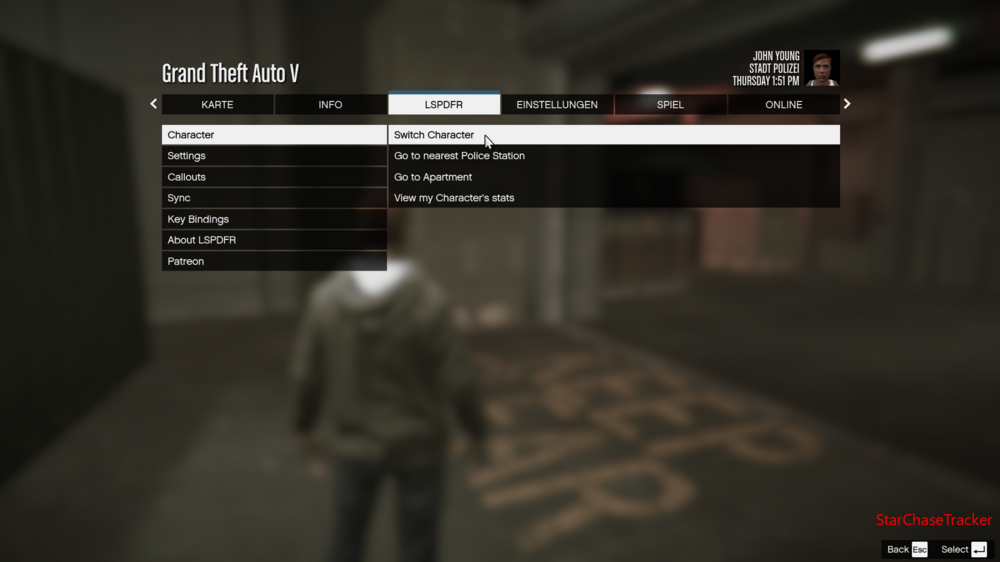
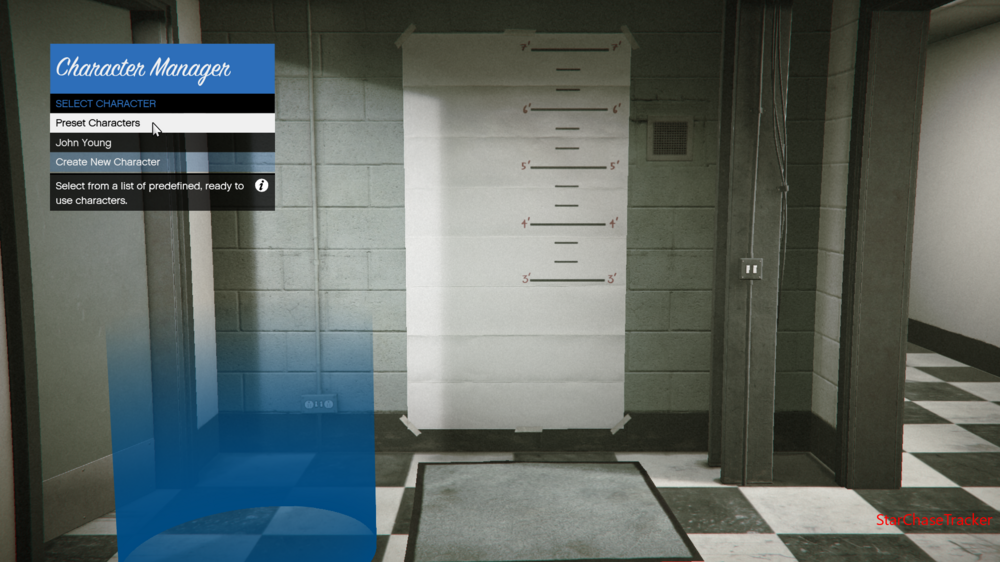
-
You're welcome ❤️
-
You can choose those default cop peds in the lspdfr 0.4 character editor menu. Additionally you can use Menyoo Trainer to change your ped model.
-
Doesn't exist and is hard to manage. An alternative would be:
-
Looks like a mods folder issue. To check disable the folder by renaming it to _mods






