




Yasd
Community Team
-
Joined
-
Last visited
Everything posted by Yasd
-
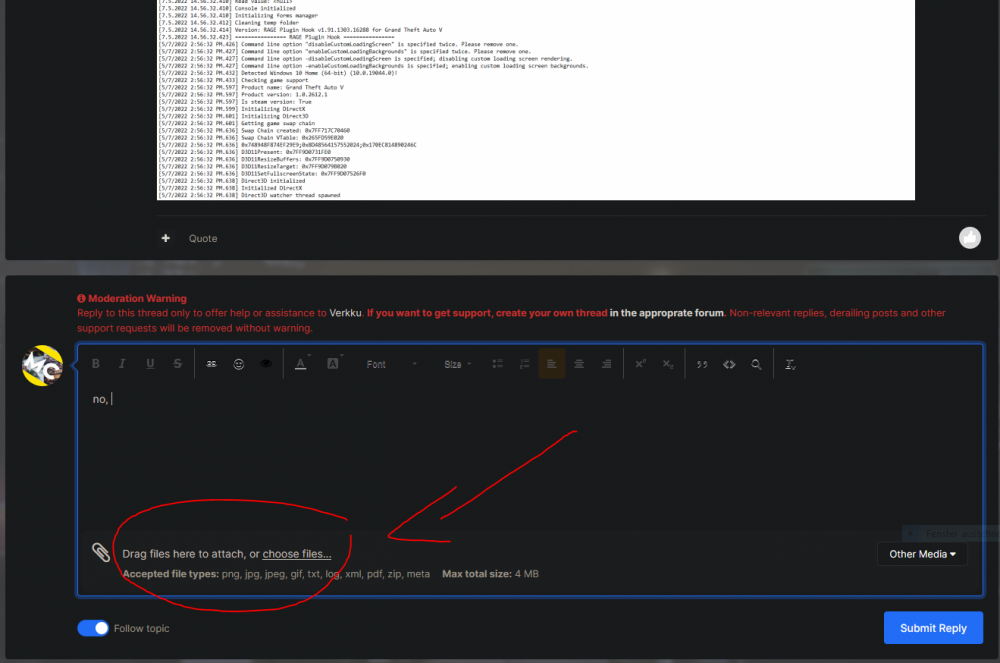
i think you installed something in the wrong place, show me your folder GTAV/plugins/LSPDFR ...delete them both and replace it with the download. on the endBy installing Law and Orderadd your whole gta folder as an exception in antivirus, if you do not have one installed, add it to windows defender.rename your mods folder to _modsinstall radiancev:this guy is having the same issue: your logs stopping at the same time, mods plugins etc. disabled, maybe new lspdfr version problem?install the newest lspdfr and rph (included). https://www.lcpdfr.com/downloads/gta5mods/g17media/7792-lspd-first-response/set your ragepluginhook loading time to 60.000. post your ragepluginhook.log from the main gta folder.post your ragepluginhook.log from the main gta folderthis is caused by a trainer, what trainer do you have installed?Does gta work in story mode without lspdfr/ rph?1. Update RageNativeUI: https://github.com/alexguirre/RAGENativeUI/releases 2. Could not find a part of the path 'G:\SteamLibrary\steamapps\common\Grand Theft Auto V\plugins\LSPDFR\BasicParkingEnforcement\Streets.xml Install that.no, hit choose files and upload your ragepluginhook.log
 By default, it is set to B, if you didnt change itYou need ScripthookVDotNet3, you can get it here: https://github.com/crosire/scripthookvdotnet/releasesalso try starting rph as administrator, disable geforce overlay, make sure in properties all hooks as an user are enabled and gta / rph has good accesscan you post your ragepluginhook.log without scripthookvdotnet loaded?How about you post your Ragepluginhook.log?😂Your game is crashing because ScriptHookVDotNet3 is missing. Download it here: https://github.com/crosire/scripthookvdotnet/releasespost your ragepluginhook.log from the main gta folder.rename your mods folder to _mods and try againI got this problem, too. As far as I know is this a known bug.


