




Yasd
Community Team
-
Joined
-
Last visited
Everything posted by Yasd
-
I don’t understand what you wrote, at which point is it crashing?
-
I mean exactly what I said xD
-
Post the ragepluginhook.log from the main gta folder
-
I recommend to keep this removed because it’s outdated and unstable, keep using compulite 👍
-
Install ragenativeui in the main directory: https://github.com/alexguirre/RAGENativeUI/releases remove those unstable plugins for now, you can read them later if you have a stable game, but I do not recommend to play with them: assortedcallouts, computerplus, calloutmanager
-
just google for the error message, you'll find answers.
-
What you described sounds like that your lights are missing. you can select a vehicle to pull over. Then you normally have to activate the lights, with els you normally have to hit „J“ 3 times. With non els vehicles just „E“
-
Post the ragepluginhook.log from the main gta folder
-
Remove computerplus.
-
Post your ragepluginhook.log with the renamed mods folder
-
Rename mods folder to _mods
-
Half year later you marked it as solution? XD
-
Pls verify your game files
-
-
In the rph settings there is an option to prevent despawning vehicles, try that
-
this is from the lspdfr-ts server.
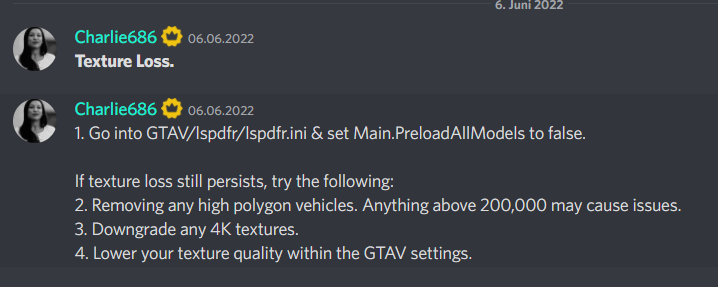
-
pls post your ragepluginhook.log from the main gta folder. set the rph loading time to 60000.
-
post your ragepluginhook.log from the main gta folder. you can try to rename the mods folder to _mods and see if the game works now.
-
always include your ragepluginhook.log from the main gta folder.
-
there is no tutorial on how to do that. you can revert your latest changes or you can remove certain main folders and see if its in there. the easiest would be reverting or starting a new folder
-
openiv.asi itself is not the problem... what is does is supporting the mods folder and loading .rpf archives propably your mods folder causing the problems. you can check that by readding the openiv.asi and rename the mods folder to _mods this prevents the mods folder from loading, which you've basically done by removing openiv.asi
-
The file we are searching for is the ragepluginhook text file
-
standalone plugins belong in gtav/plugins and normal plugins belong in gtav/plugins/lspdfr you have to read each mod/ plugin where to install. often you just have to drag and drop in the main direcotry
-
Update ragepluginhook and gta
-
Do you have the .xml file for the vehicle installed?



