




Yasd
Community Team
-
Joined
-
Last visited
Everything posted by Yasd
-
Command line option "nodx" Untick that Otherwise rename mods folder to_mods If you have lml rename vfs.dll to _vfs.dll
-
From callout interface: check if you have ipt.common.dll in the main gta folder Install/ update ragenativeui in the main gta folder : https://github.com/alexguirre/RAGENativeUI/releases
-
Post the ragepluginhook.log from the main gta folder
-
Post the ragepluginhook.log from the main gta folder
-
Post the ragepluginhook.log from the main gta folder again
-
Exception message: Could not load file or assembly 'DamageTrackerLib, install that Pls disable ambient events in the lspdfr.ini: Disable ambient events, by adding those lines to your lspdfr.ini: Main.DisableGameBlipHiding = true
-
-
Update ragenativeui in the main gta folder: https://github.com/alexguirre/RAGENativeUI/releases
-
No I didn't mean the folder gtav/plugins /LSPDFR I meant gtav/lspdfr
-
I see. The log doesn't show a specific plugin, just always says the vehicle is invalid. You can try to remove plugins out of D:\Games\GTAV\plugins\lspdfr To see if one causes it. I'm not 100% sure if it's a plugin
-
OK, log doesn't help right now. Remove script hookv and asiloader Rename mods folder to_mods Rename vfs.dll to_ vfs.dll if you have lml Otherwise verify game files
-
Start rage Plug in hook. And hold shift till the window pops up. Then there should. Should be.. Option. To hook.. No DX.
-
Command line option -nodx is specified. DirectX will not be initialized. Remove that commandline
-
Update ragenativeui im gta hauptordner: https://github.com/alexguirre/RAGENativeUI/releases
-
You can try to go on duty via police station Otherwise move the lspdfr folder out of the gta folder and replace it with the lspdfr download
-
You have played for 30 min, after that it crashes while playing a call out. If you cant reproduce the issue, it's a random crash.
-
STOP WRITING IN CAPS i never heard of a plugin where you can comandeer someone out of the vehicle with your voice. in stop the ped, you have a felony stop option in which you can point your gun at the suspect, he gets out and surrenders with his hands up, you then can arrest him or let him get arrested by poliec backup buddies.
-
rename mods folder to _mods (otherwise might be lml related)
-
Hallo! Ich konnte mehrere Fehler finden: 1. Exception message: Die Datei [...] "dlGlobal, [...] wurde nicht gefunden. Auszug aus DeLucas County Callouts: [How To Install]: Place CountyCalls.dll, dlGlobal.dll, and the DModding folder into GTA V Directory/plugins/LSPDFR. 2. The Following Plugins Need To Be Removed (2): PoliceSmartRadio, (Replaced By GrammarPolice's Radio) Traffic Policer, (Replaced by StopThePed & Custom Pullover) Ich würde dir empfehlen, die geupdateten Versionen von Aschtar zu nehmen: https://github.com/Aschtar/
-
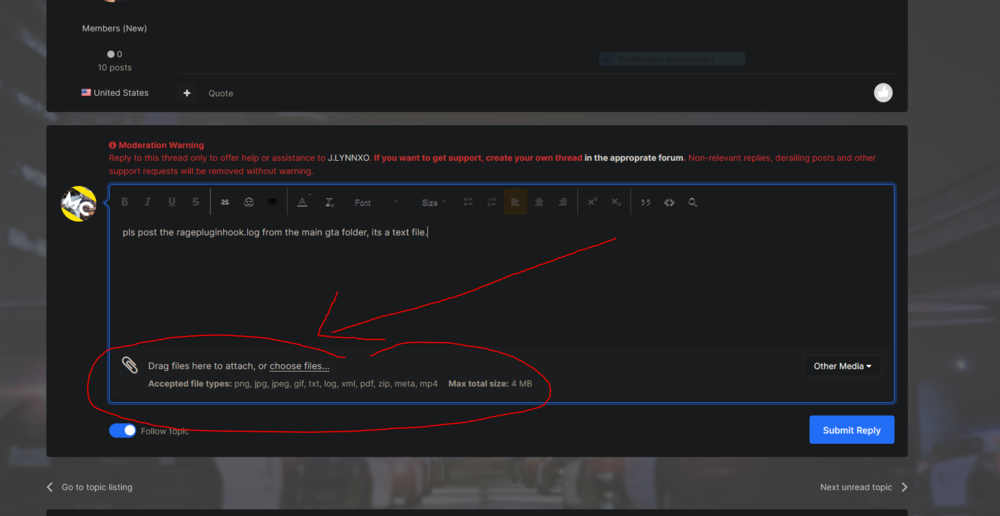
pls post the ragepluginhook.log from the main gta folder, its a text file.
-
This might be related to the story mission, install a 100% save game or switch the character and save.
-
ok, good, but whit what vehicle are you trying to pullover sb? with an addon vehicle or what?
-
are you on duty and with which vehicle are you trying to pullover sb?
-
post the ragepluginhook.log from the main gta folder
-
can you pls post the ragepluginhook.log again? since then its been a long time, even a gta update came out




