jogbot500
Members
-
Joined
-
Last visited
Everything posted by jogbot500
-
Rockstar games launcher shows gta v loading but quits after roughly 30 seconds error log says no exit file is found
-
 @AwsumTurtle this should go in scripts and plugins just fyi
 -
-
-
 Hes adding one in the next update 1.5 seems like a massive update it's taking a long time which isn't a bad thing
- 364 comments
- 19 reviews
-
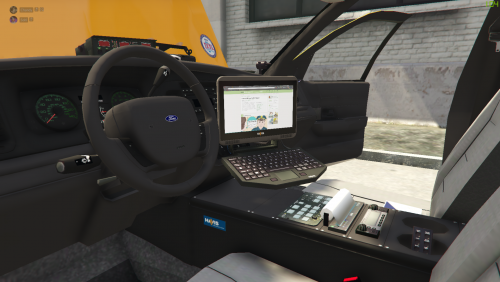 Looks interesting I'll check it out
 -
-
-
-
-
-
-
-
-
 Would love to see narcotics field test and weapon serial check from the stop the ped added if that's possible and scene manager if possible
- 1,351 comments
- 82 reviews
-
-
-
-
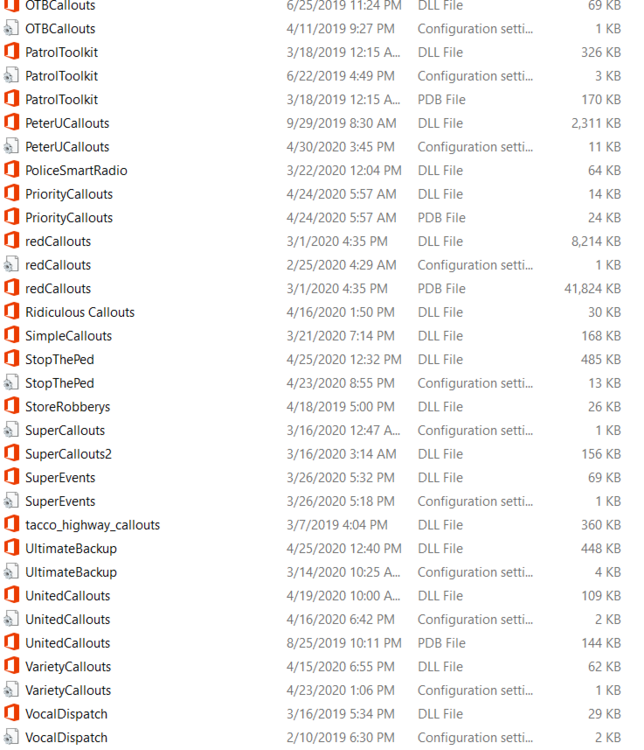
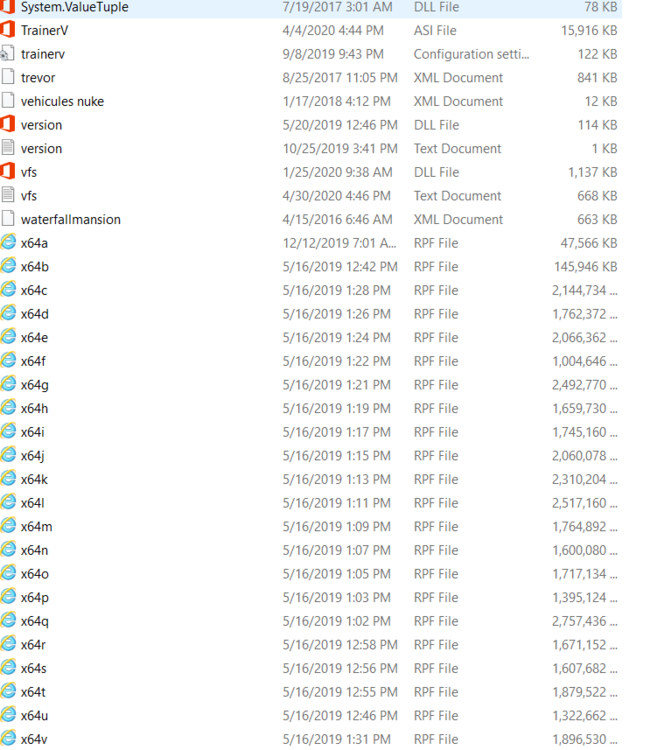
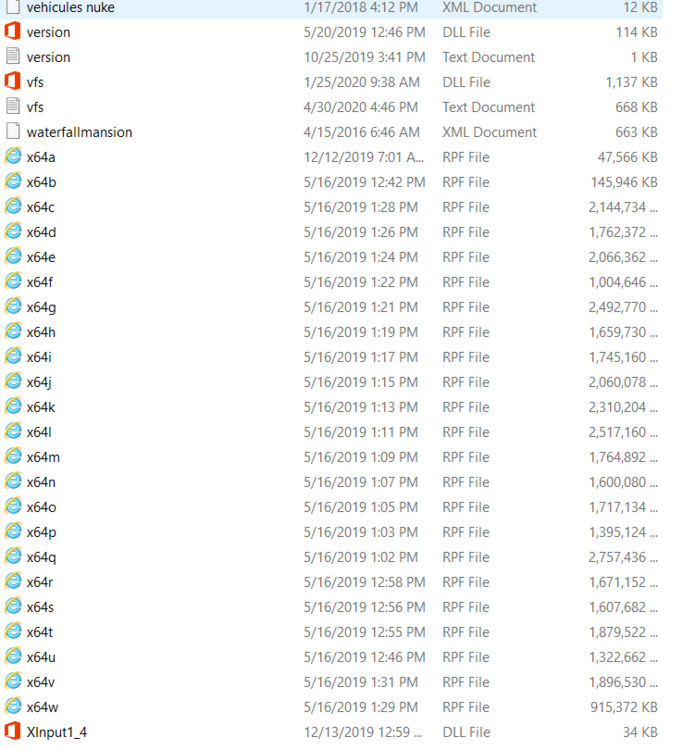
I had the same problem it's probably a corrupt file in your mods folder just make a new mods folder or delete all original docs from mods folder as well as ×64 a bc etc and copy the game files into the folder that fixed it for me hope this helps Also remove variety callouts it hasn't been updated
-
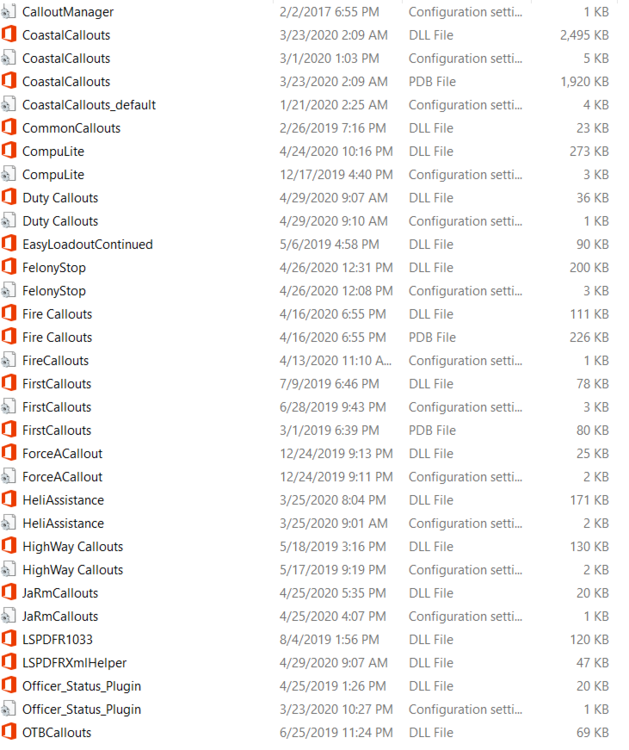
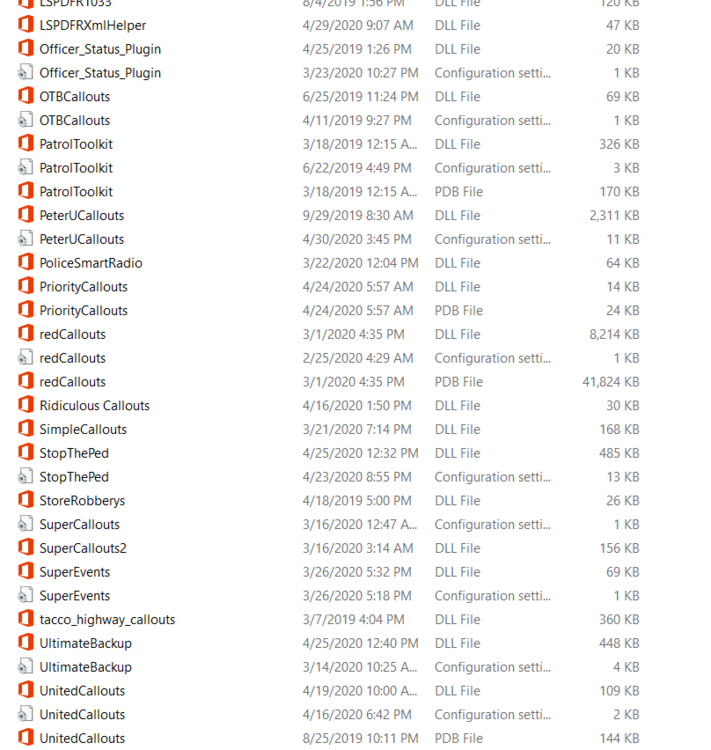
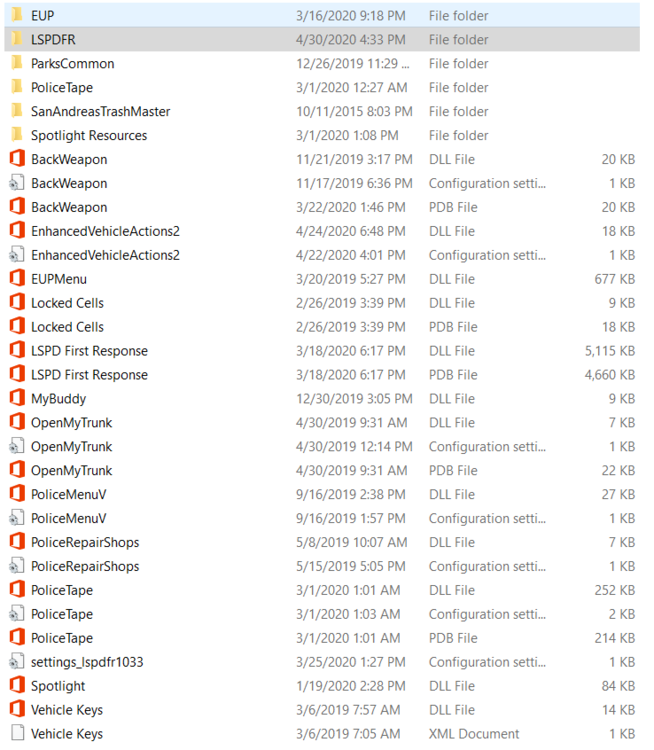
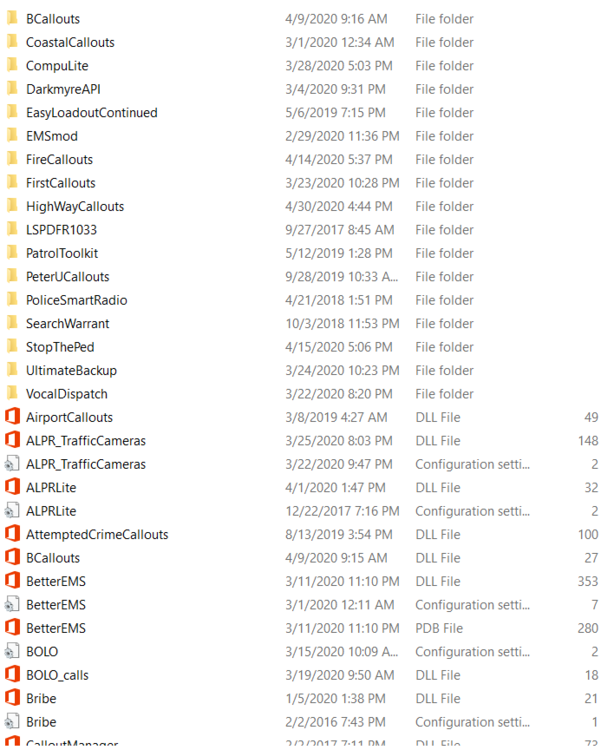
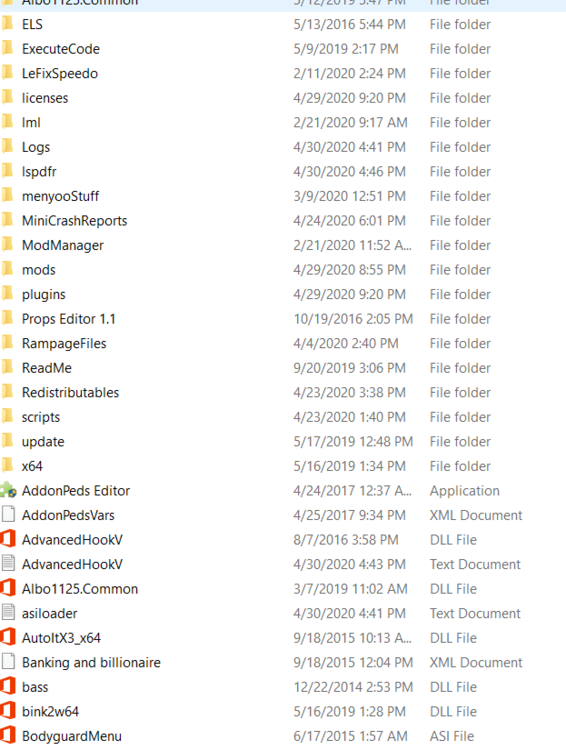
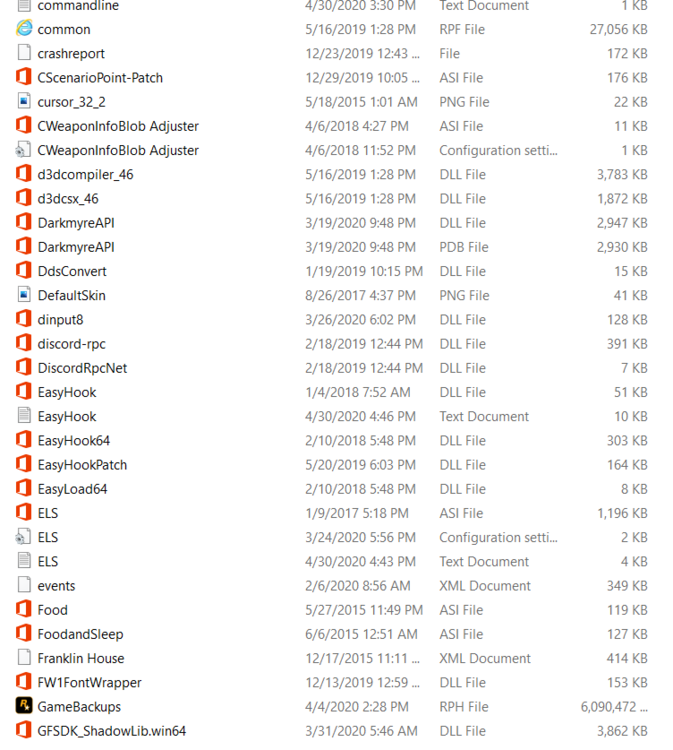
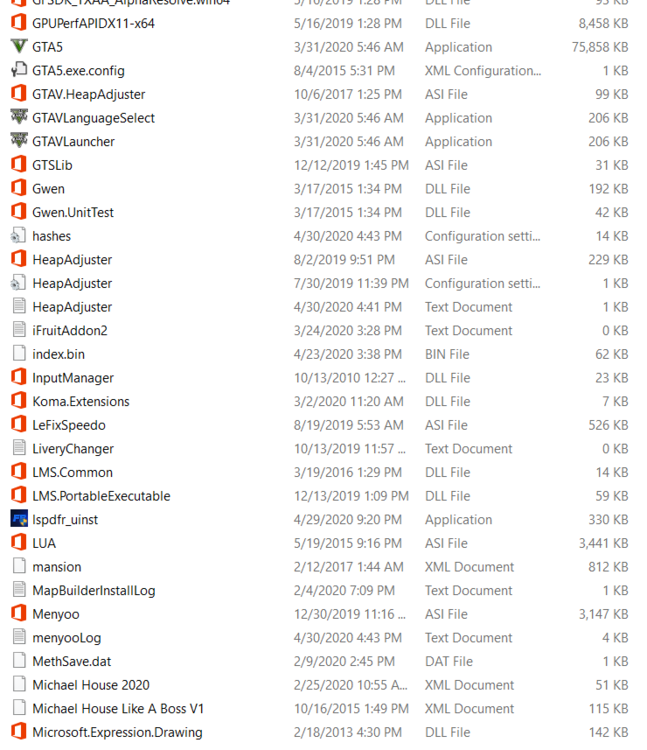
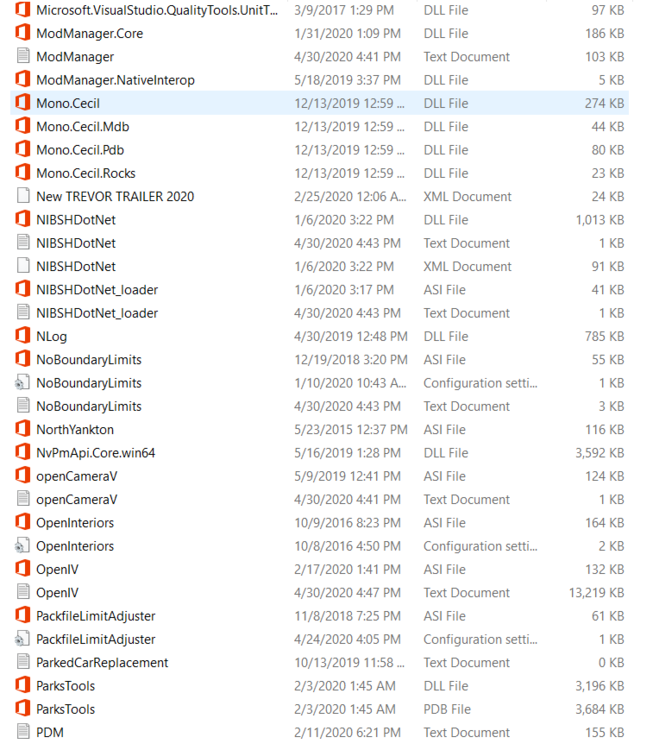
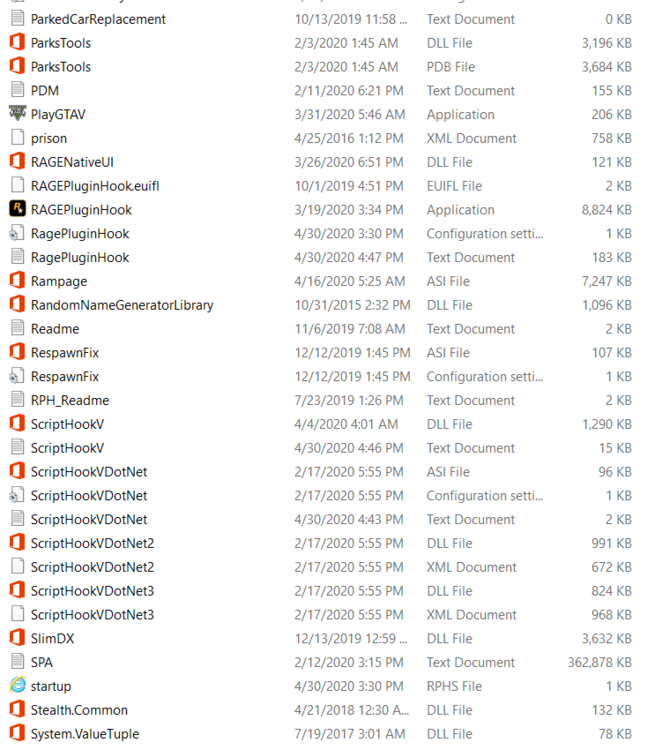
https://pastebin.com/w1dm8Ct6 Lspdfr callouts have and plugins
-
What was the plugin?
-
It will freeze and then crash and just says connection timed out Thanks I’ll try this
-
I'm having the same issue did u ever fix it?
-
My lspdfr freezes then crashing some one said in another thread it was due to your callouts but I don't think it is
-