jogbot500
Members
-
Joined
-
Last visited
Everything posted by jogbot500
-
i Did that yesterday
-
it is not
-
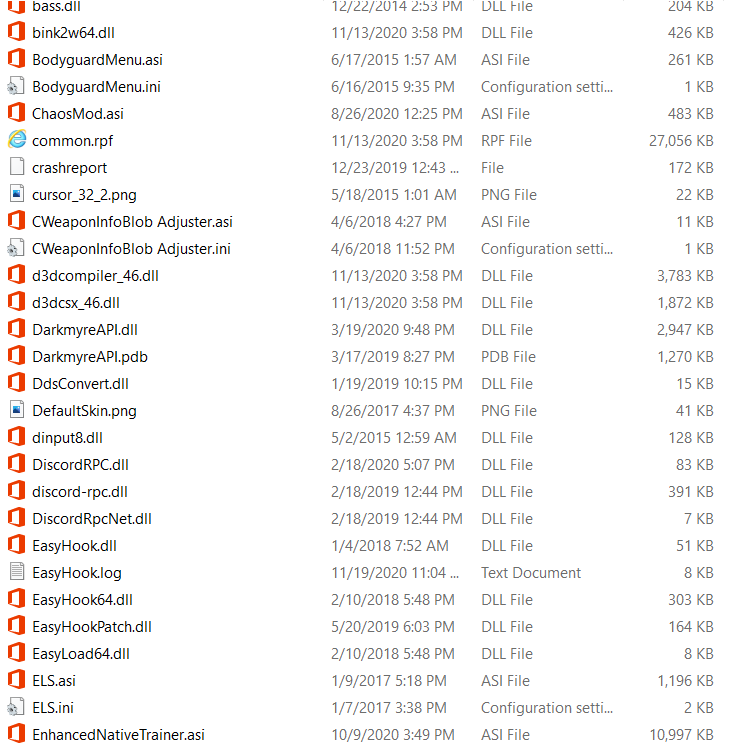
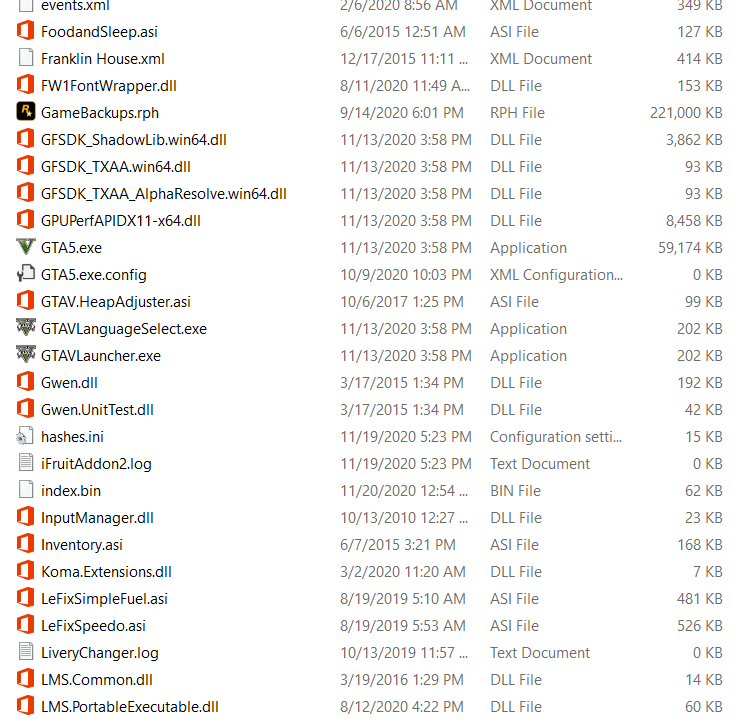
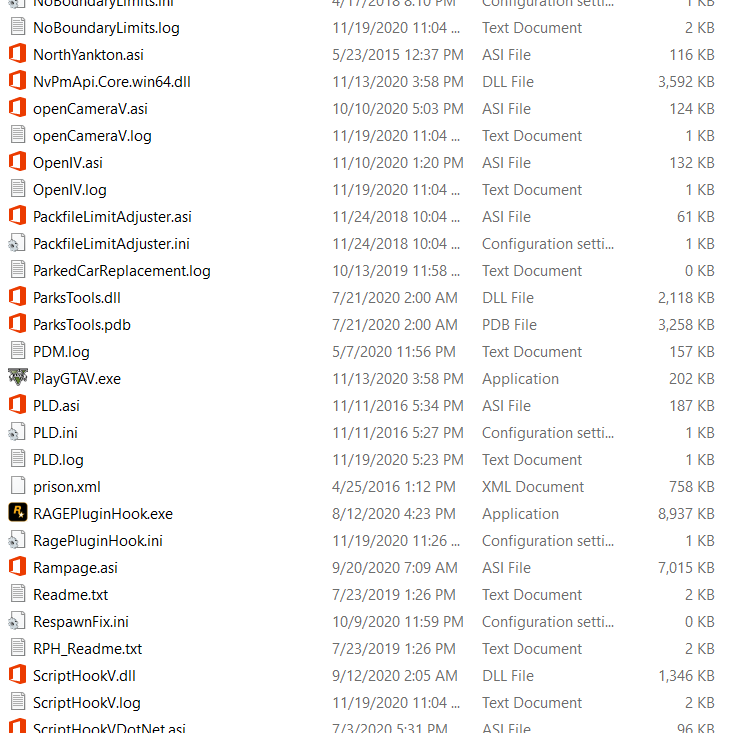
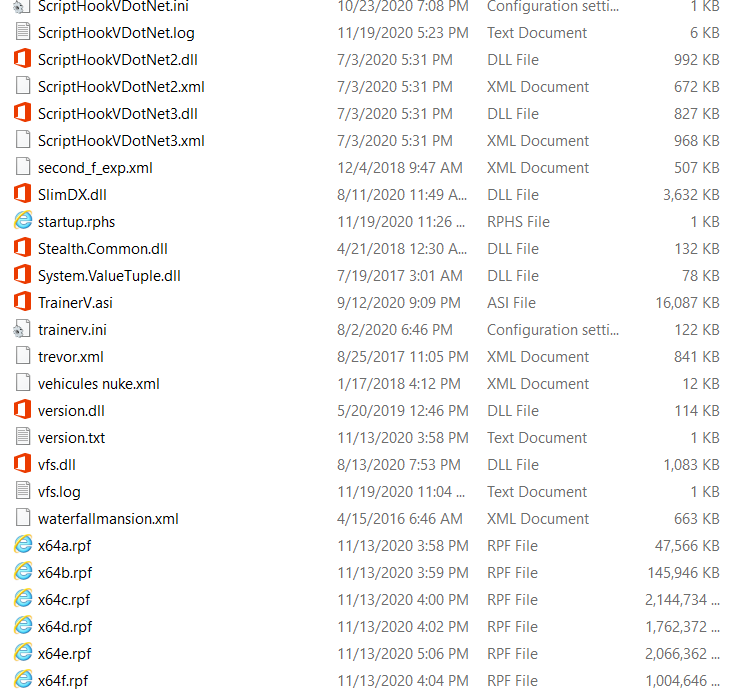
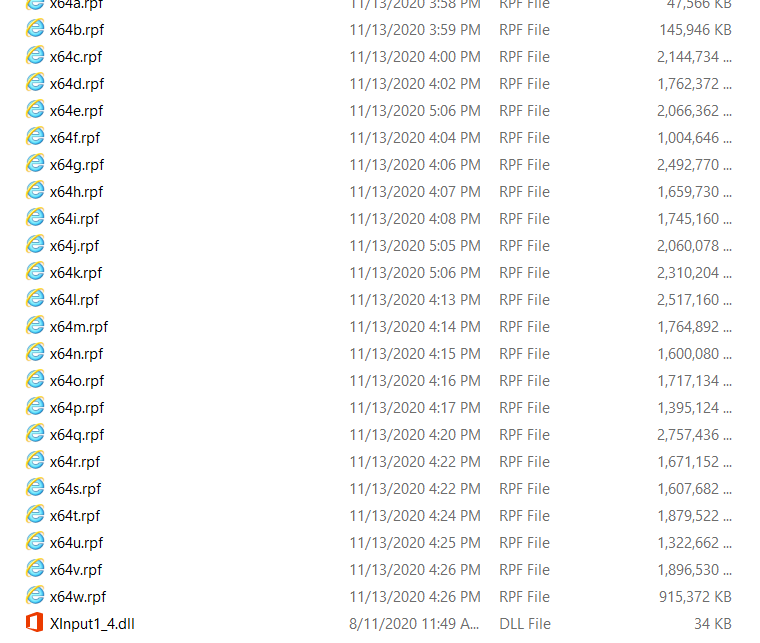
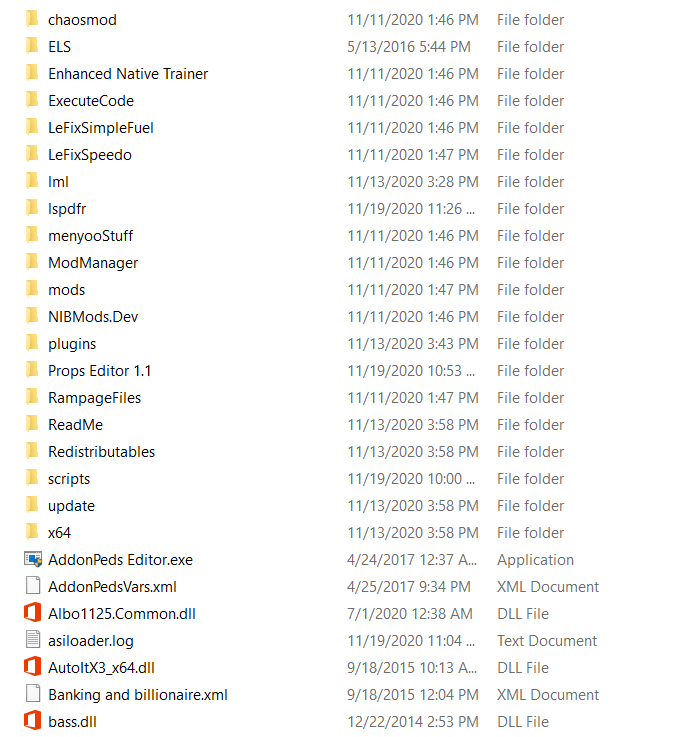
When I try to launch Rage Plugin Hook it shows blue loading circle but does nothing, attached is my main game directory

-
I am Having a similar issue but my .exe file will not open at all
-
-
 I have heard uninstall and reinstall as I loader I have done so will check later and let y'all know if it works
- 2,661 comments
- 234 reviews
-
-
-
I haven't found a fix but I will keep trying
-
Your good
-
Yes it is If everything's updated I'll just reinstall
-
No and I'm pretty sure
-
Still crashed
-
Sure
-
Yes it's when I launch gta v from the rockstar games launcher
-
I have had this problem since the 1868.1 update, I have verified game files and have a heap adjuster and the other one I would appreciate any help, all gta launcher log tells me is game left no exit code, I have tried everything I know
-
-
-
Rebuild your mods folder that's how I fixed it just copy your mods in New folder but copy update folder so all game dlc packs are unmodded
-
I had to star over with ganes dlc packs but I also made a folder with the mods doc packs and copied and pasted dlclist and mods
-
Yes have to rebuild your mods folder unfortunately is only way I fixed it
-
Its my mods folder I will send u the dlclist and my mods folder screenshoted to see if u can find the problem
-
I did but I'll try again
-
RagePluginHook.log launcher.log
-
Ok If it even formed one because I can't get past rockstar games launcher loading then quitting gta v