


0taku
Friends of LSPDFR
-
Joined
Everything posted by 0taku
-
As I'm aware, there is no way to do it on a skin texture. All the ones I have seen have be by someone making a model so I would asume it is hard coded into the model itself and not the skin texture. As for how to do it, I have no idea
-
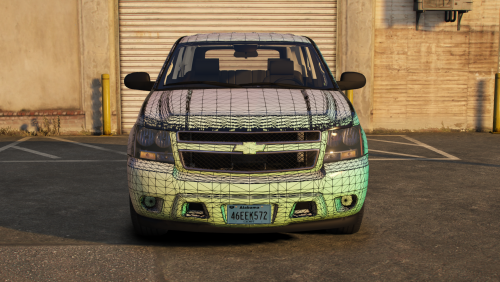 Update your version to the latest, no reason as to why you can't if you have the licences unless you are using a torrent. If you are using a torrented version of Zmod. LCPDFR dose not support the use of torrents. Buy a license, it's not that much when you compare it to other yearly licences like Photoshop.
 -
My game runs fine on max (75+ FPS, with a scale multiplier of 1.5 so 1440p) and I only have a few car mods and a few scripts (trainer, BVA, and another one which name I can't remember)
-
I've been trying to find something for a while with this and the only thing I've found that works well is to use Non-ELS and have the corona behind the light. Limits what you can do but it dose make them brighter. My Arrow XT is a good example of this. There was a way though Zmod to increase the emissive of a light_emissive per texture, so the L0 could have a multiplier of 3 and the L2 could have 5 But the got broke in the bikers update and hasn't been fixed yet.
-
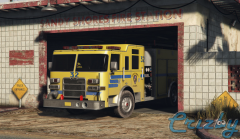 I tend to not like yellow firetrucks but that is nice very nice, must be the yellow blue mix or something. Speaking of nice. It make me happy when I see people using my releases. Nice to see people enjoying them as much as I enjoyed making them.
 -
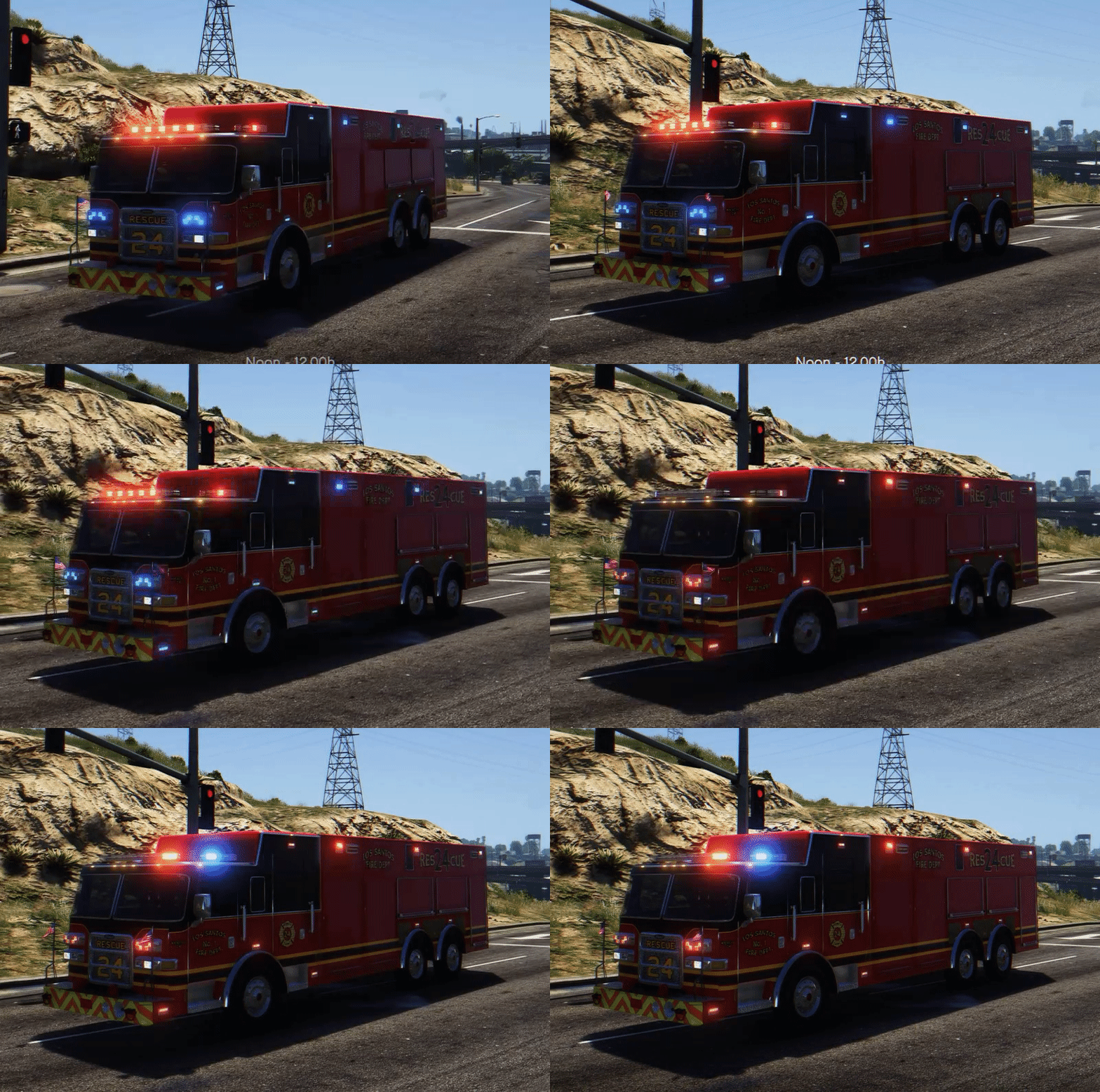 Should be all red
 -
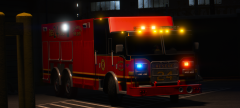 I feel like I should know that truck 😏 That aside looking very good, also which freedom are you using?
 -
I used to go by 00Stevo
-
I think I remember you.
-
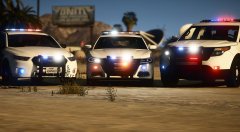 Very Cool, but the lights look washed out in the day shots.
 -
-
Cyan mention this on another topic 'The new CDN system is very strict on making sure the IP address of who completed the CAPTCHA matches who is downloading. I'm assuming for some reason your IP address is different between insecure and secure requests.' They have also mention that they are working on a workaround
-
Sweet I can finally download at 2.1mb instead of 2.0mb That was sarcasm, but being serious that is very could. an site improvement is great
-
Night is all good and all but how to they look during the day.
-
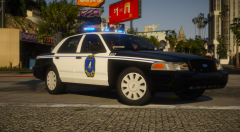 I like that rear lightbar set up, very different with the half blue/half yellow
 -
If you can try opening taskmanger while playing GTA V (Window mode works well for this) and see if anything other then GTA is using alot of resources Also what are your 'advance graphics' settings set to
-
End the discord process if you have it running, don't just close the window, end it in task manager. Discord is know to cause alot of issues with GTA V from Frame rate drops to not being able to use your numpad
-
Looking forward to being part of the team.
-
Mainly just stuff the I make that is 90% of the time half done.
-
I tend to use CVPI alot, I just like that car, that and since GTA v is 2013 I try to keep my cars around that
-
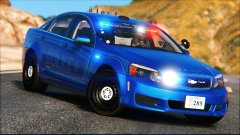 oh nice, A blue style ghost skin. Don't see many of those
 -
Why are there people that keep thinking they're above the law, no one is above the law
-
On the topic of knowing what they say 1st: 3ypqv1n 2nd: 9hdbr95 3rd: Irh1c I find the CAPTCHA easy, Could just be because I have messy handwriting so I can read 'chicken scratch' but that just me.
-
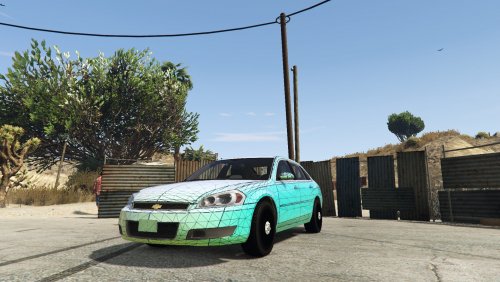 It is, at the time of making this the GMC police page had a listing for this body style with the 2016 model year (can't find the page anymore) . The civil version used the newer body style, while the police still used the older one with a slightly changed bumper
- 23 comments
- 7 reviews
-
-

- 1
-
-
At least this looks like an SUV and not a giant hatchback


