



iiAwesomeCops
Members
-
Joined
-
Last visited
Everything posted by iiAwesomeCops
-
-
-
Ive been crashing randomly, and i dont know why. No idea which plugin is causing it or whatever.. RagePluginHook.log
-
 For your first Callout pack, This is just fantastic. Keep going like you are now, dont stop! 😄 You have so many Possibilities with this pack; Multiple robbers or a Bankr robbery. Great pack. 6/5
- 62 comments
- 11 reviews
-
-

- 1
-
-
-
-
Whenever i add the 5x traffic and 5x Peds Gameconfig my game crashes on start... It works with the 1x but i want more traffic lul
-
-
 Great Ambulance, Probably best looking on out there. One issue tho. Youve put a Second Livery in the Ambulance ytd, which looks like a Template of some sort. Sometimes it will spawn with that. Other then that, Amazing Vehicle.
- 209 comments
- 40 reviews
-
Oh my i cant wait to Finally join the beta!
-
After reinstalling the Game Completly it still does not work. Any help is appreciated
-
After going back to my backup again, it still didn't work. I do not have ANY visual enhancements installed right now, deleting the Visual settings and installing it again didn't work. I only have the problem with Custom vehicles, Replace or addon.
-
 i bought the full version and it works, You should try getting it to control your vehicle outside off the car. And the backup functions dont work, Try integrating with Traffic Stop Backup From bejoljo!
- 133 comments
- 13 reviews
-
and after deleting GTA v and going to my backup folder, Still the same problem....
-
Amazing app! I would just like to see more features like integration with the traffic stop backup mod and others. Also controlling your vehicle while not inside of it. Overall great. P.S, you can use it on ios but you have to pay 5 Dollars.
- 133 comments
- 13 reviews
-
-
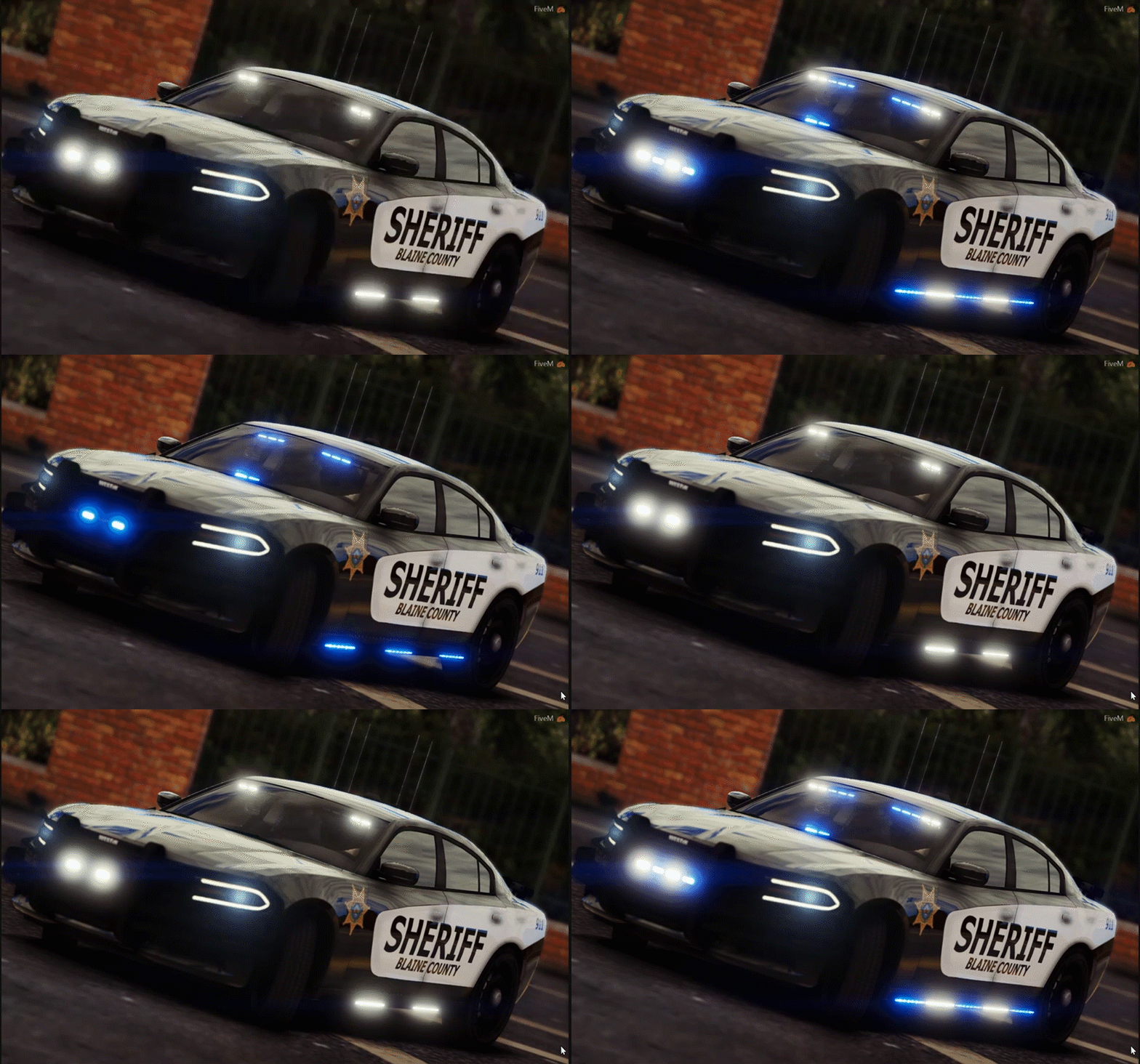
and when I step back like 5 feet from my vehicle the lights work perfectly fine. But I think that is just ELS doing its job. Any help is appreicated
-
I have done that, I can crank my Settings up to 100000 Not kidding and still no difference...
-
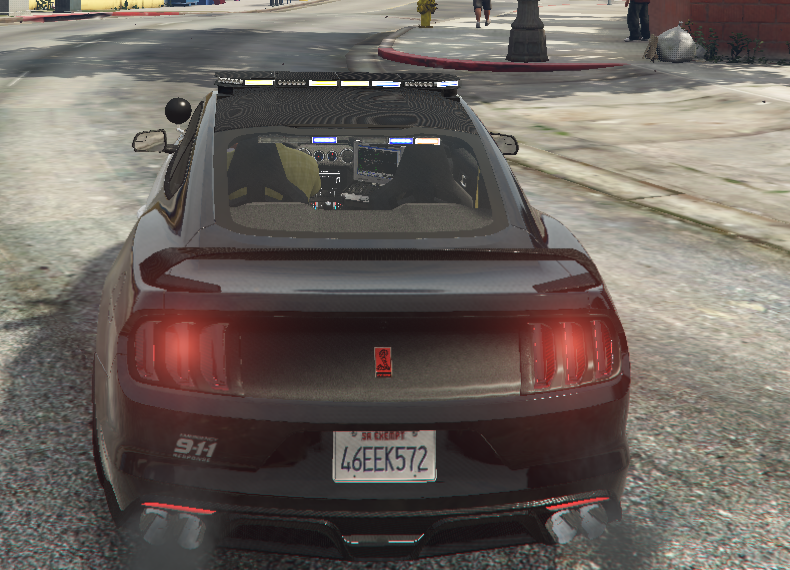
So i installed Better emergency lights (B.E.L) and I did not like the way it did my police rights. then I installed Radiance V and it seems that just made it worse I don't have ANY coronas now and the blue and red lights are just... kinda white. Thanks in advance. -Jakob. Note: The Head- and Taillights do work as you can see And it works on non-addon cars as the one in the picture is an Add-On.
.thumb.png.52a38c621c86393cf001397eb4b31575.png)
-
And when I start GTA without RAGE it just says GTA v stopped working after a while of loading :/
-
Help... Just installed RDE and Pull Me Over RAGE Crash report:
-
i got it working with the raptor but the jeep is not working..
-
Either I did something wrong or it didn't work...
-
I install this with OpenIV? and then?
-
I wasn't able to find that for the Ford Raptor... The one for the Jeep I was able to find, I installed that and it didn't work I drag and dropped the .Meta file in the location it said in the Readme




.png.4dededc2d1d4b13263d386e2a6de9fae.png)
