chadc78
Members
-
Joined
-
Last visited
Everything posted by chadc78
-
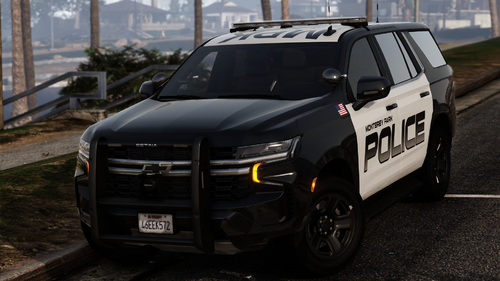
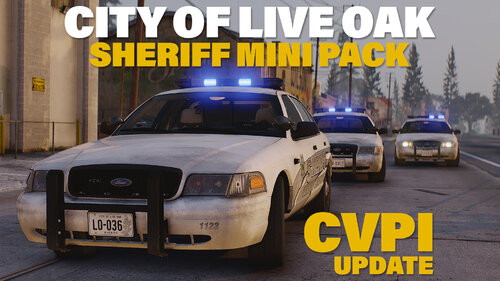 I got the other working by editing the Veh Meta file by adding required extras etc., also I had to add Law Enforcement tag to meta because they wasn't registering as a police vehicle so I couldn't make stops or access computer etc. Other than that, Tahoe's are kick ass
 -
Each time I spawn these SUVs the lights are different everytime an dwhat I mean by that is I can spawn the same model multiple times and one the dash lights work and no others another one the rear lights will work and no others or the grill lights and taillights will work and not the dash or rear, what could be the issue? I installed exactly as suggested
-
-
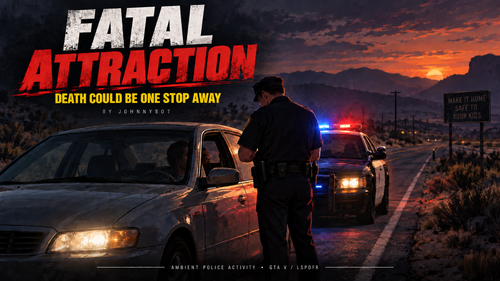 Great concept however every stop that I rolled up on the officer's siren was usually going but no lights, the biggest gripe I have is the units themselves I had one stop with a Prison Bus, LSPD all over Blaine County. It would be nice to be able to configure what agency to use or for the plug in itself to rely on backup from either Ultimate Backup or PR
 -
-
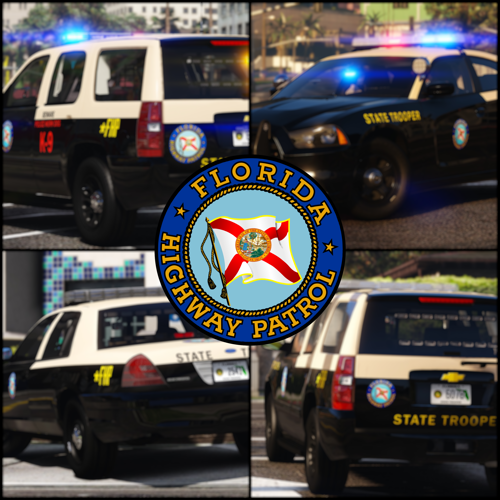 Does anyone know of a fix for the FPIU's to keep from disappearing, I upped the LODS in the meta but didn't help. Just wheels and license plates most of the time even at up close
- 300 comments
- 22 reviews
-
 If it applies to the vehicle then it would be proper every time, If I'm understanding for example a person on a motorcycle it would then generate the endorsement but if it was random then you would have a probability to stop a motorcycle and the operator does not have the endorsement or if you stopped a large commercial truck and the driver didn't have a CDL if I'm making sense
- 421 comments
- 47 reviews
-
@ CossackGames would it be possible to add a License class or Endorsement to the Driver License pop up but still be random like auto generated, such as CDL or or motorcycle endorsement?
- 421 comments
- 47 reviews
-
-
 Seems to update daily but nothing changes, currently on the latest Beta version and all calls are the same, Motorcycle crash = man standing in the road, Burglary = Man standing over Man in the road, Stabbing = Man with knife, yep you guessed it standing in the road. Every call the same thing, no dialog, no context, however I'm still giving 2 stars for the variety of calls and the fact a lot of them would be everyday LE calls that an officer may encounter in a shift, other than that this really needs a lot of work or just rebuilt completely.
- 70 comments
- 8 reviews
-
-

- 1
-
-
- it
- us
- lore
- lspdfr callout
-
Tagged with:
-
-
There have been 3 or 4 updates but the same version number and same description, has anything changed?
- 70 comments
- 8 reviews
-
-
- 2
-
-
- it
- us
- lore
- lspdfr callout
-
Tagged with:
-
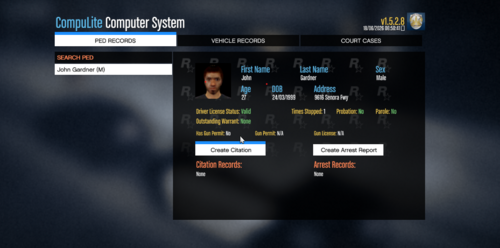 I agree when trying to locate someone from a vehicle tag you would go to an address to locate them, the probability that data from running a tag would lead you to someone randomly walking a street is 0% however it could be likely that while in route to the address listed for the vehicle you could encounter them walking near the address, just my opinion but nevertheless this is a good mod and addition to the game
 -
I agree, especially with the accident reports should be able to include multiple drivers/vehicles and also with incident reports should have suspect and victim info. Ive tried NexusMDT and its reports are more detailed however of the 2 I prefer pdcomp as it seems to function and run smoother. If the 2 devs would put their heads together they could combine and probably make one helluva MDT
- 421 comments
- 47 reviews
-
-
- 2
-
-
The steps I took was sitting in my vehicle I use STP to run vehicle tag and then when the owners name pops up on the left side of my screen I copy the name exact into this mod search bar and every time I get the same response ped not found in data base, I then use peds names from previous interactions from history on NexusMDT and also gets same results
-
This is great and overdue was excited to try it but every name I search I get the same response (name not found in database), tried several times using names of peds that I had just interacted with and then started running plates on parked cars and entered those names and it was the same response
-
 That's the only way you can get it is through the paid version check your version that it is the latest version they posted. I don't have the paid version
- 202 comments
- 21 reviews
-
-
 I have SSLA, I can spawn the vehicle over and over again and each time I get different results with lighting sometimes I get just 2 yellow flashing lights, some I get a red and blue on each side, once I got it with all lights working its kinda weird almost everytime there was a different result as far as light stages go
 -
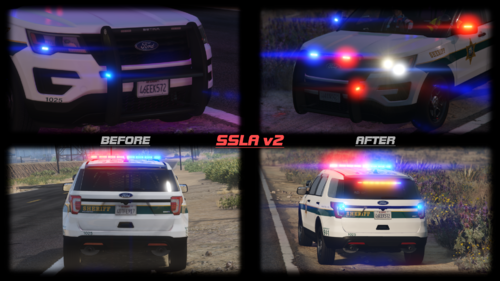 I got and downloaded it installed it and ELS lights and vehicles quit working, downloaded the updated version from yesterday and same thing ELS vehicles and ELS side of hybrid quit working, uninstalled it and they still don't work, anybody else having this issue if so what is the solution
- 342 comments
- 20 reviews
-
-
- 1
-
-
Is there a link other than the one here? Because using the discord invites here takes you to a blank page with the message "messages failed to load" I have tried every link here seems to be like an unused undeveloped discord page
- 342 comments
- 20 reviews
-
-
 Not sure why but after I installed once one the callouts come up every callout from there on even other packs if they come up and I try to accept them its nothing wont let me, and even try to maually load callout wont do it says callout allready running its like the callout never clears as if your always on it
- 30 comments
- 7 reviews
-
Thank You, I removed SSLA and fixed the issue
-
After the latest update 3/17 my Non-ELS and ELS Hybrid vehicles lights no longer work, ELS vehicles work as they should but none of the Non-ELS vehicles work. When I activate lights on a ELS Hybrid vehicle and rotate camera around vehicle at certain angles I get a blueish filter over entire screen. I've tried everything I know to do and nothing fixed issue, really dont want to re-install game and all mods, stuck and need solution