
StraightGlitcheZ
Members
-
Joined
-
Last visited
Everything posted by StraightGlitcheZ
-
-
-
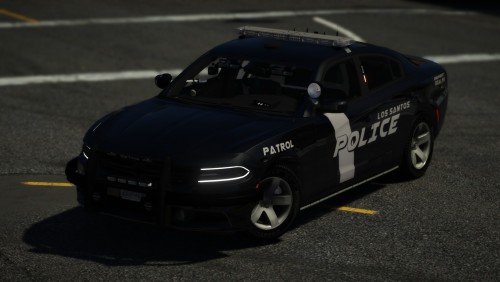 With the back not having a lot of space. I couldn’t really add more lights without it looking tacky
- 26 comments
- 7 reviews
-
-

- 1
-
-
-
Screenshots by @Dom665 Skin by @Austin97 Discord: https://discord.gg/w8ueksm This car took me weeks to assemble to I hope you enjoy it. Any missed or wrong credits feel free to tell me. There is one bug the env ligh for the spotlights shines backwards. Couldnt fix it. Fixed rambar texture but I didnt update the screenshots of the new texture on it Coming soon in next update: Changing rambar material to match rambar Added a non slicktop version. He is a video of it
- 26 comments
- 7 reviews
-
-
- 6
-
-
-
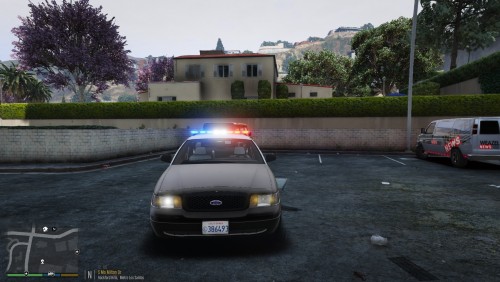 Heres the correct credits for the liberty. I dont want to take all credit for the lightbar when all I did was remapped and put emmsives on it so its ready to import and move. RoegonTV's liberty mapped and assembled by StraightGlitcheZ
 -
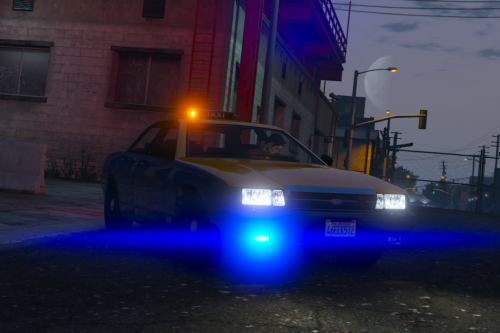 Why defualt taxi
 -
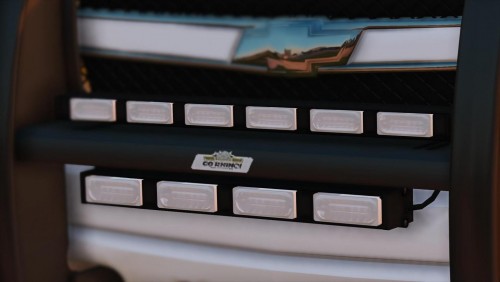 Looks good
 -
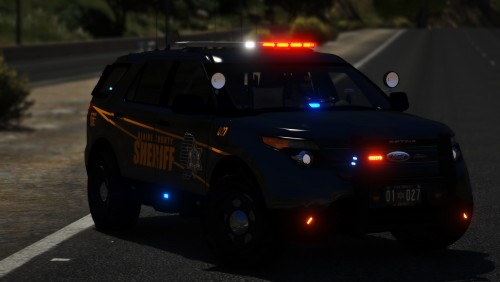 Thank you for your time to write a full honest review. For the lighting pattern of my liking I had to set the els config like that. Making the lights on the boot extra_5 and extra_6 all the other lighting extra_1 and extra_4 so that’s what at stage 2 it jumps to all lights and stage 3 the warning lights turn on. I’m sure this can be changed in the els config but I’m not that experienced with els configs so I barley messed with it.
- 35 comments
- 15 reviews
-
-
-
-
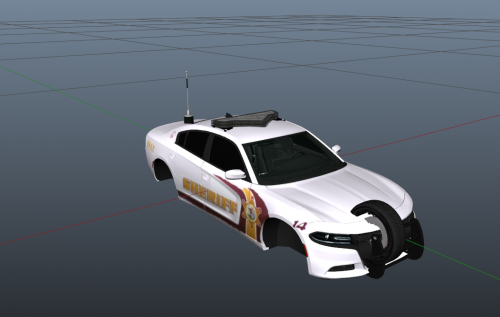 I think the antenna is scaled wayyy to big. Look into that and I would call it something good for a first model.
- 6 comments
- 1 review
-
-
- 1
-
-
-
@Gwar Against the Pigs I messed up and made several textures for it but the main one is expsign or something close to that. Look for that and replace that skin with that. Make sure to use the template in the folder.
- 35 comments
- 15 reviews
-
No you can leave the community
-
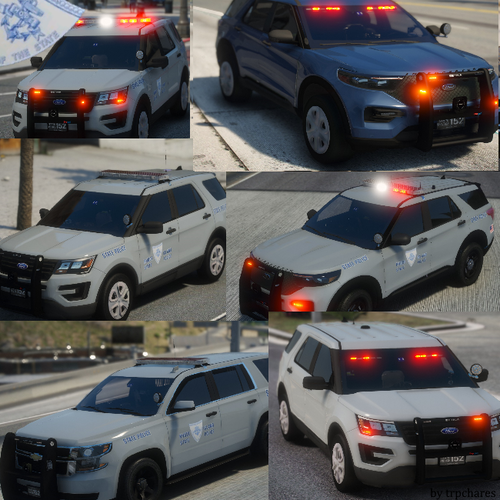 Hey man, Love the pack, Amazing. One thing is I didnt make the lightbar I just uv mapped and rescaled it. Nothing wrong just replace this with the credit. RoegonTV's liberty mapped and assembled by StraightGlitcheZ
- 36 comments
- 8 reviews
-
-
If you dont have time to help us, then you should just leave the community team. Its just horrible for you to say that after medic put all his heart on that and you reply with that. Shame on you. I know some people dont like me at all. But thats fine. I dont hate anyone nor do I wish bad things for anyone. But I still care for people on here even if they dont like me. Please at least have some fucking respect to us. You noticed the download rates on things have dropped. Mostly because people got tired of all the drama the people have been making and left.
-
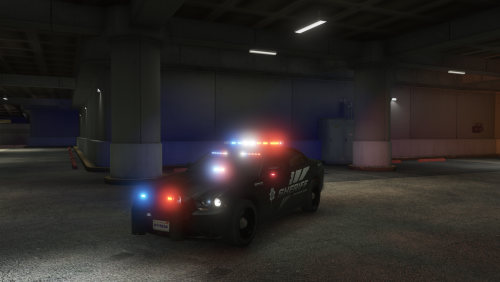 I like the lighting setup. I suggest this car to people who like basic lighting. Nice job Wookie!
- 12 comments
- 4 reviews
-
-
- 2
-
-
Im not saying you cant point things out. I appreciate you telling me. But its just not something to reupload over. But thanks for pointing it out.
- 35 comments
- 15 reviews
-
-
- 1
-
-
-
Whoever made the skin please comment because I forgot who made it and If you dont mind please comment and tell me to credit you. Thanks!
- 35 comments
- 15 reviews
-