JohanB
Members
-
Joined
-
Last visited
Everything posted by JohanB
-
 The readme is quite clear, the instructions aren't the issue here.......
 -
.thumb.png.5fc6fb965ec17f4cda96c77e3741f4a6.png) Make sure you have the latest version of the pack downloaded and installed. You can join Jed's discord for further support
Make sure you have the latest version of the pack downloaded and installed. You can join Jed's discord for further support -
It has fixed itself, no clue how or why
-
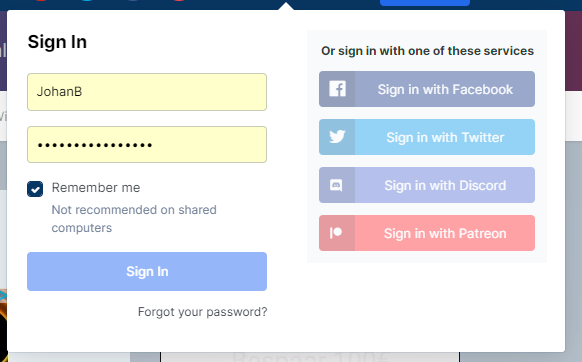
I'm trying to switch from Chrome to OperaGX but can't login on lspdfr.com All the options are greyed out. Anyone have any ideas? I've turned off all adblockers/vpn stuff.
-
-
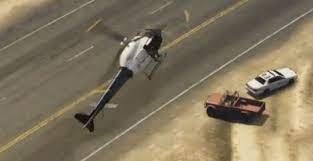 Congrats on trying to do something unique. I'm definetly going to try this later
 -
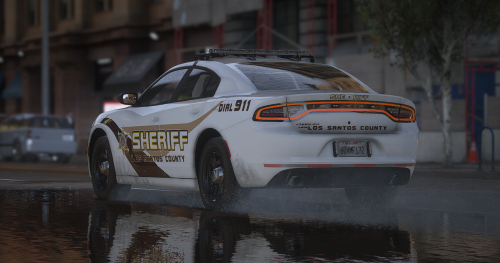 What vehicle pack is the one used in the screenshots? Also the description is for the EUP pack instead of for the livery pack
- 7 comments
- 1 review
-
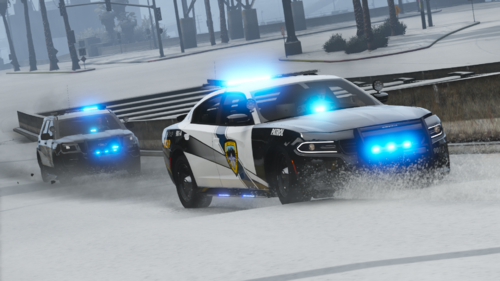 The link to the vehicle models doesn't work, can you look at that? Or maybe state for who's bases the skins are?
 -
Try this one:
-
-
 Grammar Police needs an update for the new LSPDFR. It now crashes the game
- 1,366 comments
- 87 reviews
-
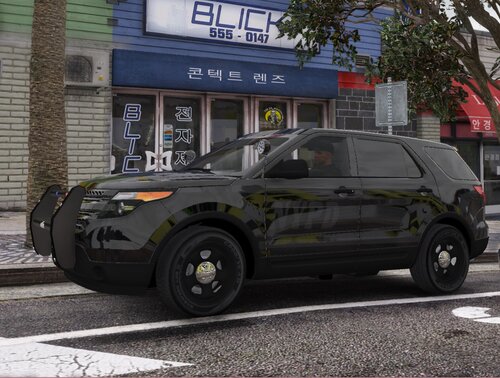 Should've titled it correctly tbh. Also why does it say Non-ELS? These are skins not vehicles. Same for FiveM ready, that means you can literally drop the download files in a resource and go with it however these are .dds files which you have to add to the .ytd in openiv
 -
 Looks awesome, definetly gonna try this out. Is there any chance you can make this work with ultimatebackup as well?
- 403 comments
- 24 reviews
-
 Absolutely amazing, vehicles are incredible and it's all super easy to install. Thank you for making it so that I never have to worry about what unmarked vehicles I want.
- 485 comments
- 78 reviews
-
-

- 1
-
-
.thumb.png.4f345d51f1aa12f1d39c2997ca6d84ed.png) lmao you call zak an idiot while you're the obvious one lol, like Zak said it's a joke. Anyway Blue River Studios you could just name it something normal like Chinese police and ambulance pack or something
lmao you call zak an idiot while you're the obvious one lol, like Zak said it's a joke. Anyway Blue River Studios you could just name it something normal like Chinese police and ambulance pack or something -
-
.thumb.png.737d257244ee5eed551e9d8291eb2fdd.png) Could you link the charger with the lightbar too or maybe tell me how to get it? The livery is beautiful btw
Could you link the charger with the lightbar too or maybe tell me how to get it? The livery is beautiful btw- 4 comments
- 2 reviews
-
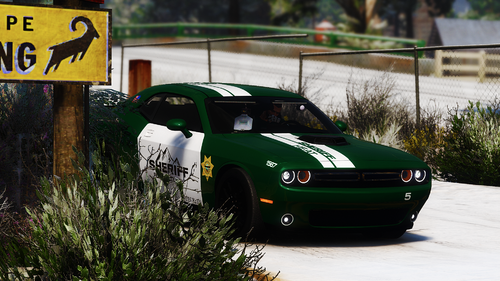 @sergeantFrank Were you able to turn the Challenger to all blue? If so how? Most vehicles were all blue or came with all blue option or there was a file available on this site but I couldn't find one for that Challenger and I'd like to keep the entire fleet all blue
- 46 comments
- 7 reviews
-
Absolutely incredible pack. Can't wait for the EUP overhaul pack that goes with this to come out which I'm sure will be incredible as well. I'm finally statisfied with my sheriff fleet.
- 46 comments
- 7 reviews
-
-
- 1
-
-
I completely understand, thanks for still linking them though. You're a legend That's weird if you ask me. The review should be about the skins themselves. Having to download and install vehicles and install the skins on them is very normal for texture packs especially the ones this big so really it's an invalid point.
- 46 comments
- 7 reviews
-
-
- 1
-
-
Maybe it'd an idea to link the vehicles you use when possible. Just for our convenience
- 46 comments
- 7 reviews
-
-
- 1
-
-
-
 Preview?
 -
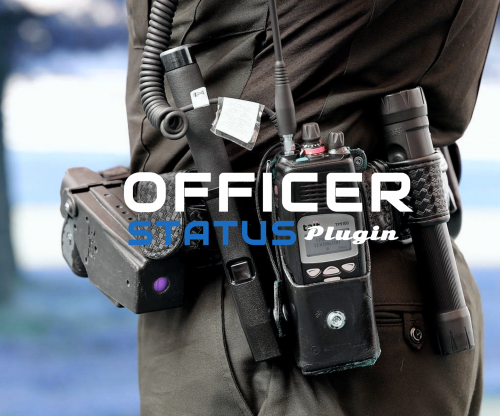 Preview please?
 -

.thumb.png.5fc6fb965ec17f4cda96c77e3741f4a6.png)
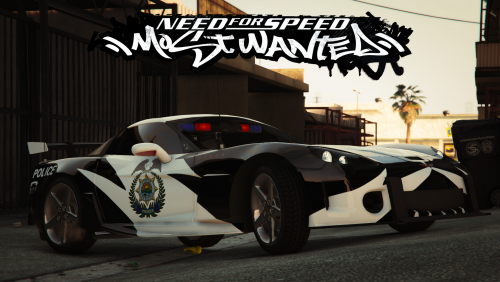
.thumb.png.4f345d51f1aa12f1d39c2997ca6d84ed.png)
.thumb.png.737d257244ee5eed551e9d8291eb2fdd.png)