


Tactical Donut
-
Joined
Everything posted by Tactical Donut
-
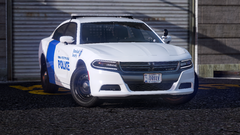
From the album: [WIP] Department of Homeland Security Mega-Pack
-
So I'm working on this DHS pack and I'm running into some problems with the lightbar glass for some reason. I'm honestly not sure how to explain this one... So here are some videos demonstrating the problem. zmod attach problem: https://youtu.be/6jLJJwqPJoU Weird behavior in-game: https://youtu.be/6uF_yB1GipI (axes to world) Weird behavior in-game: https://youtu.be/0DWaCr94DGk (axes centered to object) If you look closely at the second video, you can see that even when the vehicle is stationary the lightbar glass isn't properly positioned (modules are clipping through the top), even though it displays correctly in both OpenIV and zmod. When the vehicle starts moving, the glass literally starts spinning in a circle around the vehicle and comes to rest wherever it feels like. I attempted to rectify this issue in zmod by attaching the glass to the lightbar base but that doesn't work either. I also tried attaching the glass to the base in the original and unmodified file I downloaded from LSPDFR.com and the same issue happened. Repairing the car does nothing to change the position of the glass. I also tried centering the axes of the glass to the object, which resulted in the glass spinning around its original location. If you want a link to the z3d for testing or something let me know and I'll provide it via PM. I don't really want to change the lightbar at this point so any assistance would be helpful.
-
-
-
.thumb.jpg.033062cfbf6847e44e381bf3a650bcb9.jpg) Please dear god stop linking my Charger or put all of these into one file upload
Please dear god stop linking my Charger or put all of these into one file upload -
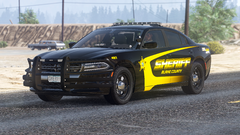
From the album: Screenshots I guess
I don't want to rework the entire pack since all of the files are gone so I'd have to completely redo them, so I'll release this as a standalone vehicle sometime -
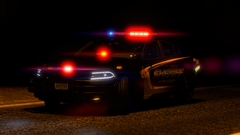
From the album: Screenshots I guess
I don't want to rework the entire pack since all of the files are gone so I'd have to completely redo them, so I'll release this as a standalone vehicle sometime -
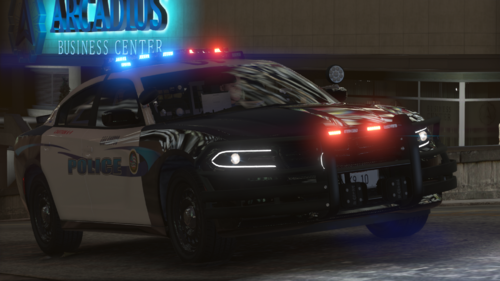 Where did you get the K-9 cage from? I've been looking for one for a while and it's not listed in the credits.
- 18 comments
- 7 reviews
-
-

- 1
-
-
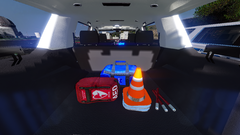
From the album: Screenshots I guess
-
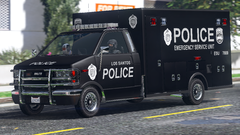
From the album: Screenshots I guess
-
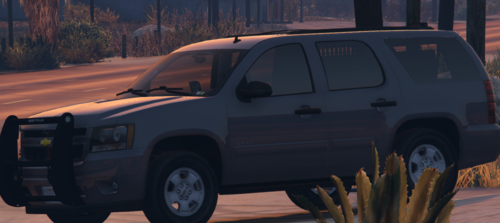 Seriously? It's literally adding "crash" to the user-defined options; it takes less than a minute. Reminds me of when I didn't add LODs to my cars since I was too lazy to make changes on all levels and I rightfully got some sense knocked into me by more experienced modders. I'm genuinely curious, why would you lock the model and then have half the description talk about stuff you can't do unless the model is unlocked? You clearly want people to mess with it, why not just have the model unlocked instead of forcing people to "hmu"?
 -
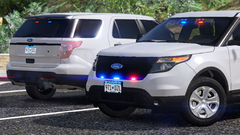
From the album: Screenshots I guess
-
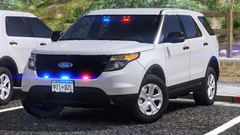
From the album: Screenshots I guess
-
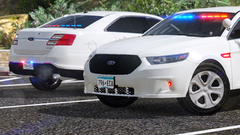
From the album: Screenshots I guess
-
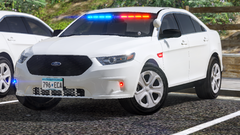
From the album: Screenshots I guess
-
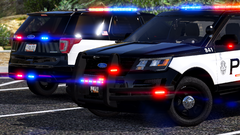
From the album: Screenshots I guess
-
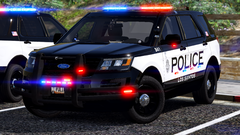
From the album: Screenshots I guess
-
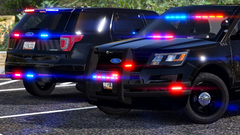
From the album: Screenshots I guess
-
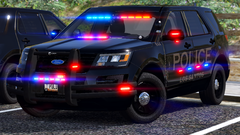
From the album: Screenshots I guess
-
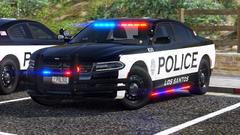
From the album: Screenshots I guess
-
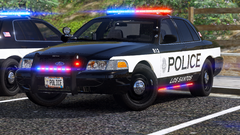
From the album: Screenshots I guess
-
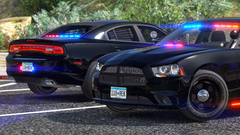
From the album: Screenshots I guess
-
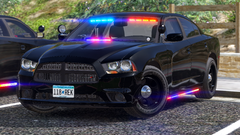
From the album: Screenshots I guess
-
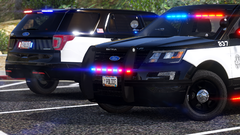
From the album: Screenshots I guess
-
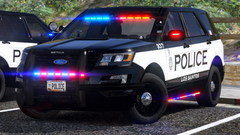
From the album: Screenshots I guess


.thumb.jpg.033062cfbf6847e44e381bf3a650bcb9.jpg)
