


Tactical Donut
-
Joined
Everything posted by Tactical Donut
-
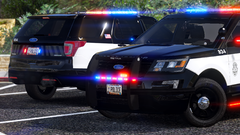
From the album: Screenshots I guess
-
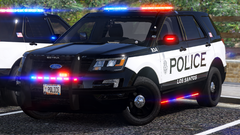
From the album: Screenshots I guess
-
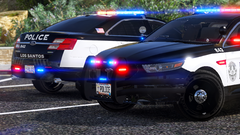
From the album: Screenshots I guess
-
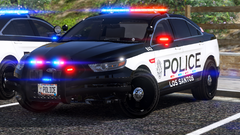
From the album: Screenshots I guess
-
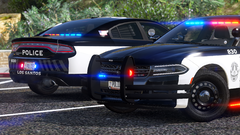
From the album: Screenshots I guess
-
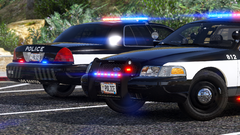
From the album: Screenshots I guess
-
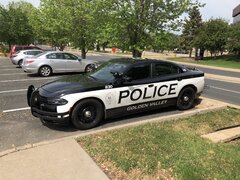
From the album: Golden Valley Police Department (GVPD)
-
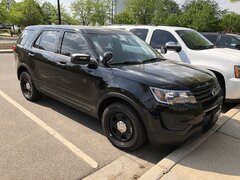
From the album: Golden Valley Police Department (GVPD)
-
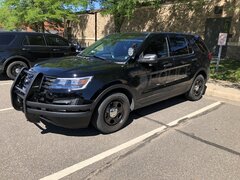
From the album: Golden Valley Police Department (GVPD)
-
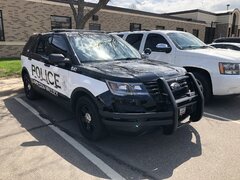
From the album: Golden Valley Police Department (GVPD)
-
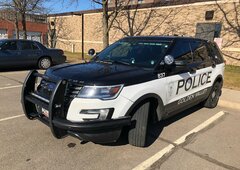
From the album: Golden Valley Police Department (GVPD)
-
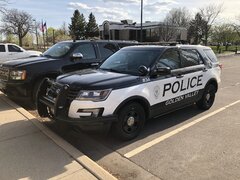
From the album: Golden Valley Police Department (GVPD)
-
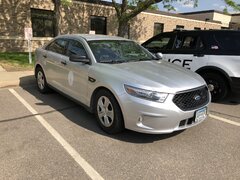
From the album: Golden Valley Police Department (GVPD)
-
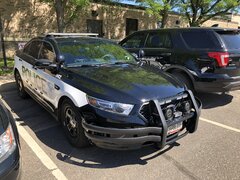
From the album: Golden Valley Police Department (GVPD)
-
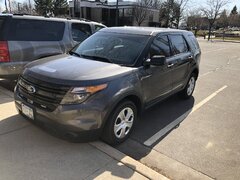
From the album: Golden Valley Police Department (GVPD)
-
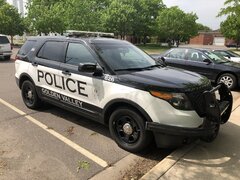
From the album: Golden Valley Police Department (GVPD)
-
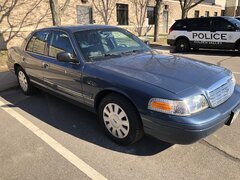
From the album: Golden Valley Police Department (GVPD)
-
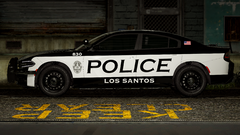
From the album: Screenshots I guess
-
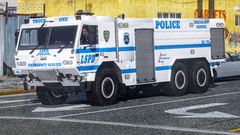
From the album: Screenshots I guess
-
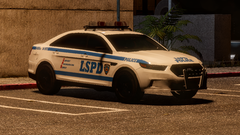
From the album: Screenshots I guess
-
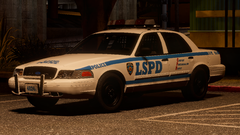
From the album: Screenshots I guess
-
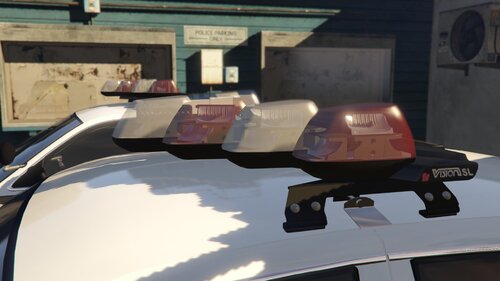 I'm so happy that you released this as a public dev model! Thank you for giving back to the community. Now it's time for me to have a stupid question. Do I need to map the front of the rotator to a specific color I want, given that it's already set to the lightbar mesh? I also set it up to work with DRO2 with the invisible glass thing, but is that strictly necessary since the rotator isn't set to an emissive? If you want to add me to your ignore list for asking these questions, feel free; I probably would have done the same.
 -
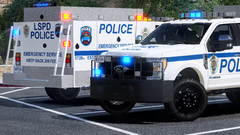
From the album: Screenshots I guess
-
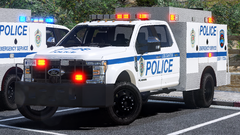
From the album: Screenshots I guess
-
 Yeah, no. Change it to paint 3 in the shader settings and adjust the material name accordingly.


